
Settings buttons & media manager are in the bottom right corner. They open the media manager, the app settings and the video and audio menus. The menus do not open during recording. The group can be hidden or shown on a swipe in Interface.
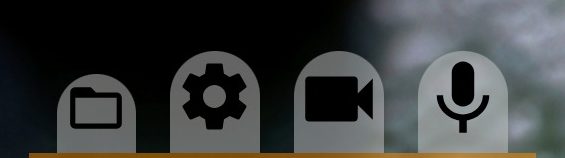
1Media manager
Opens the media manager: your recordings, RAW recordings and snapshots.
2Settings
Opens the app settings: viewfinder, control, interface, storage and other settings.
3Video
Opens the video menu: frame size and rate, slow motion, codec, metadata, GPU and hardware settings.
4Audio
Opens the audio menu.
Folded buttons
On a narrow screen, for example when the phone is held upright, the four buttons fold into this one. Tap it to show them.