
In the app: gear (settings menu) Other settings
Other settings: when the app closes by itself, what happens on overheating, notifications, screen orientation and brightness, statistics and language.
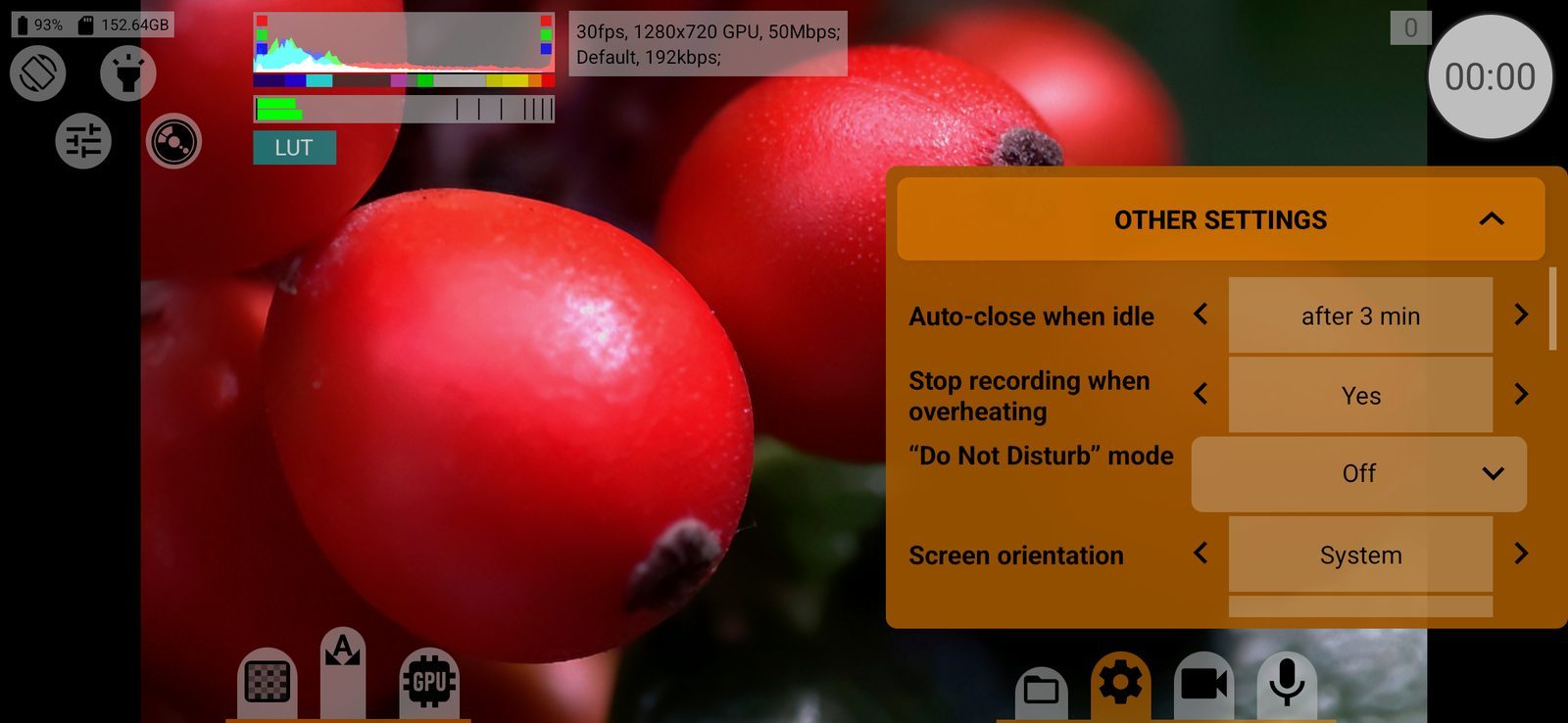
Auto-close when idle
Closes the app when the screen has not been touched for 1, 3, 5 or 10 minutes, to save the battery; or Off. About 30 seconds before closing a warning counts down (The application will close due to inactivity after %1$d seconds); any touch resets it. Never closes during recording or while an HDMI display is connected. Default: 3 minutes.
Stop recording when overheating
Yes: when the phone reports critical heat, recording stops (Overheat, recording stopped). Before that, at high heat, the app warns (High heat, recording may stop). No: only the warnings. Works on Android 10 and later. Default: Yes.
\u201CDo\u00A0Not\u00A0Disturb\u201D mode
Mutes notification sounds, vibration and pop-up notifications while a recording is running, so that a message or a call does not interrupt the shot. Media sound stays on.
- Off: notifications work as usual;
- During recording: the app's own Do Not Disturb mode is on from the start to the end of every recording.
The app needs Do Not Disturb access; when you choose During recording without it, Android's settings open. The mode is always switched off when recording stops, and also when you return to the app after a crash. The row is shown on Android 10 and later. Default: Off.
Screen orientation
System (rotates with the phone in all four directions), Landscape, Portrait, Landscape reverse or Portrait reverse. During recording the orientation is fixed as it was at the start. The orientation button among the quick access buttons does the same: double-tap it to choose, long-press to fix the current orientation. Default: System.
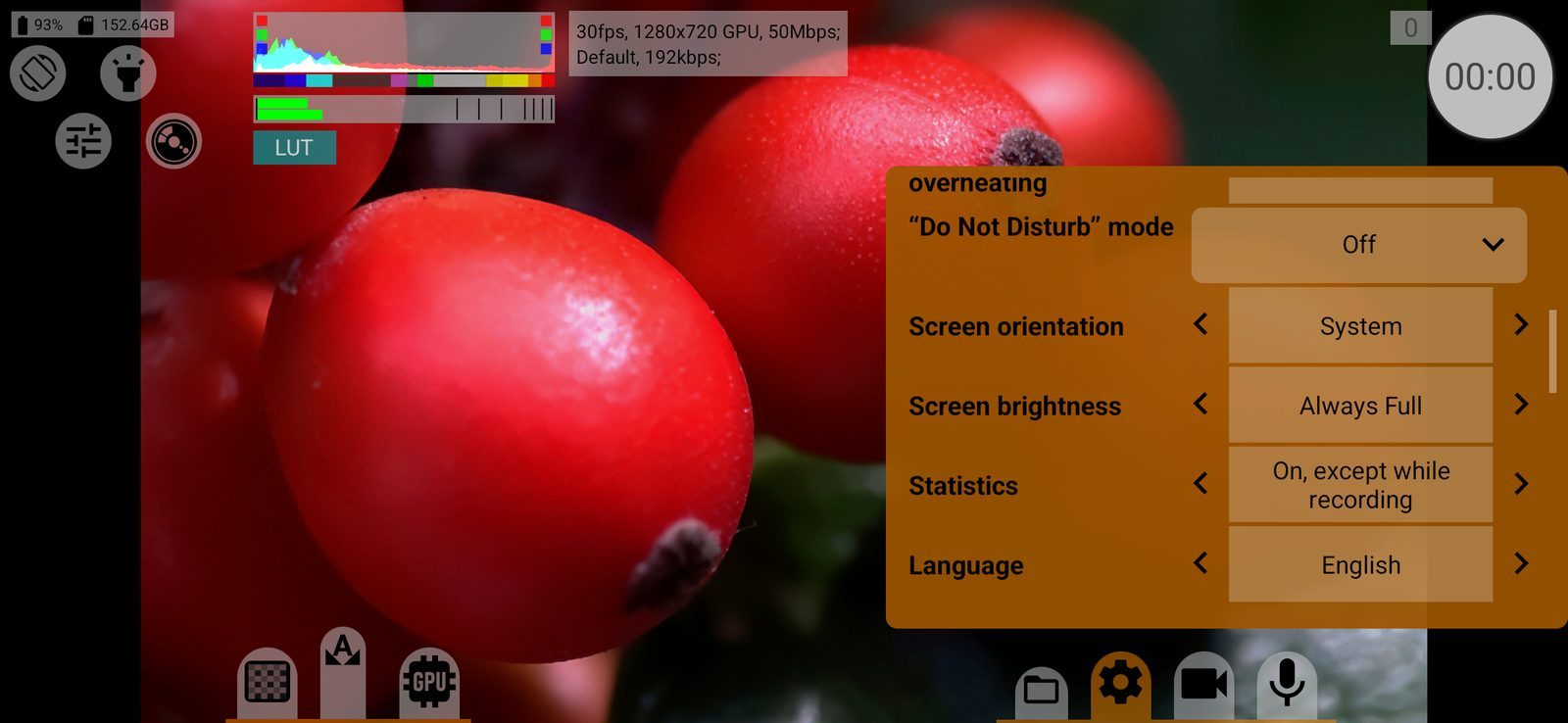
Screen brightness
Always Full, Preview: full Rec.: system (full brightness while framing, the phone's own brightness during recording, which saves battery and heat) or System. Default: Always Full.
Statistics
On, except while recording / Off: anonymous usage statistics that help improve the app. They are paused during recording. Crash reports are sent either way. Default: On, except while recording.
Language
System or one of 15 languages, each shown in its own name. Changing it restarts the screen. Default: System.