
In the app: gear (settings menu) Storage settings
Storage settings: where recordings are saved and how long recordings are split into files.
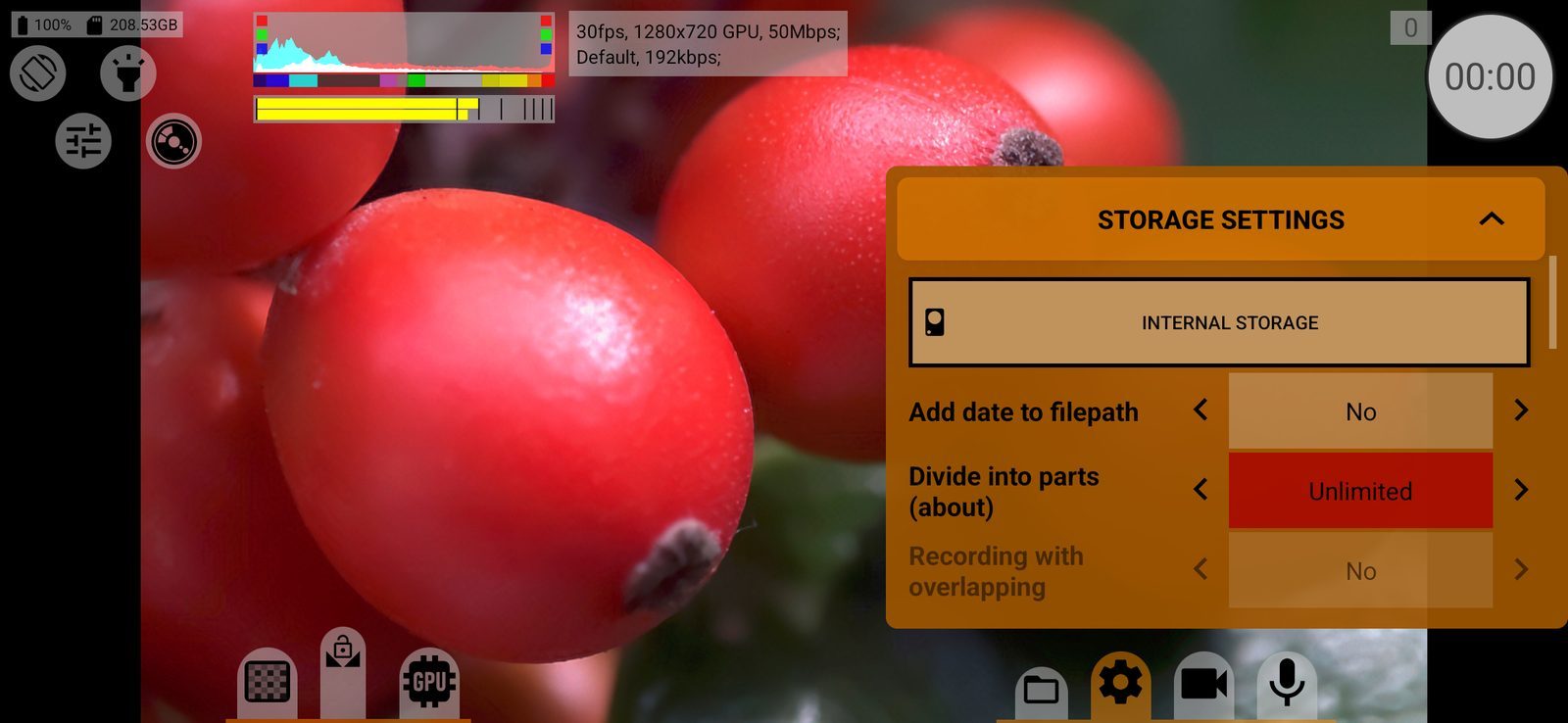
Storage
The section starts with a button for each storage: the phone's memory (Internal or the volume name), an SD card, and on Android 8 and later a USB drive. Tap a button to record there. Default: the phone's memory.
- The first time you choose an SD card or USB drive, the app asks to confirm (Writing to SD Card / Flash Storage), and for a USB drive Android asks you to choose a folder. Tap the USB button again later to choose another folder.
- The ↶ button next to an SD card or USB drive revokes the app's access to its folder.
- If the chosen folder is not on that drive, the app shows Path is not allowed.
Where the files go:
- phone memory and SD card: videos and snapshots in
DCIM/mcpro24fps/, RAW recordings (ZIP, .mcpro) inDownload/mcpro24fps/, separate WAV files inRecordings/mcpro24fps/(Music/mcpro24fps/before Android 12); - USB drive: straight into the chosen folder.
Before recording the app checks free space: with less than 50 MB (500 MB for RAW) it shows Not enough space on the media. and does not start.
Add date to filepath
Yes: files go into a subfolder named after the date, for example DCIM/mcpro24fps/2026-10-23/. Default: No.
Divide into parts (about)
Splits long recordings into several files of about 512 MB, 1 GB, 2 GB or 3.7 GB, or Unlimited (one file). Parts come out about 10 % smaller than the label. 3.7 GB fits the 4 GB file limit of FAT32 cards. Not used for RAW. Default: Unlimited on Android 12 and later, 3.7 GB on older versions.
Recording with overlapping
Yes: neighbouring parts overlap by roughly one keyframe interval, so no frame is lost at the joint when you edit them together. No: parts follow each other end to end. Unavailable with Unlimited and for RAW. Default: No.