
The GPU menu button is shown when recording goes through the GPU, which is turned on in the video menu. It is not available in RAW. Everything in this menu is applied by the GPU to both the viewfinder and the recording. The menu does not open during recording and remembers the last tab.
The tabs are: noise reduction and sharpening, GPU curve, image. Each has its own presets; the save, undo and delete buttons work as for the camera curve. Choices are stored separately for each camera.
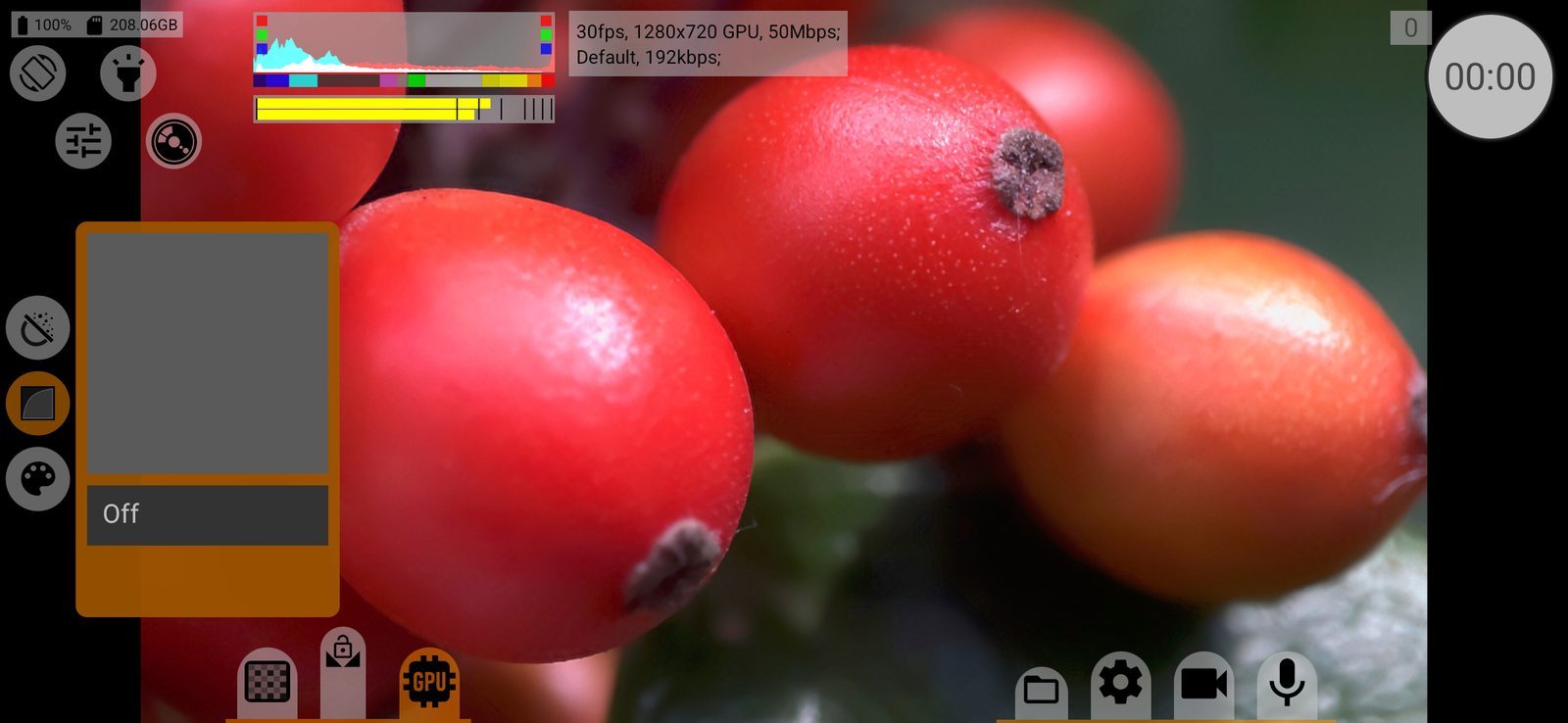
GPU curve
A second tone curve, applied by the GPU after the camera. The list is the same as for the camera curve, without Standard and mStopsLog, plus Off. Default: Off.
Reverse tone mapping
Before the GPU curve, undoes the camera curve so that the GPU works on linear data. If the camera curve is Auto, a neutral formula is used. This lets you shoot with one curve in the camera and convert it to another on the GPU. Hidden when the GPU curve is Off. The file's colour metadata takes it into account.
The GPU curve name (with "RvTm" when reverse tone mapping is on) is written to the file's metadata.
Image
Presets: Off, Empty (a neutral starting point) and your saved ones. Default: Off. With any preset except Off the sliders are: Saturation, Vibrance, Contrast, Shadows, Highlights, R, G, B and Sat. S/H (saturation in shadows and highlights).
Noise reduction and sharpening
Presets: Off, Empty and your saved ones. Sliders: Blur radius, Blur strength, Sharp. radius, Sharp. strength. Noise reduction works only when both its radius and strength are set, and the same goes for sharpening.