
In the app: video camera (video menu) Codec and container settings
Codec and container settings choose how the video is compressed and what file it goes into. The rows depend on the codec: one set for compressed video, another for RAW.
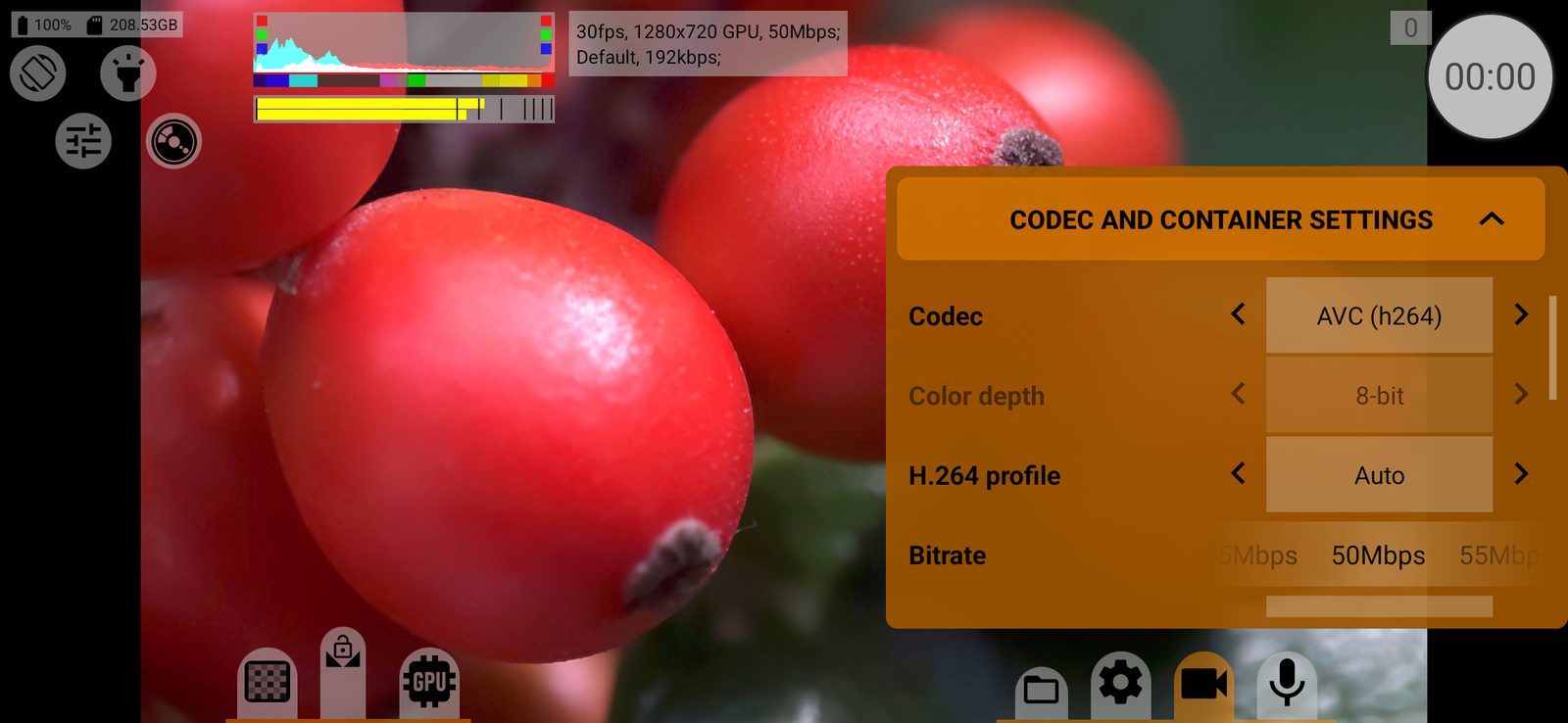
Codec
The video codec: AVC (h264), HEVC (h265), DolbyVision, APV, VP8, VP9, AV1 or RAW. Only codecs the phone has a hardware encoder for are listed (on Android 9 and older, software encoders count too). Default: AVC (h264).
- APV: Android 16 and later. AV1: Android 10 and later.
- RAW: records a sequence of DNG frames, only on cameras that provide RAW. Switching to RAW adjusts the frame size and rate to what RAW can do and reopens the camera. On a camera without RAW the app records AVC and returns to RAW when you switch back to a camera that has it.
With RAW selected, the metadata and GPU sections of this menu are unavailable.
Compressed video
Color depth
8-bit or 10-bit, plus 10-bit HDR variants where the camera supports them: HLG10, HDR10, Dolby Vision. 10-bit needs a codec that supports it (HEVC, Dolby Vision, APV, AVC with the High10 profile, VP9 or AV1 with a 10-bit profile) and is limited by frame rate and size (on most phones up to 30 fps and 4096×3072). With GPU recording, 10-bit is available only on a few phones. On some phones plain 10-bit is not offered, only the HDR variants. Default: 8-bit.
The row is hidden when the phone cannot record 10-bit at all, and greyed out when the current codec has only one option.
H.264 profile
For AVC (h264) only: Auto (the encoder decides), Maximum (the highest profile and level the encoder supports), Baseline, Main or High, each with its highest level. Profiles the encoder does not support are skipped. Default: Auto.
Bitrate
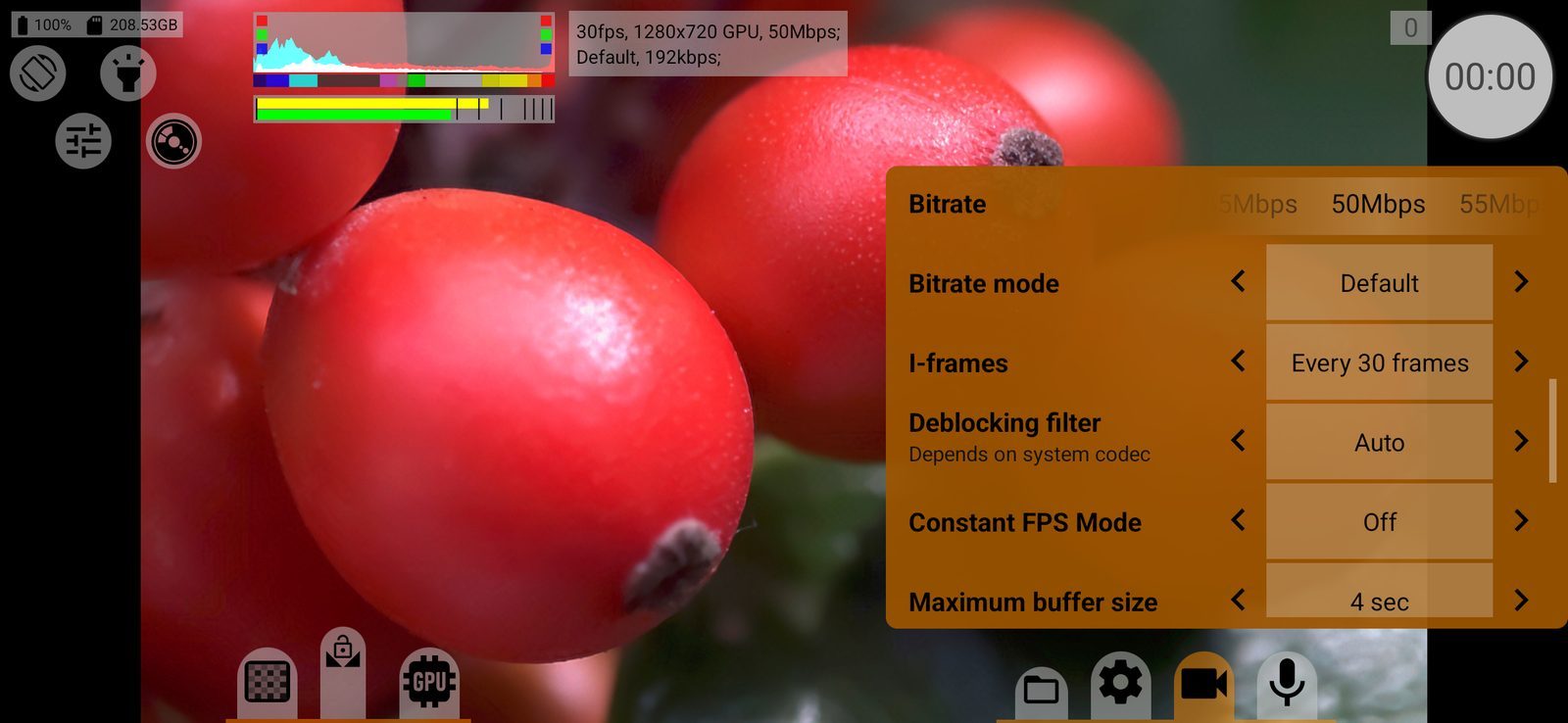
The target bitrate, from 1 to 500 Mbps (higher on phones whose encoder reports more). Values above the encoder's stated limit are shown in red: you can select them, but the phone may not reach them. Default: 50 Mbps.
Bitrate mode
Default (the encoder decides), Variable, Constant or Constant (frame drops) (Android 12 and later: keeps the bitrate by dropping frames). Modes the encoder does not support are skipped; the row is hidden if fewer than two are available. Default: Default.
I-frames
How often a keyframe is written: Every frame, or every N frames, from a few frames up to every two seconds. At 30 fps the choice is every frame, 3, 7, 15, 30 or 60 frames. More keyframes make editing and seeking easier and the file larger at the same quality. Default: one keyframe per second.
Deblocking filter
The encoder's deblocking filter strength: Auto, or from −1:−1 to 3:3. Higher values smooth block edges more. Depends on system codec: the phone's encoder may ignore it. Default: Auto.
Constant FPS Mode
How frame timestamps are written:
- Off: as the camera delivered them;
- Snap to grid: frames are placed on an even grid at the nominal frame rate;
- Ignore dropped frames: every frame gets an even step; dropped frames leave no gaps.
If the phone cannot keep a steady frame rate, the last two can push sound and picture out of sync; a warning under the row says so when sound is recorded. Unavailable with the System container. Default: Off.
Maximum buffer size
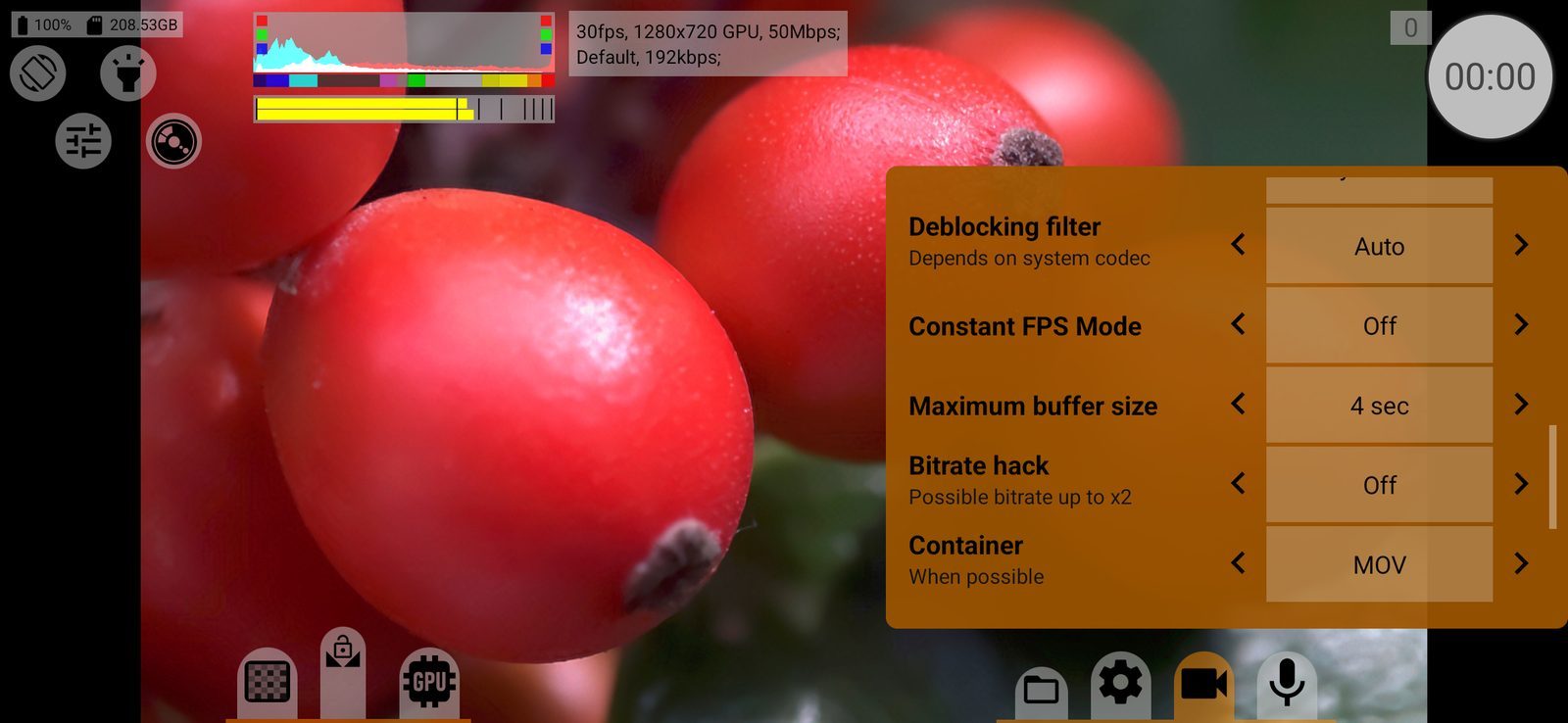
How many seconds of video the app can hold in memory while the storage catches up: from 1 to 60 seconds. A larger buffer rides out short storage slowdowns at high bitrates. Default: 4 seconds.
Bitrate hack
Lets the encoder write a higher bitrate than its built-in limit: Off / On. The value shows the multiplier the phone uses, x2 or x3. Possible bitrate up to x2: the result depends on the phone. The file plays at normal speed.
Shown only on Qualcomm phones with Android 11 and later. Works at 6 to 60 fps and without slow or fast motion; otherwise the row shows Off. Default: Off.
Container
The file type: MOV, MP4 or System. MOV and MP4 are written by the app's own muxer; System uses the phone's Android muxer and saves MP4. For VP8 and VP9 the app's muxer is always used. Default: MOV.
RAW
Container (RAW)
ZIP: a ZIP archive of DNG frames. .mcpro: the app's own RAW format, compressed much more strongly (Android 10+, 64-bit phones; part of RAW Bundle). Default: ZIP.
Type of RAW
The bit depth stored in the DNG: Raw16, Raw14, Raw12, Raw10 or Raw8. Lower depth means smaller files. Default: Raw16.
Quantization type
How the sensor data is reduced to Raw14 and below: Linear or Log (a logarithmic curve keeps more shadow detail at low bit depths). When necessary: has no effect at Raw16. Default: Linear.
Crop/Resize
How the sensor image is brought to the selected frame size: Crop (the centre is cut out) or scaling by interpolation: Bilinear interpolation, Bicubic interpolation, Nearest-neighbor interpolation, and CPU variants of bilinear and nearest. Cropping narrows the field of view; scaling keeps it. Default: Crop.
Compression
For ZIP: Off, JPEG lossless, ZIP lossless or Zstandard lossless. For .mcpro: Lossless, HQ, SQ or LT; SQ is visually lossless, LT the smallest. With .mcpro the expected data rate is shown on the screen. Defaults: Off for ZIP, SQ for .mcpro.
Dropped frames
What to do when the phone drops a frame: Leave as is (the DNG numbering keeps a gap) or Ignore (numbering stays continuous). Default: Leave as is.
Buffer size (frames)
How many RAW frames are held in memory before they are written: from 4 to 300. Hidden for .mcpro. Default: 8.
Gyroscopic data
Gyro data for stabilisation in Gyroflow: Off, gcsv or Protobuf, written into the ZIP. With .mcpro the gyro data goes inside the recording. Default: Off.