
In the app: gear (settings menu) Control
Control: how recording is stopped, the app's sounds, automatic locks at the start of recording, zoom limits and the phone's hardware buttons.
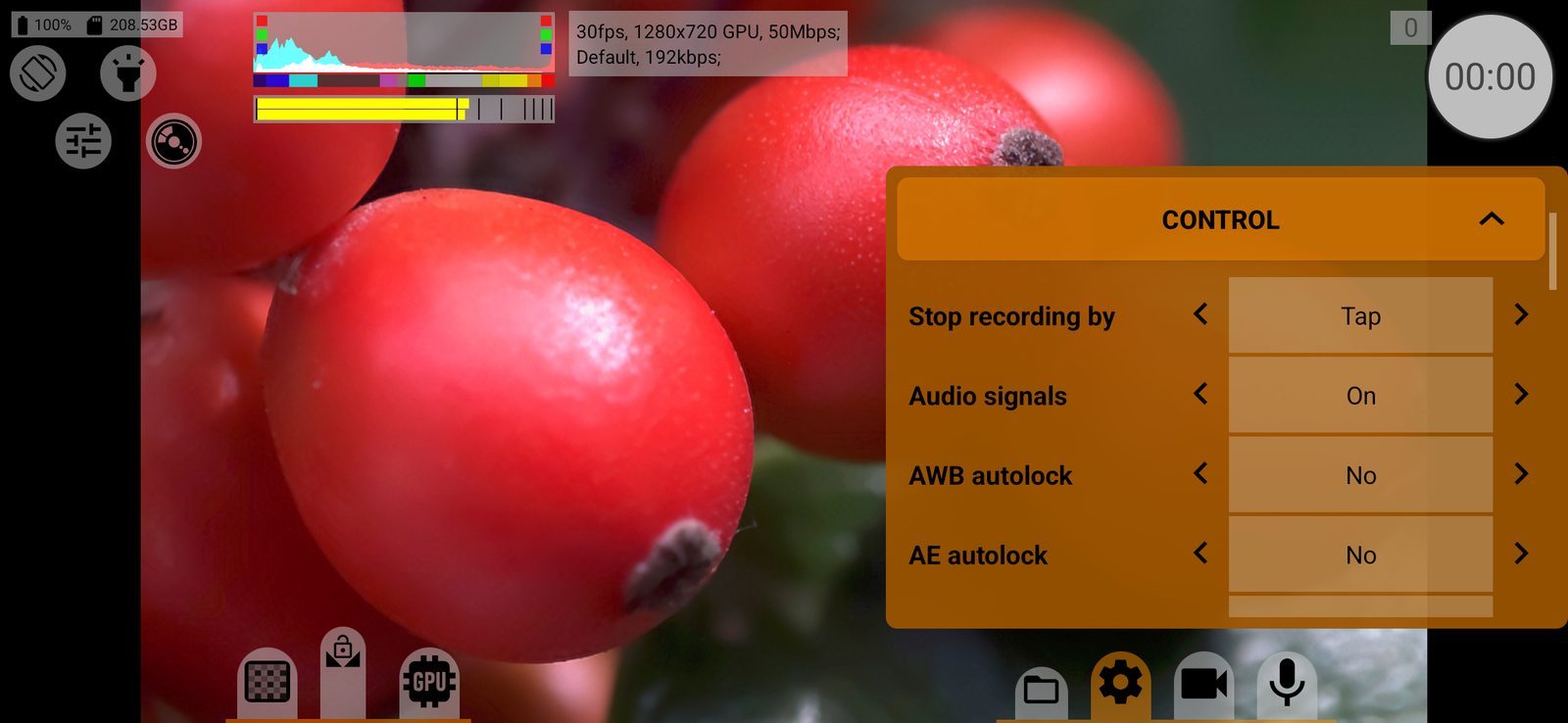
Stop recording by
Which gesture on the on-screen record button stops a recording: Tap, Double tap or Long press. Recording always starts with a single tap. A double tap or long press protects against stopping by accident. Hardware buttons and remotes are not affected. Default: Tap.
Audio signals
On / Off: sounds when recording starts and stops and when a snapshot is taken. They are not recorded into the video. Default: On.
AWB autolock
Locks the automatic white balance when recording starts, so the colour does not drift during the shot:
- No;
- Recording only: the lock is released when recording stops;
- Keep after recording: the lock stays after recording.
Works only with automatic white balance. Default: No.
AE autolock
The same for automatic exposure: No, Recording only or Keep after recording. Locks exposure at the start of recording, so brightness does not jump during the shot. Works only with automatic exposure. Default: No.
Maximum zoom
How far digital zoom can go:
- Up to video size: until the cropped area of the sensor equals the video size, without upscaling;
- x1.5 from video size, x2.0 from video size: allows up to 1.5 or 2 times upscaling;
- Maximum: up to the camera's limit.
Long-press the zoom mode button next to the focus wheel to switch this too. Stored separately for each camera. Default: Maximum.
Infinity focus mode
Off / On. Many phones focus past infinity at the far end of the focus wheel. With On the far end of the wheel is your own saved infinity point instead; the M button shows ∞. Set the point in the focus limits menu (the gear between the focus limits). Stored separately for each camera. Default: Off.
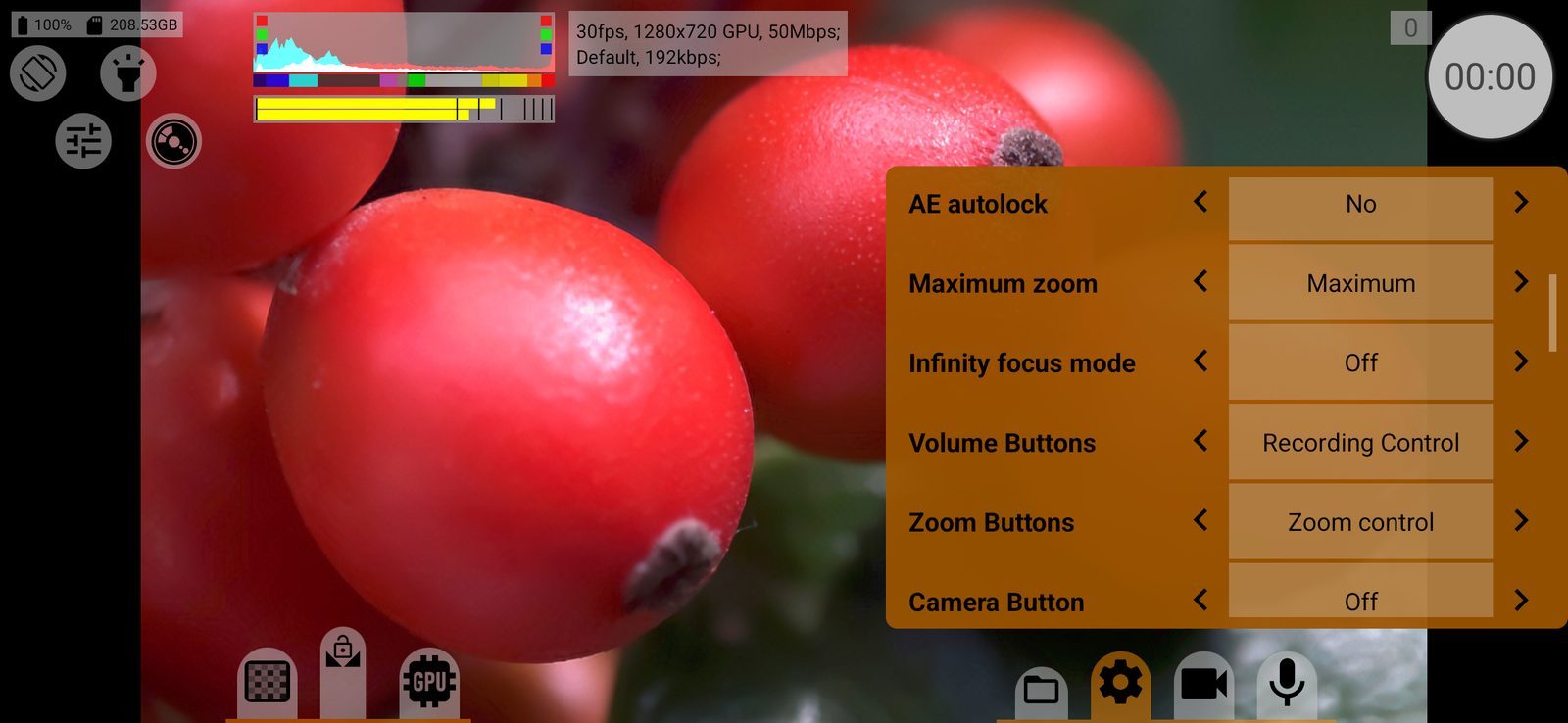
Volume Buttons
What the phone's volume buttons do on the shooting screen:
- Off;
- Recording Control: either button starts and stops recording;
- Focus control: in manual focus, focus moves towards the far (volume up) or near (volume down) limit while the button is held;
- Zoom control: the same for zoom;
- Start/stop program. focus+zoom: starts or stops the programmed focus and zoom move;
- EV Correction/Shutter Speed: exposure compensation in automatic exposure, shutter speed in manual (volume up is brighter).
While a menu is open, the buttons work as usual. Default: Recording Control.
Zoom Buttons
The same choice for the zoom rocker on phones that have one. Default: Zoom control.
Camera Button
The same choice, without exposure control, for the hardware camera button and for media buttons (play, pause, record), for example on a wired or Bluetooth remote. For focus and zoom the button works as a toggle: the first press starts the move towards the far limit, the second stops it. Default: Off.
A half-press of the camera button always starts autofocus in auto and touch focus modes.