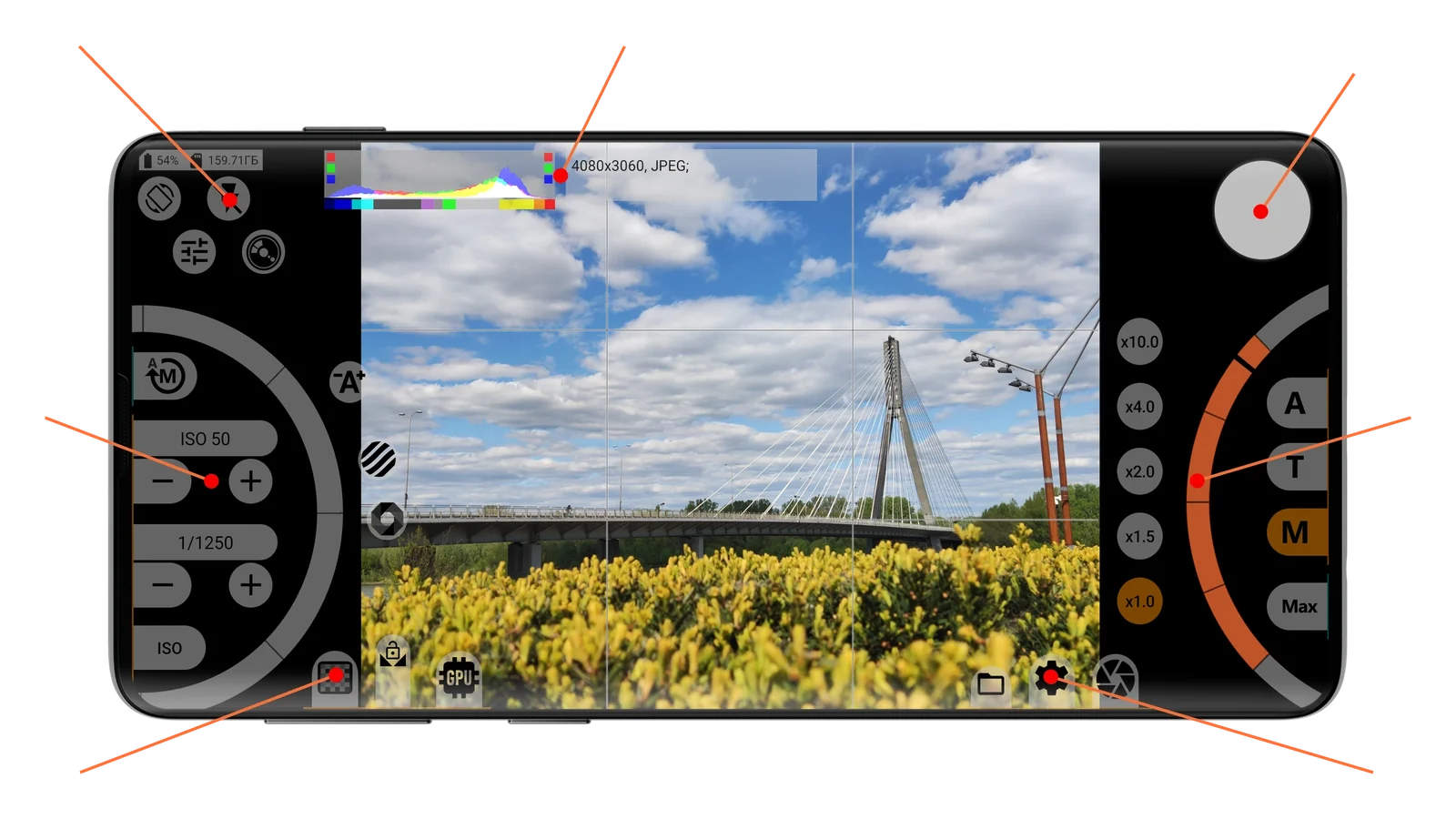
User guides › mcpro35mm user guide Download PDF PDF, 7 MB 1234567 Getting started 1Quick access buttons 2Indicators & information area 3Shutter button 4Exposure controls 4.1Manual exposure 4.2Automatic exposure 5Focus and zoom controls 6Image controls 7Settings buttons & media manager 7.1Photo menu 7.2Shooting modes 7.3Format settings 7.4JPEG and RAW hardware settings 7.5Viewfinder settings 7.6Control settings 7.7Interface, storage and other settings 7.8Media manager How to Set up before the first shoot Shoot with manual exposure Which format to choose Bracketing, interval and self-timer Long exposure Presets Icons Index