
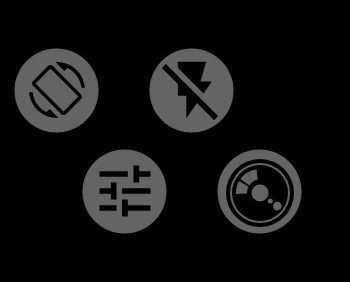
1Orientation
Controls how the interface rotates. Double-tap to open the orientation menu. Long-press to fix the current orientation or to release it.
2Flash
Tap to cycle through the flash modes; the icon shows the current one. The cycle includes only the modes the camera has.
- off;
- the camera decides, automatic exposure only;
- the flash fires on every shot; in manual exposure this is a single pulse;
- red-eye reduction, automatic exposure only;
- external flash, automatic exposure only;
- the screen acts as the flash, for a front camera without its own flash;
- the flashlight stays on.
The mode cannot be switched while a burst, bracketing, interval or self-timer countdown is running. If the phone allows changing the flash brightness, long-press the button to open the brightness wheel.
3Presets
Opens the list of saved sets of settings. To learn how to create them, see the article on presets.
4Cameras
Opens the list of the phone's cameras: number, focal length, aperture and side (back, front or external). The current camera is highlighted.
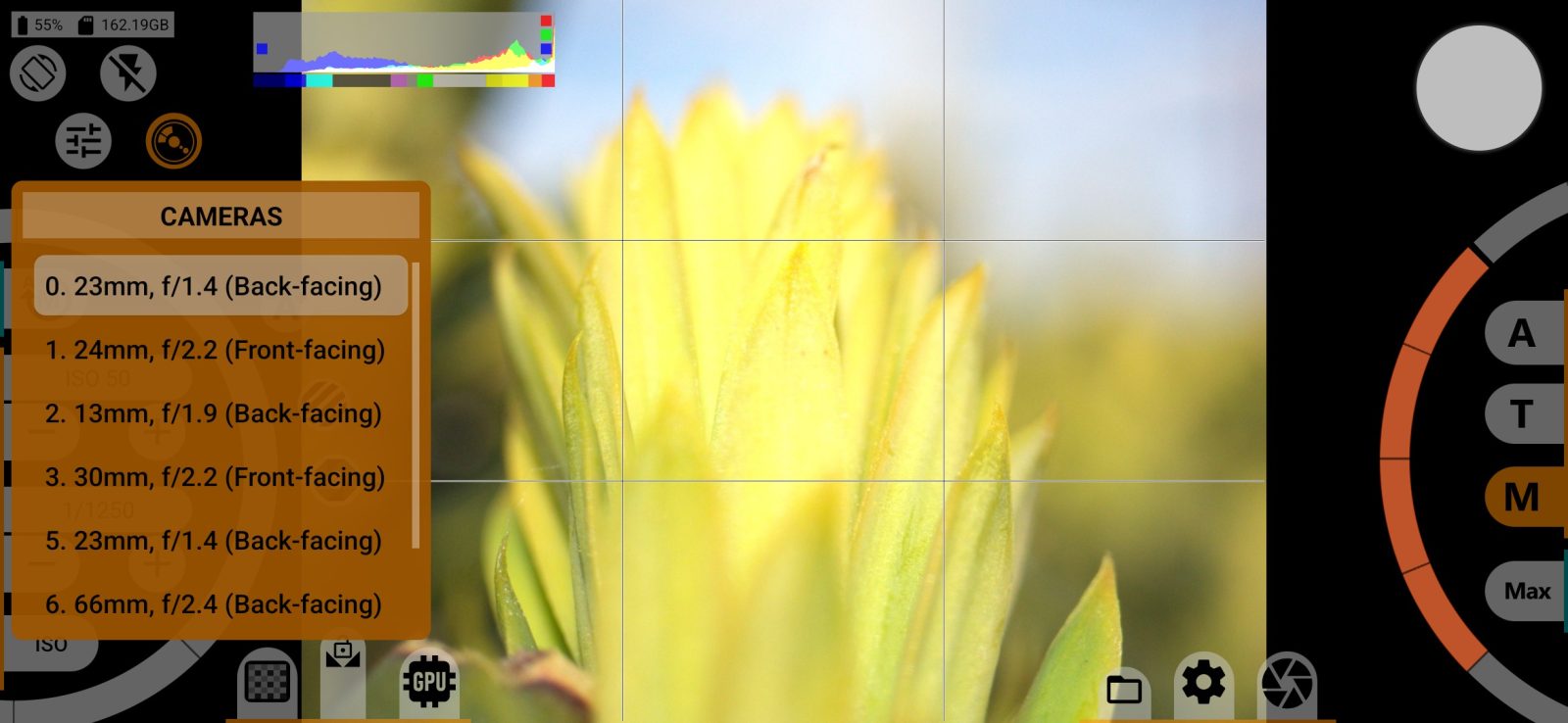
Most settings are stored separately for each camera.