

1Battery
The battery level in percent.
2Free space
The free space on the selected storage.
3Histogram
The distribution of brightness in the frame. Tap to cycle through the views: luminance, RGB, luminance scaled to its peak, Waveform, RGB Parade. The histogram is built before the viewfinder LUT. The persistent view is selected in the VIEWFINDER SETTINGS menu.
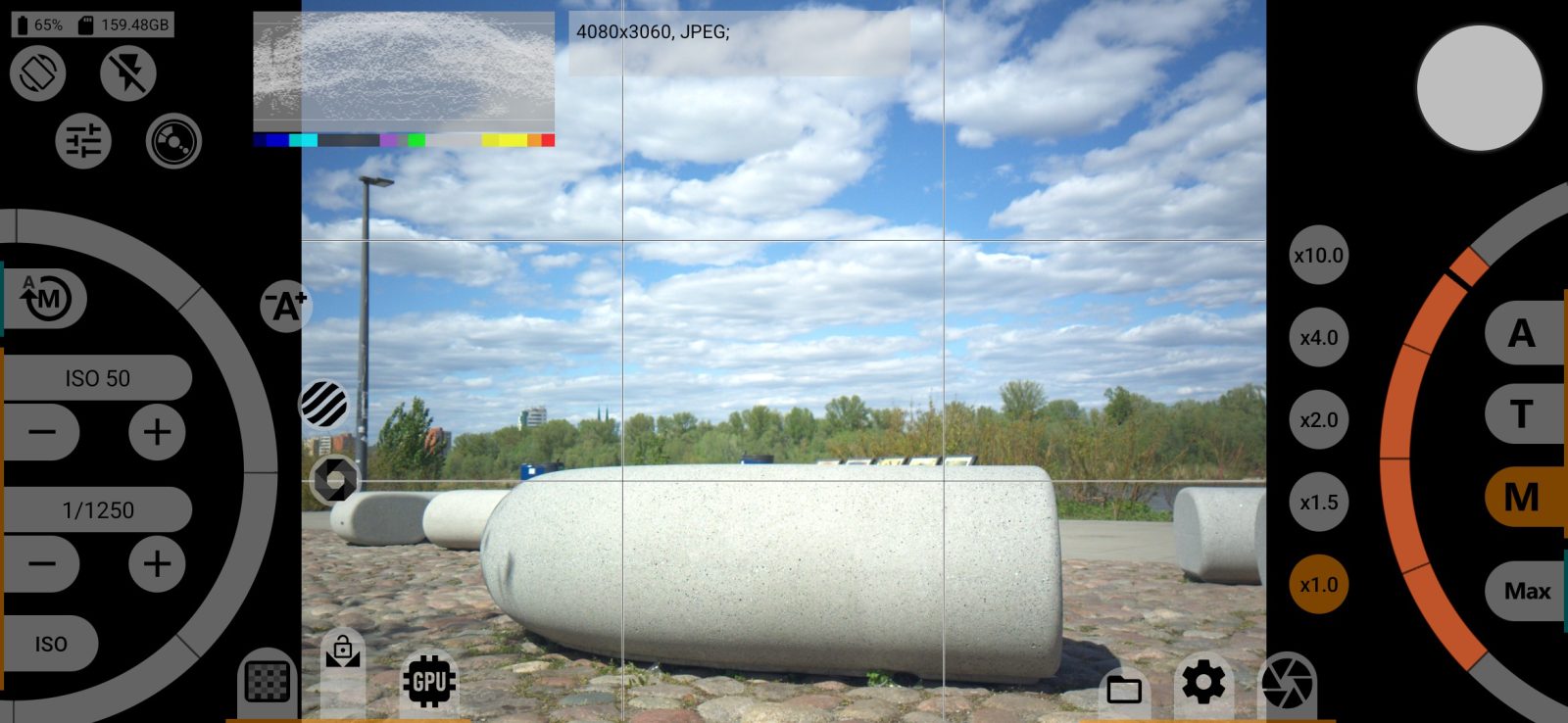
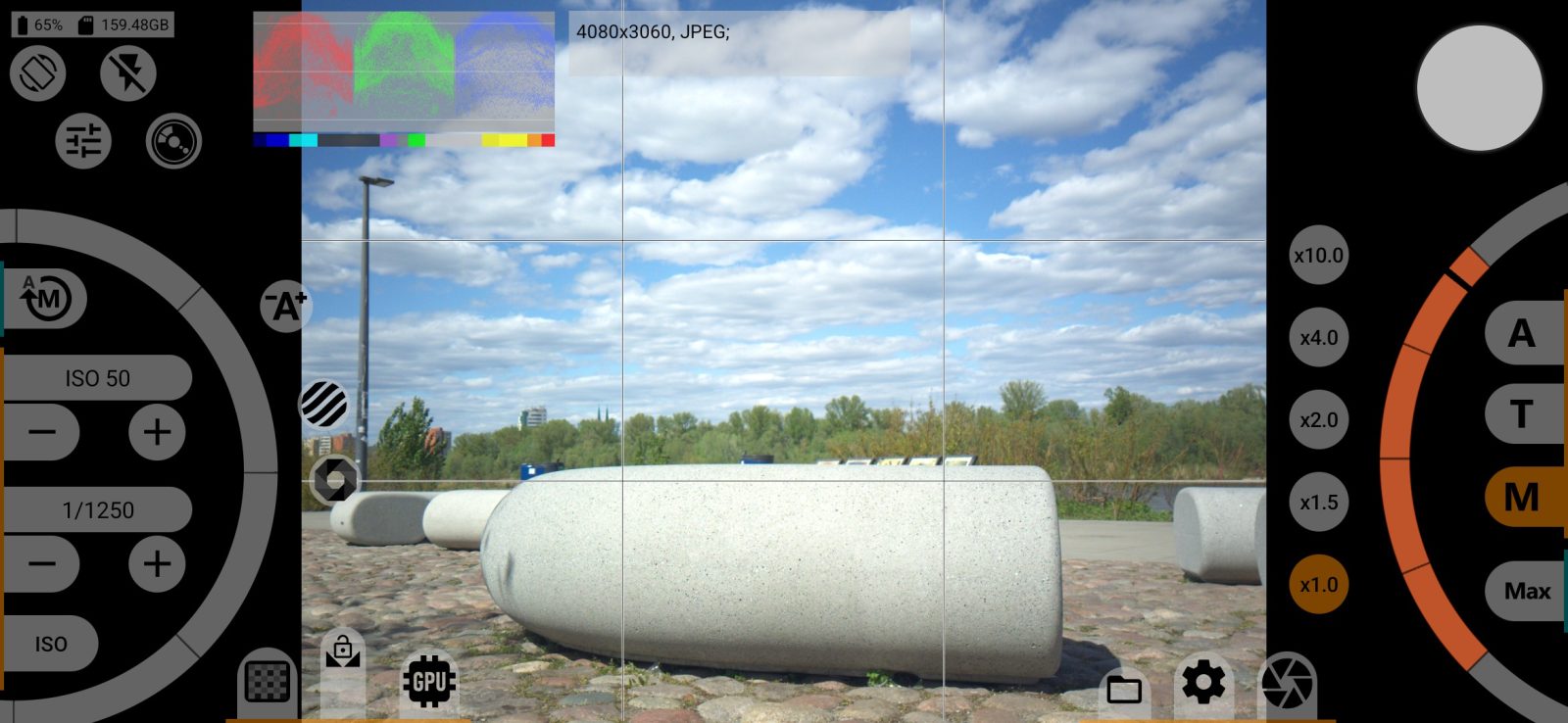
4Information panel
A line of text with the parameters of the next photo: resolution, format and bit depth, plus white balance and curves if you turn them on. The contents are selected in the Interface menu.
5EV of scene
The label under the histogram shows how much darker or brighter than normal the scene is, in EV stops. It is turned on in the same menu as the persistent histogram view. The measuring area is set there too: the whole frame or part of it.
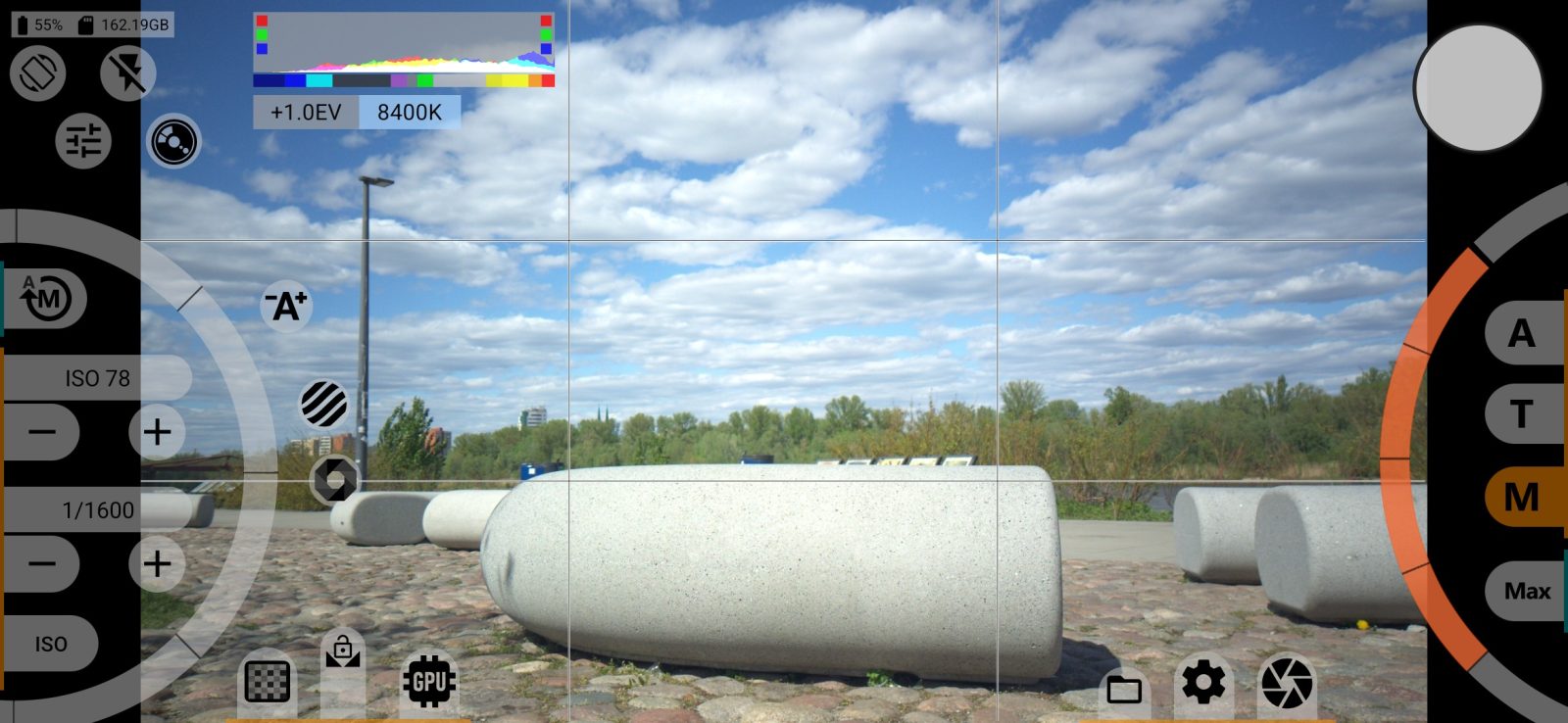
6Scene color temperature
The label next to it shows the colour temperature the camera has determined. It is turned on and set up in the same menu.