

1Shutter release
Tap to take a photo. While the frame is being captured, the button turns pale and black shutter curtains close across the viewfinder. You can take the next photo while the previous one is still being saved: photos wait in a queue. When the queue is full, the button waits until space is free.
A long press works only in a burst set to While held (see below).
Ring around the button
A thin orange ring around the shutter button means that a mode is on in which the button does not work as usual: self-timer, burst, bracketing or interval. The same ring appears during long exposures of one second or more.
The arc on the ring shows progress: the self-timer countdown, the bracketing frames taken, the time until the next interval frame, how full the burst buffer is, or the long exposure time.
What a press does in each mode
The modes are turned on in the Shooting modes section.
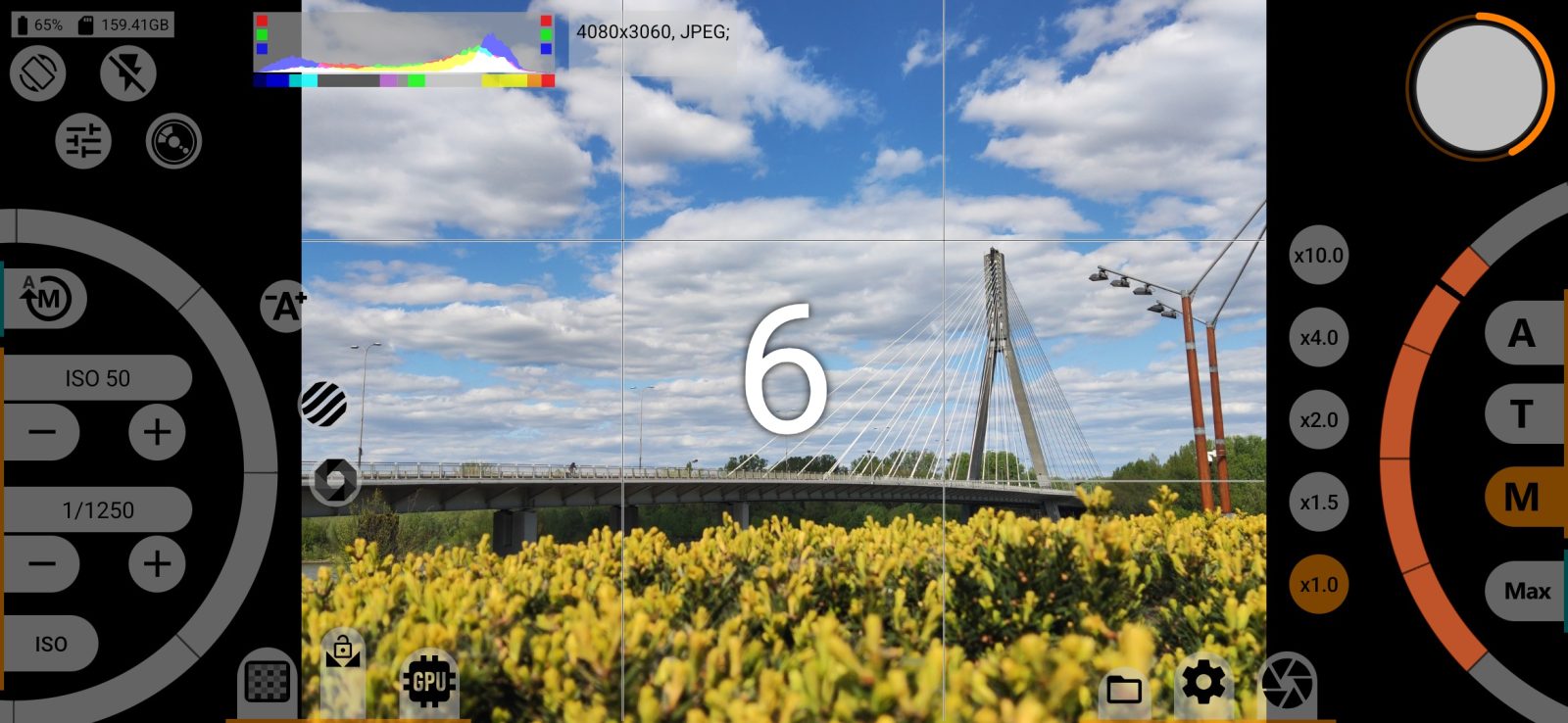
- Self-timer: the first press starts the countdown, and the digits appear in the centre of the screen. A second press cancels it.
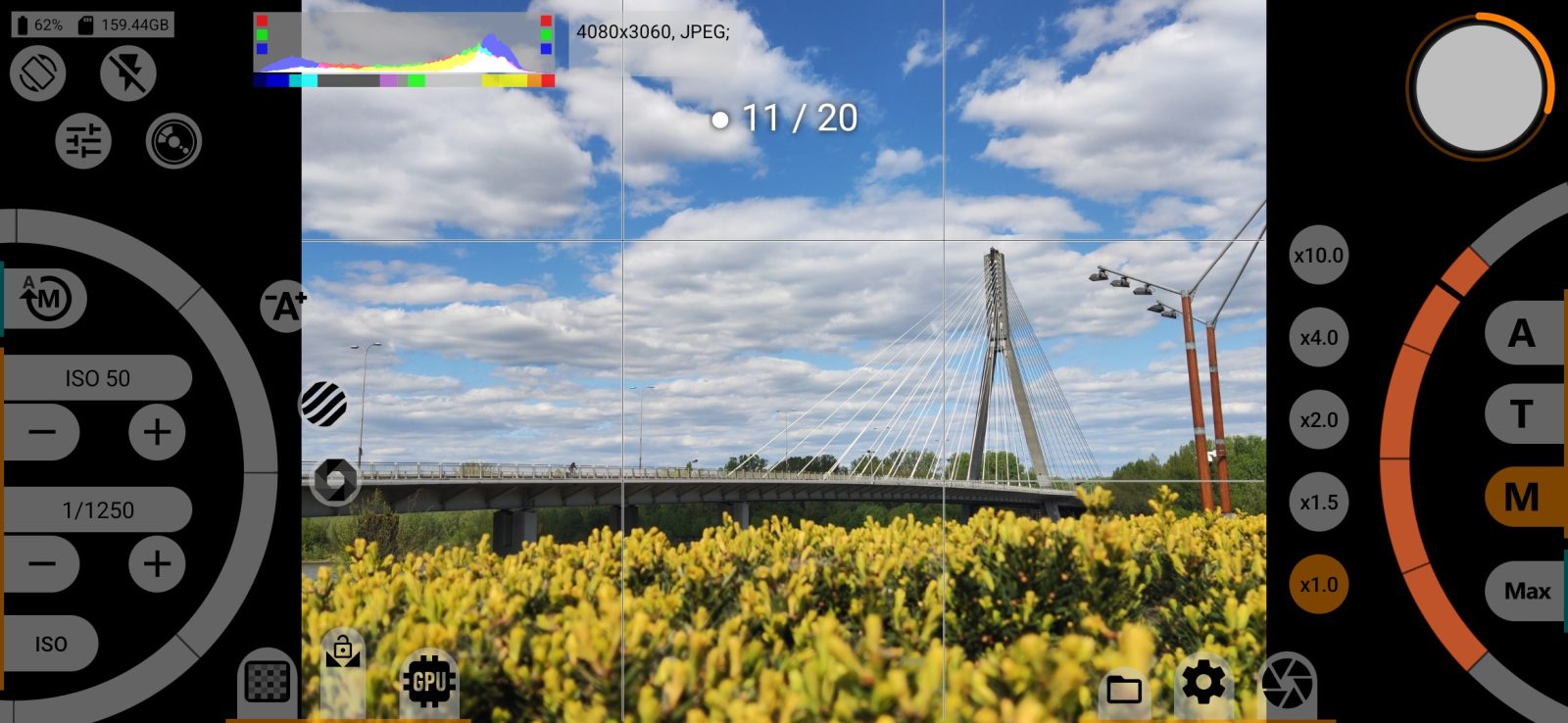
- Burst: with While held selected, frames are taken while your finger is on the button. With a set number of frames, one press takes the whole burst and a second press stops it. A counter such as "● 7 / 20" appears at the top.
- Bracketing: one press takes the whole bracket, and a second press cancels the remaining frames.
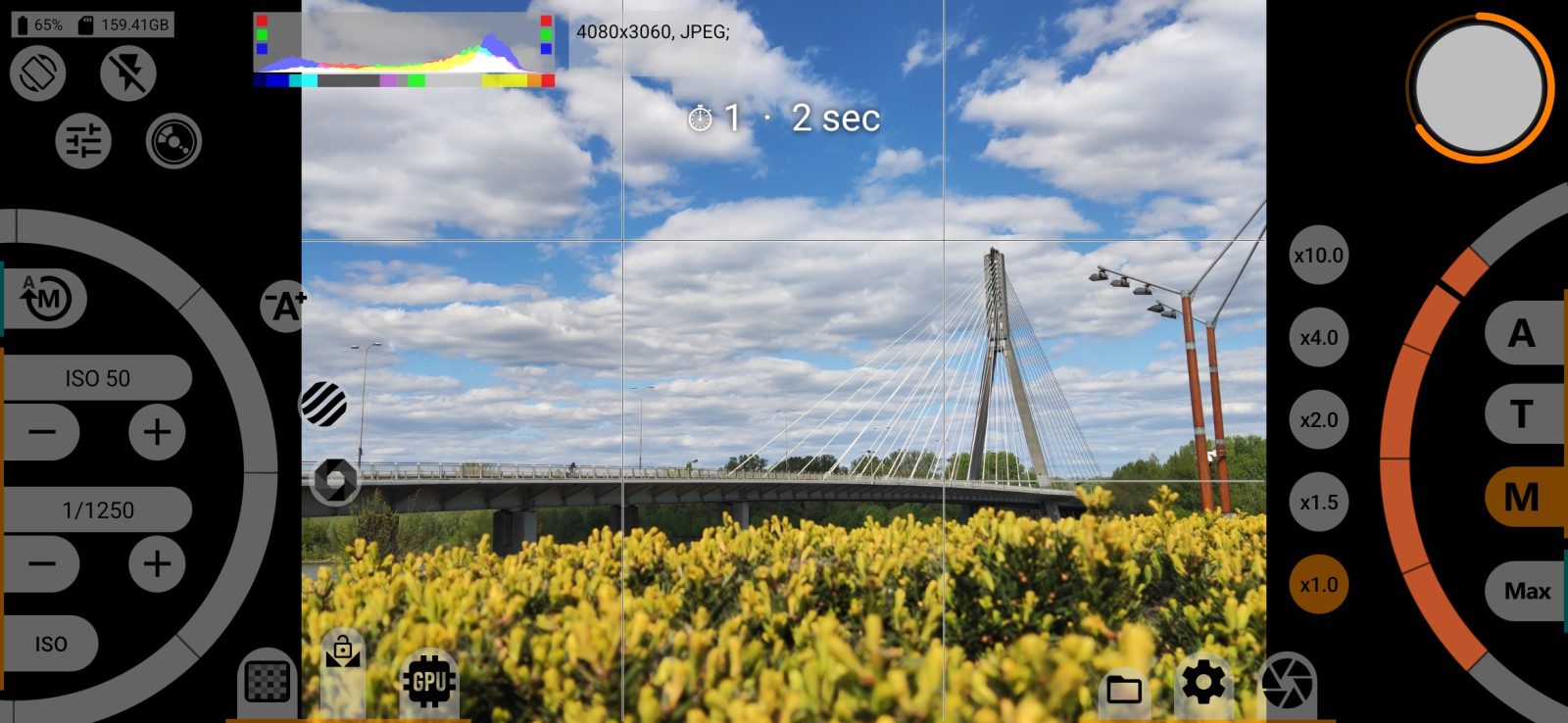
- Interval: the first frame is taken immediately and the rest on schedule. The frame number and the time until the next frame appear at the top. A second press stops shooting.
Menus do not open while a burst, bracketing, interval or self-timer countdown is running.
Lock on the button
A red lock means that the current settings can be used for shooting only in the full version. Tap the button to open the purchase window; see full version and free trial.
Phone buttons
By default the volume buttons work as the shutter release, and the photo is taken when you release the button. In a burst set to shoot while held, frames are taken while the button is pressed. The phone's camera button is off by default. To change these assignments, go to the CONTROL SETTINGS section.