
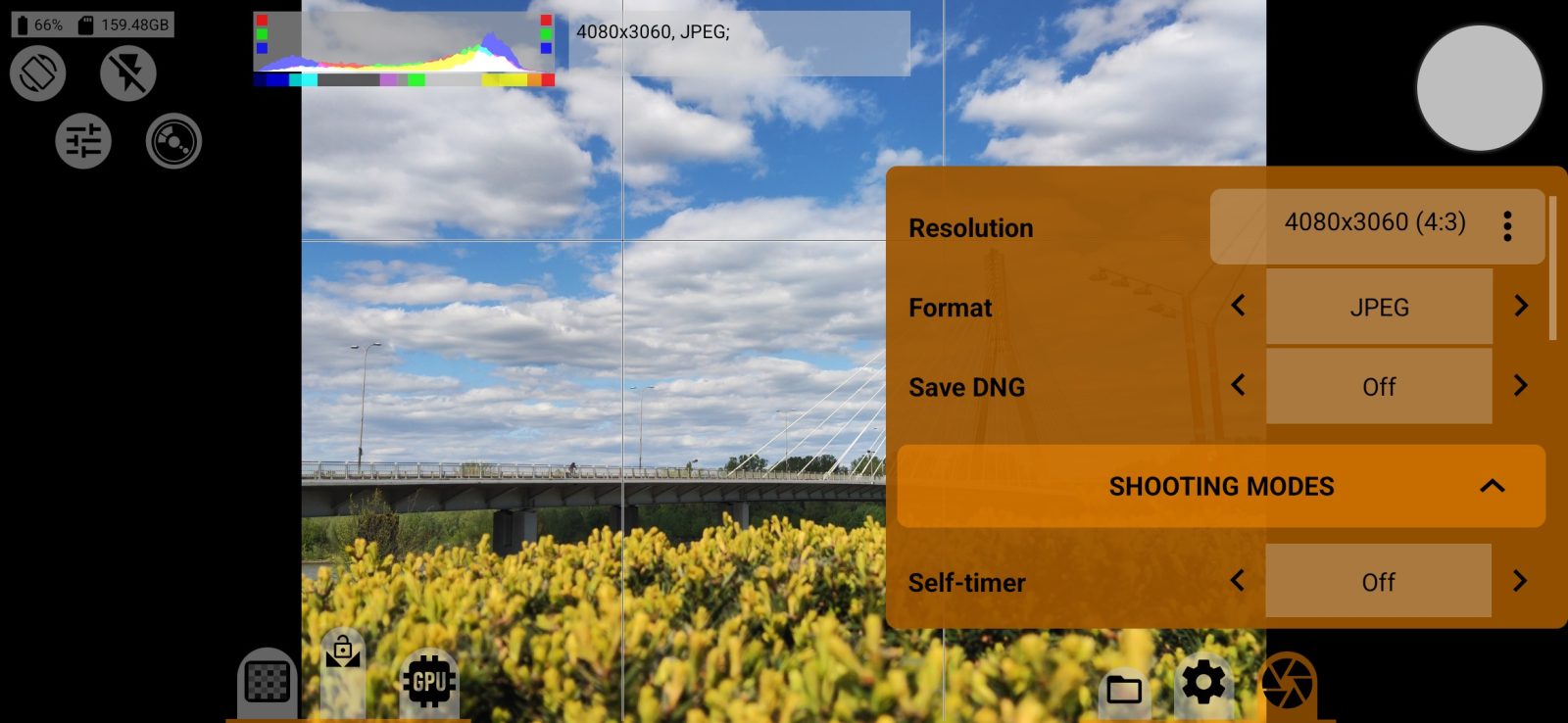
How these modes look on the shutter button is described on the shutter button page. Incompatible rows are grayed out.
Self-timer
The delay before the photo: off, 2, 5 or 10 seconds. The self-timer works without a purchase.
Burst and Burst frames
Turns burst on. The number of frames can be While held (shoots as long as you hold the button), 3, 5, 10, 20 or 50.
Burst cannot be combined with bracketing or with the flash. If you turn on the interval or the self-timer, a burst set to While held takes 10 frames, because the button is not held in those modes.
How many frames fit in the buffer depends on the format and the phone's free RAM.
Bracketing and step
An exposure bracket: off, 3, 5 or 7 frames, with a step of 1/3, 1/2, 1 or 2 stops (1 stop by default). The frame order is: normal, one step under, one step over, two steps under, two steps over, and so on.
The bracket changes the shutter speed and keeps the same ISO. If the shutter speed reaches the end of its range, the app makes up the difference with ISO. In manual exposure the bracket starts from your values, and in automatic exposure from the last viewfinder metering.
The bracket number, the frame number and the offset are added to the file name, for example -bkt12-3_+1EV.
Interval and Interval shots
Takes photos on a schedule, at intervals from 1 second to 60 minutes. The number of shots can be unlimited, 10, 20, 50, 100, 200, 500 or 1000.
The first frame is taken immediately. If a photo has not finished saving by the next scheduled time, the next frame is taken as soon as the camera is free, and the schedule shifts. The app does not make up for missed frames.
If burst is on together with the interval, this number sets how many bursts are taken.