
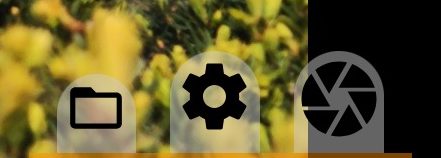
1Media manager
Opens the list of photos; see media manager.
2Settings
Opens the settings menu.
3Photo menu
Opens the photo menu: size, format and shooting modes.
Aperture
The aperture value. The button appears only on cameras with several apertures; tap to cycle through them.
Three-dot button
Appears only on narrow screens and opens a panel with these buttons.