
Two sections of the photo menu control the processing inside the camera. The JPEG settings are active only with the JPEG or JPEG+DNG format, and the RAW settings only when a DNG is being saved. Otherwise the section title is grayed out.
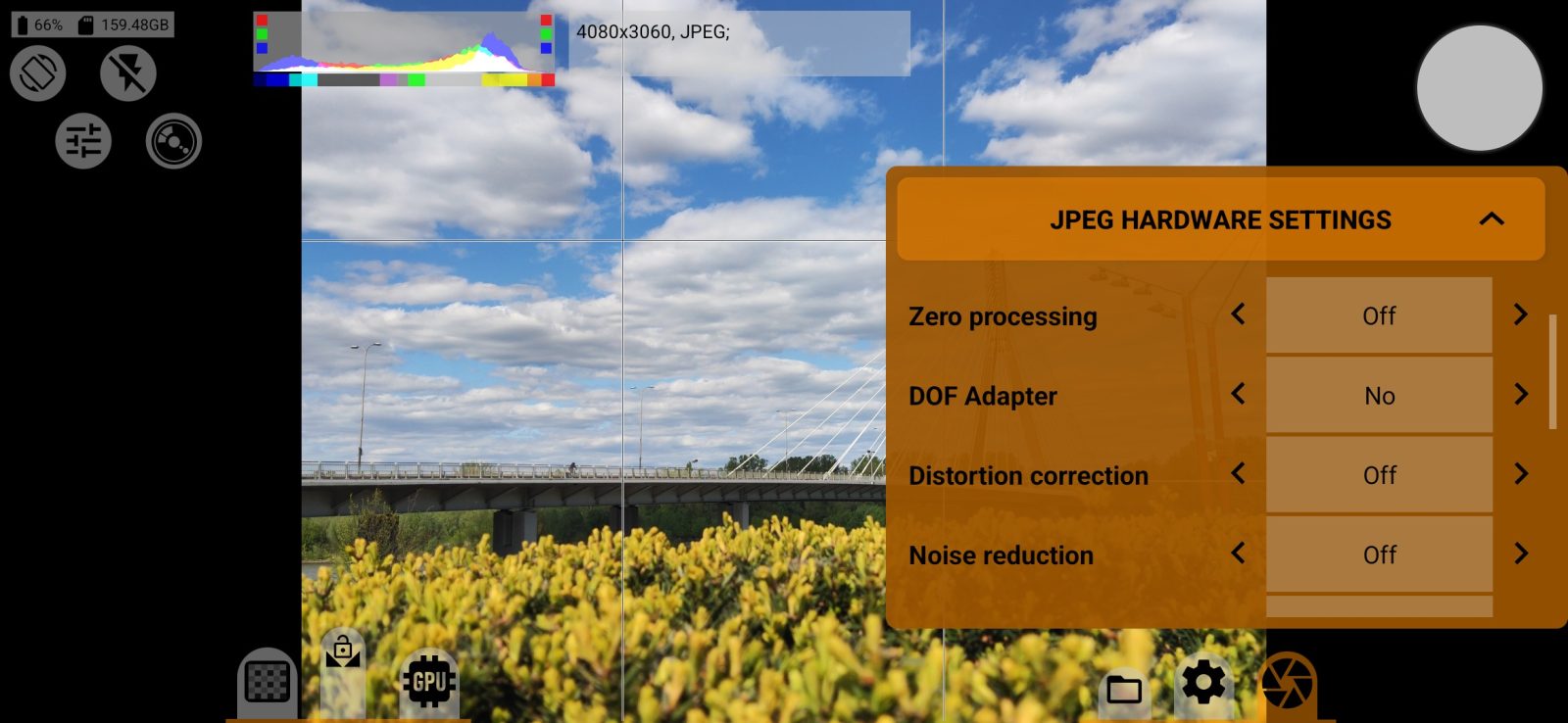
JPEG settings
Zero processing
One button turns off almost all processing: it sets the sRGB curve, turns off the camera's noise reduction and sharpening, and resets the processing presets. Lens correction stays as it is. Press again to restore the previous values.
Camera processing
- Noise reduction, Sharpness: noise reduction and sharpening inside the camera.
- Distortion correction, Vignette correction: correction of lens distortion and vignetting.
- Stabilization: the row is shown only if the camera reports that it supports stabilization.
Frame
- Crop frame to proportions: crops the photo to the selected aspect ratio, including the panoramic 65:24 and 3:1. In DNG the crop is written as a recommended crop, and the original data stays intact.
- Scale photo: reduces the size of the final photo.
- Desqueeze photo: stretches the photo for an anamorphic adapter.
- DOF Adapter: for shooting through a depth-of-field adapter.
RAW settings
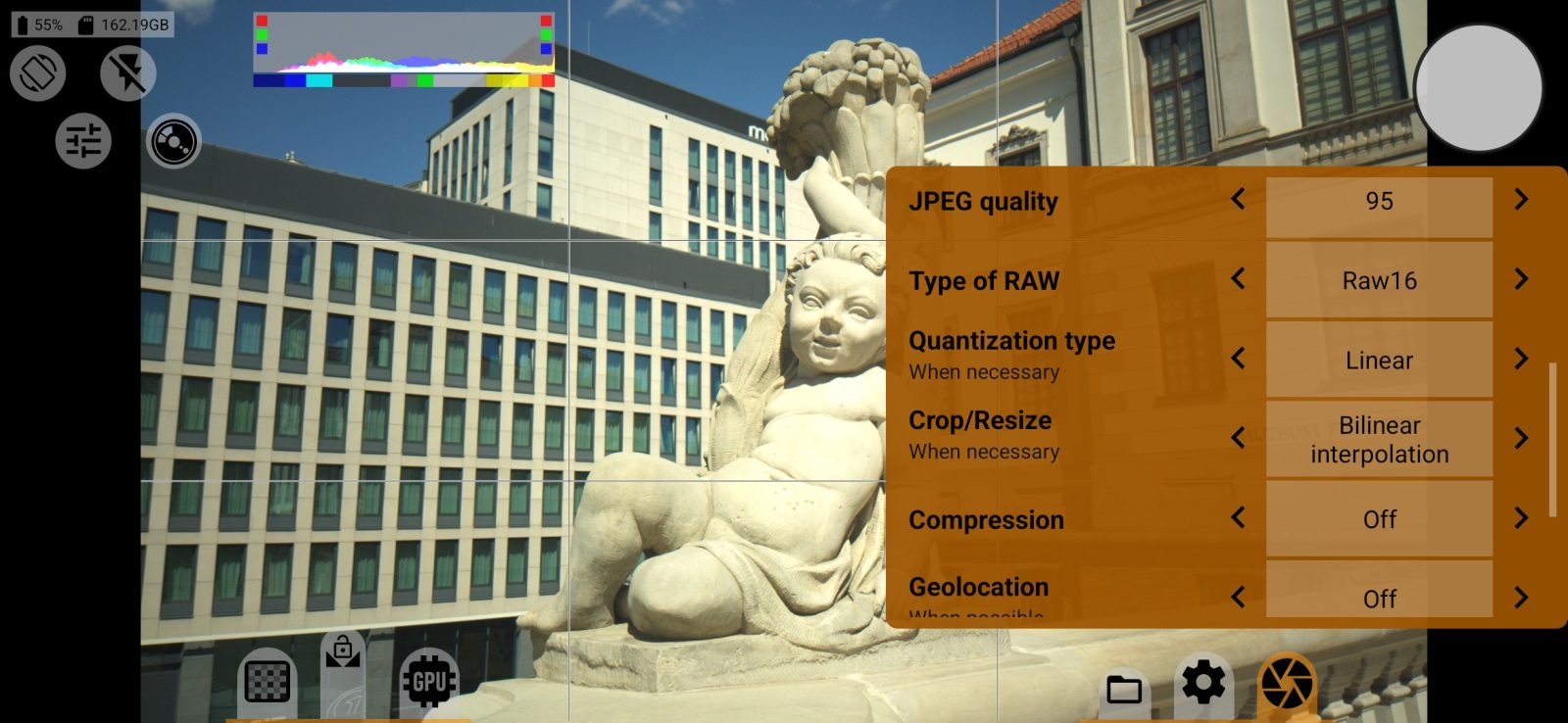
- Distortion correction and Noise profile: add data to the DNG for the development software, if the camera provides it.
- Vignette correction: vignette correction. "Baked in" corrects the data itself, and "Metadata" writes the correction for the development software.