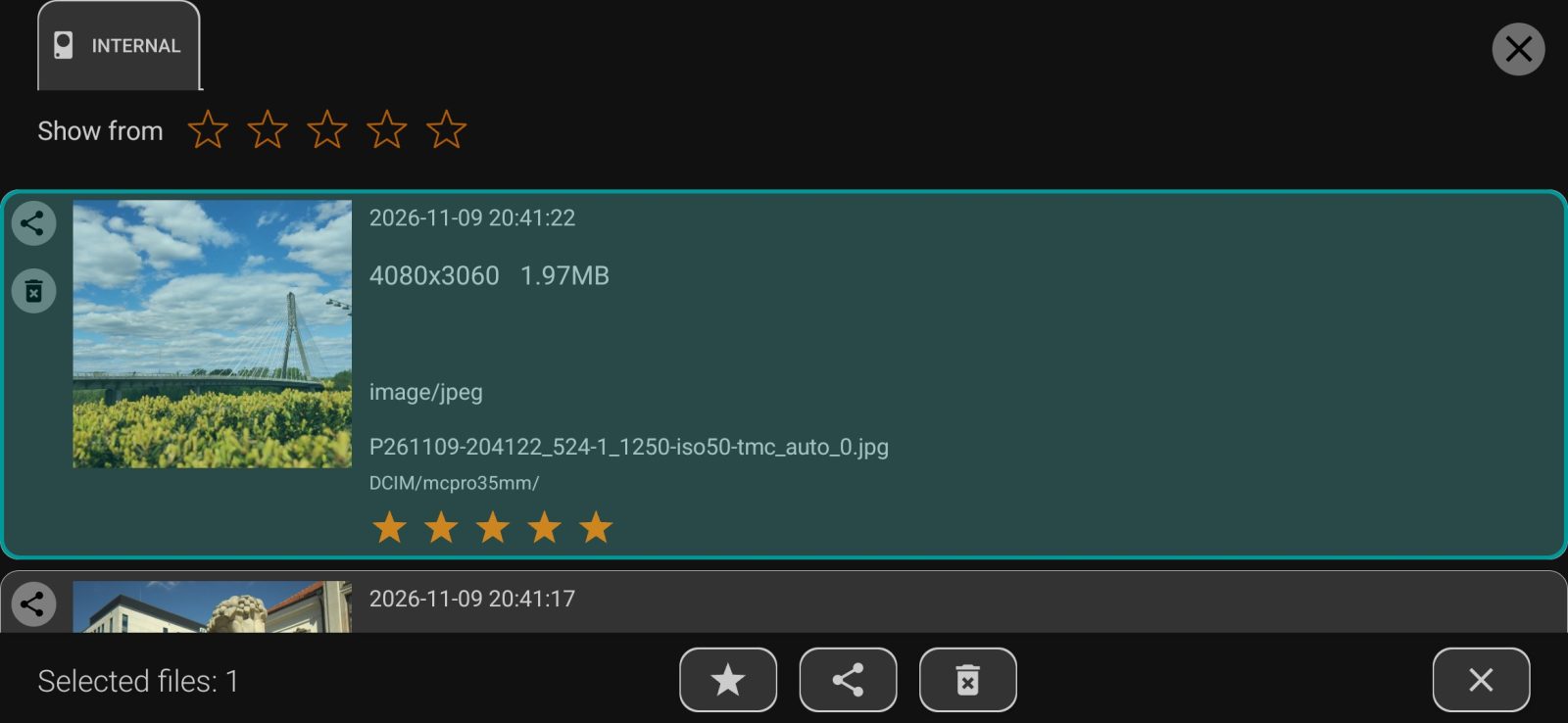
The list of the app's photos.
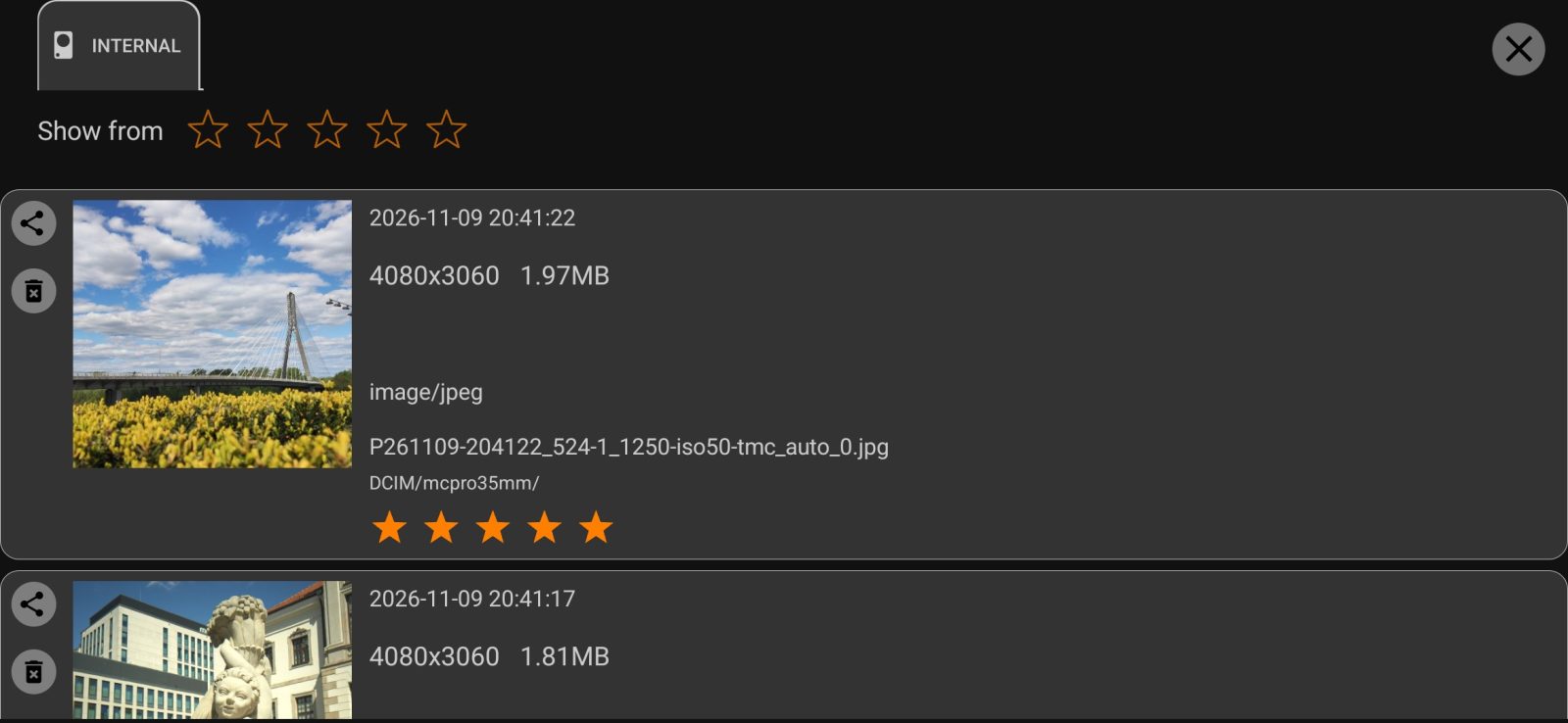
Tap a photo to open it. A JPEG with a gain map on an HDR screen opens in the app's own viewer: pinch to magnify up to 32 times, double-tap to switch between 1:1 and fit to screen. Other files open in the phone's viewer.
Rating
Each JPEG and DNG in the list has stars from 0 to 5. The rating is stored inside the file in the xmp:Rating field, where Lightroom and other programs can see it. The Show from row at the top hides photos rated below the selected value. Rating also works without a purchase.
Selecting several photos
A long press turns on selection mode. The panel then shows Rating, Share and Delete.