
The menu does not open while a burst, bracketing, interval or self-timer countdown is running.
Resolution
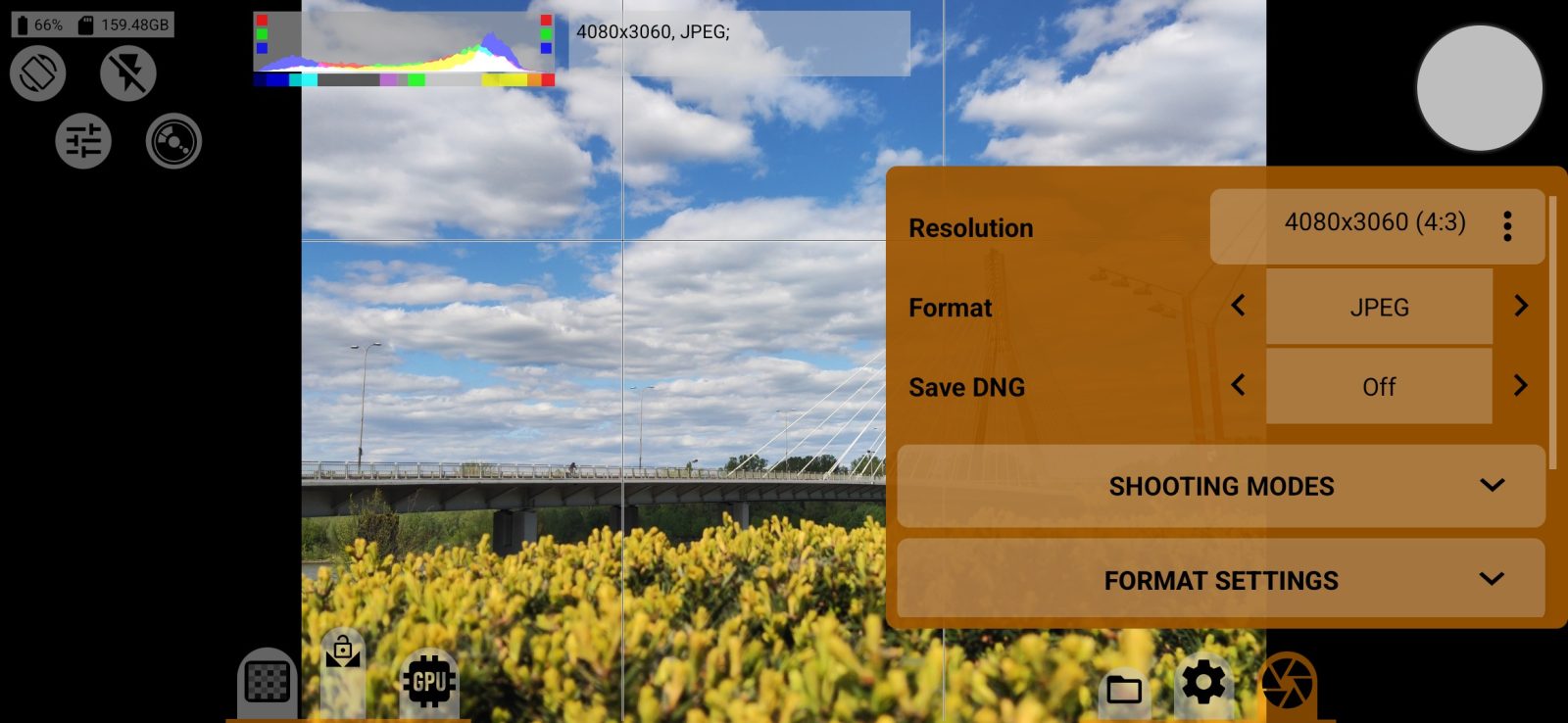
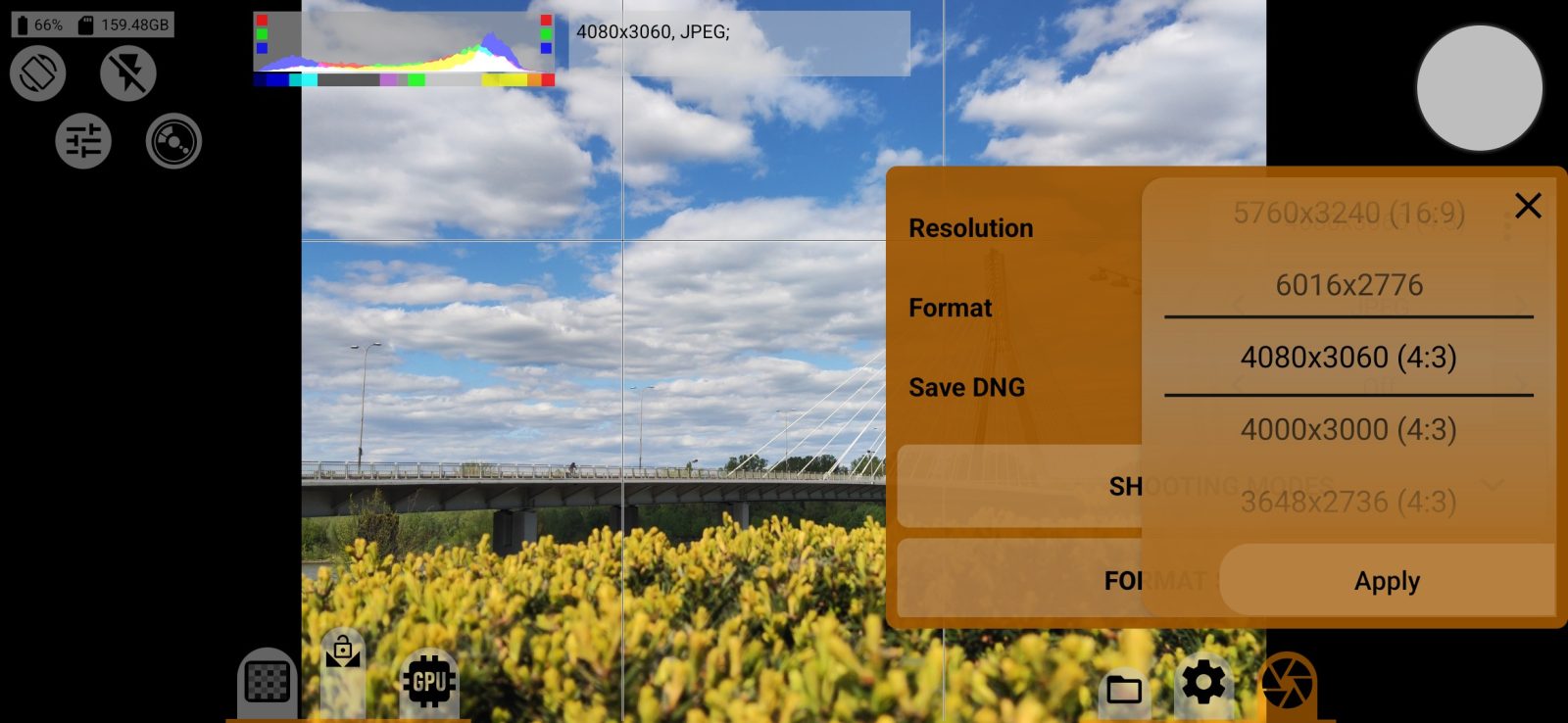
The photo size, from those the camera supports. Choose a value on the wheel and tap Apply. The viewfinder frame rate is set automatically to match the selected size, up to 30 fps.
Format
The arrows cycle through the formats. A format the phone does not support is not included.
| Format | Result | |---|---| | JPEG | A regular JPEG from the camera's processing | | DNG | Unprocessed sensor data for development on a computer | | JPEG, RAW developed | A JPEG that the app itself develops from RAW | | Ultra HDR, RAW developed | A JPEG with a gain map: on an HDR screen the bright areas glow; on a screen without HDR it is a regular JPEG | | HEIC, RAW developed | A HEIC file smaller than a JPEG of the same quality. Requires a hardware HEVC encoder | | HEIC HDR, RAW developed | A 10-bit HEIC with HDR. The type of HDR is set by the HDR type row | | AVIF, RAW developed | An AVIF file. Requires a hardware AV1 encoder | | AVIF HDR, RAW developed | A 10-bit AVIF with HDR |
The "RAW developed" label means that the app itself builds the photo. The camera's noise reduction and sharpening are not applied to it, and the settings in the FORMAT SETTINGS section apply instead.
Save DNG
Also saves a DNG of the same frame next to the photo. With the JPEG format this is the JPEG+DNG mode. With the DNG format the row is grayed out, because DNG is already being saved.
By default, files are stored in the DCIM/mcpro35mm folder. You can change the save location in the Storage settings section. The photo's file name contains the date, time, shutter speed and ISO, for example P261109-143012_482-1_60-iso100.jpg.