
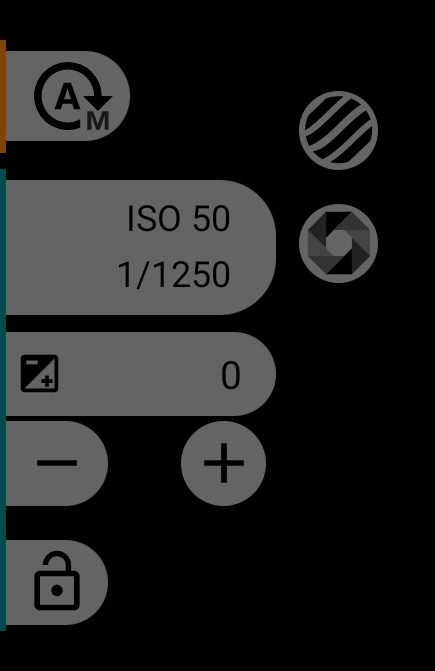
1Exposure mode
Automatic exposure is on; tap to switch to manual exposure. If the camera does not support manual exposure, the button is not shown.
2Zebra
Works the same way as in manual exposure.
35ISO and shutter speed
The ISO and shutter speed the camera has currently chosen.
4False Color
Works the same way as in manual exposure.
6Exposure compensation
The icon and the number show the correction applied to automatic exposure. Double-tap the number to reset it to zero.
78Darker and brighter
- makes the frame darker;
- makes the frame brighter.
9AE lock
Locks the camera's current exposure. Tap again to release the lock.