
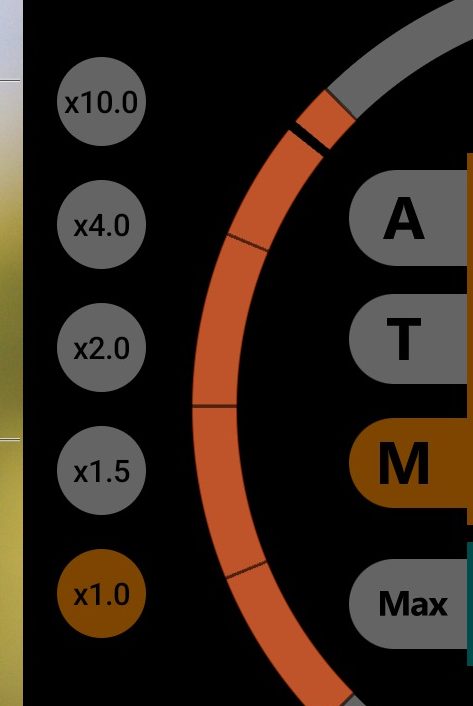
1Wheel
The wheel at the right edge changes focus or zoom, depending on which of the buttons next to it is selected. The arc is orange in manual focus and teal in zoom. In modes A and T, a thin grey arc only shows where focus is at the moment.
2A: continuous autofocus
The camera keeps focusing on its own. This mode is on by default.
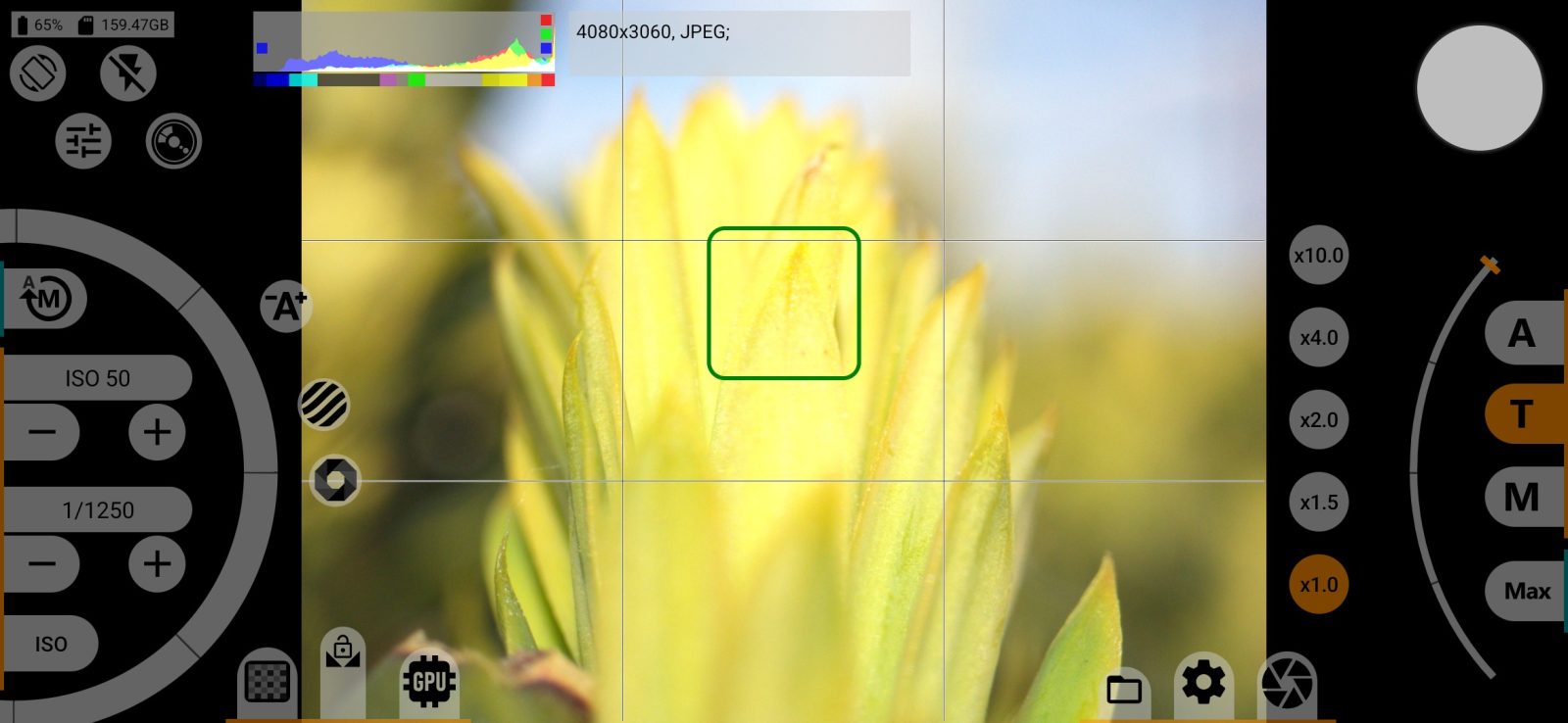
3T: tap to focus
Tap a point in the frame and the camera focuses on it. A square shows the result: grey while the camera is focusing, green when focus is found. This mode is not available on all cameras.
4M: manual focus
The wheel sets the focus. Double-tap any point of the viewfinder to magnify that area and focus more precisely. Double-tap again to return to the normal view.
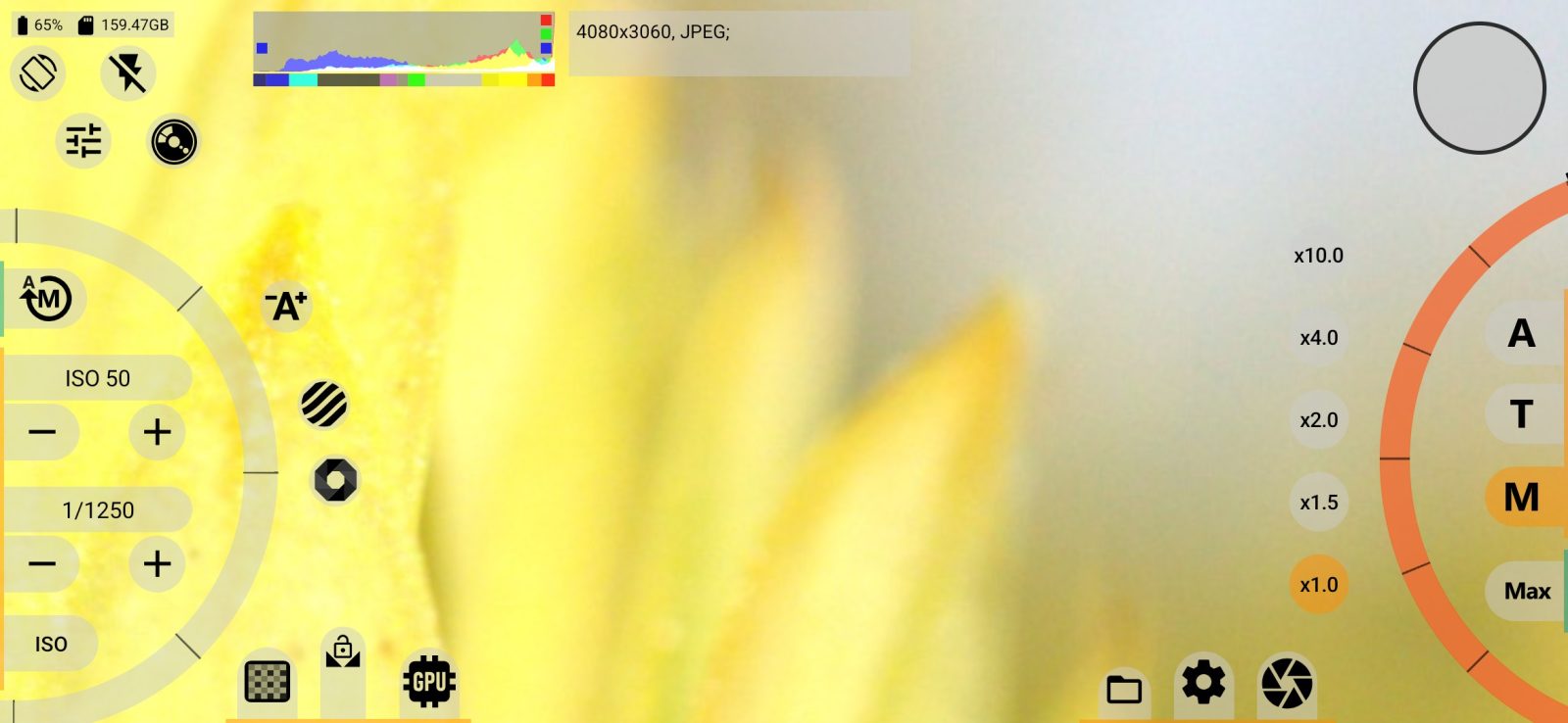
Long-press M to turn on infinity mode. Where focus goes in this mode is set by the Infinity focus mode row in the CONTROL SETTINGS section.
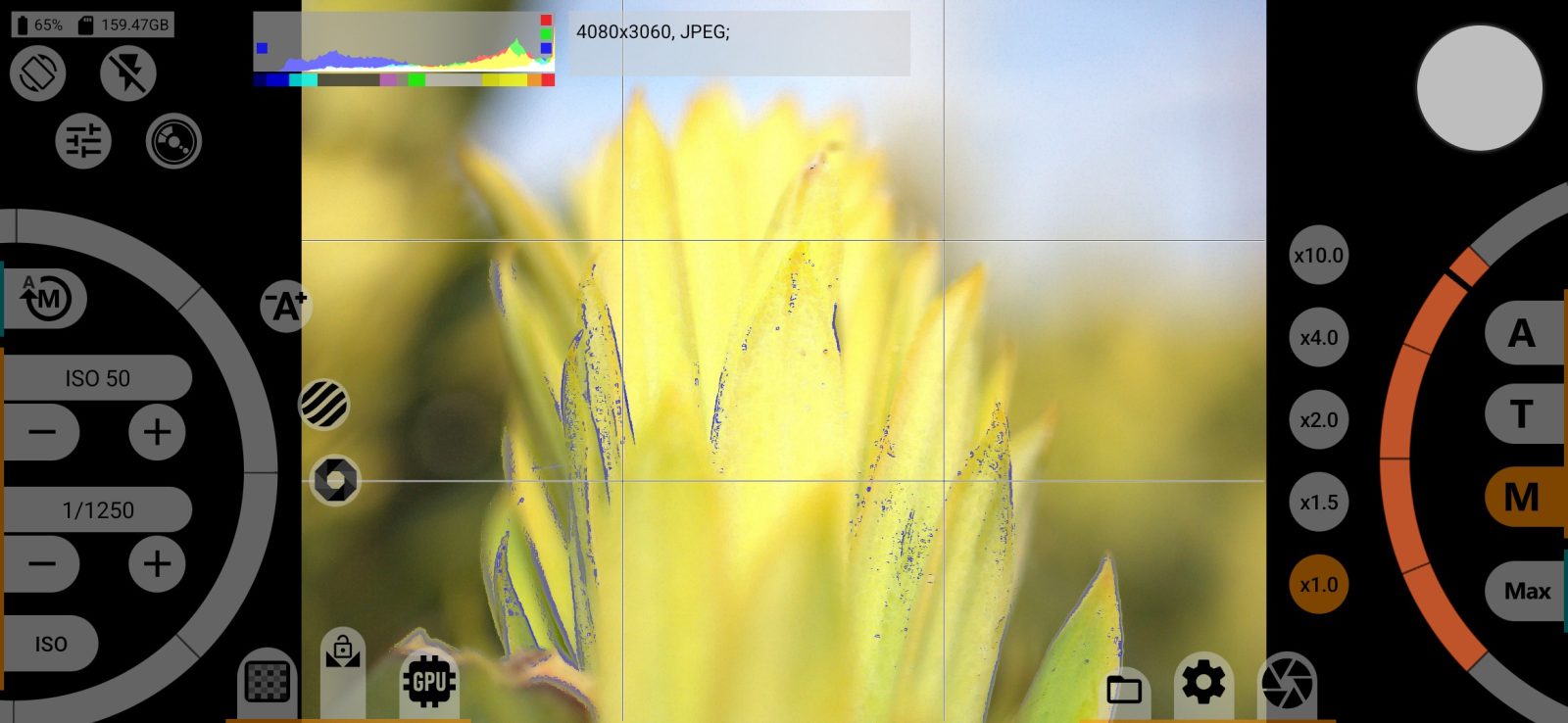
Focus peaking helps you check focus: it highlights the outlines of objects that are in focus.
5Zoom
A short tap switches the wheel to zoom. A long press cycles through the upper zoom limit (Maximum zoom), and the icon on the button shows the current one.
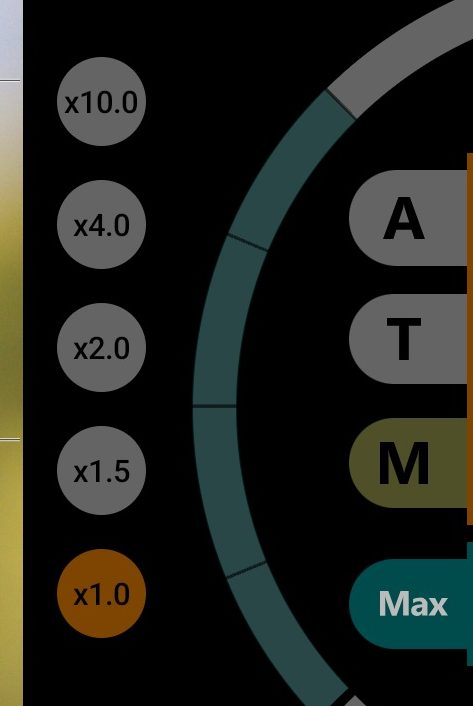
6Zoom factor buttons
The buttons jump straight to a set zoom factor, such as x1.5 or x2.0. You can hide them in the Interface section.
Face focus
This setting has no button of its own on the main screen. The row is in the CONTROL SETTINGS section.