
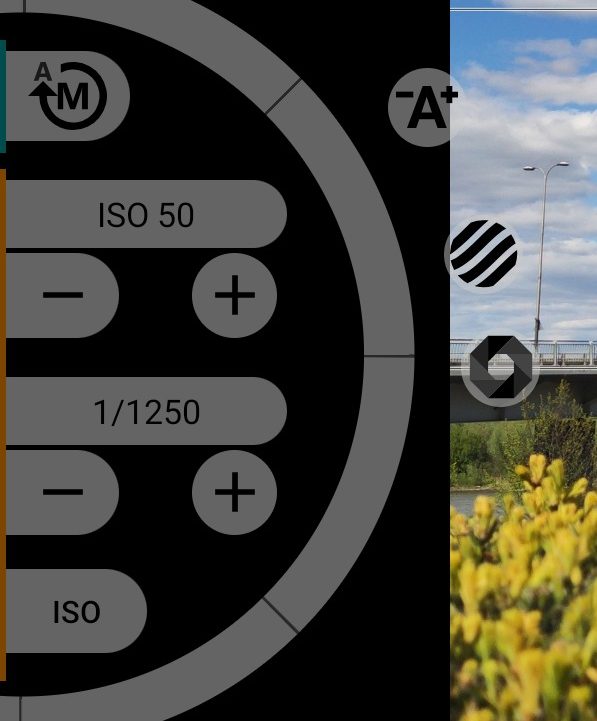
1Exposure mode
Manual exposure is on; tap to switch to automatic exposure. The switch does not work while a burst, bracketing, interval or self-timer countdown is running.
2Wheel
The half wheel on the left changes what the wheel mode button has selected: ISO, shutter speed or both together.
3Auto assist
Sets exposure for you once. Hold the button: the camera uses automatic exposure while it is pressed. When you release it, the app takes the brightness the camera found and converts it to a manual shutter speed and ISO. ISO does not go above 1600, and the shutter speed stays no longer than 1/4 second.
4ISO value
The current value, for example "ISO 200". It is highlighted when ISO is above the sensor's analogue maximum: beyond that point the camera adds digital gain and noise rises.
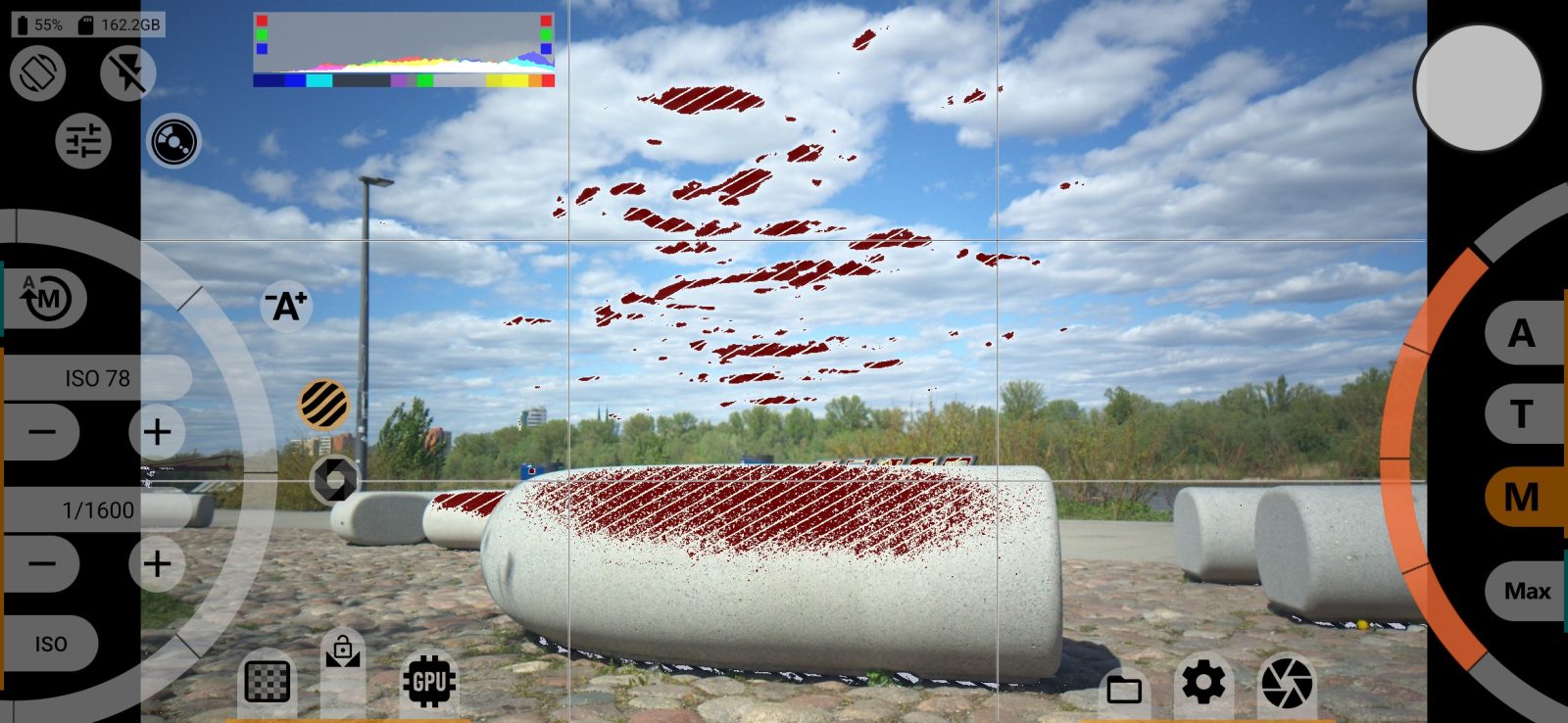
5Zebra
Shows stripes over areas that are too bright or too dark. Tap again to remove them. The thresholds are set in the VIEWFINDER SETTINGS menu. Turning zebra on turns False Color off.
67ISO down and up
- lowers ISO by 1/3 stop;
- raises ISO by 1/3 stop.
The limits come from the camera.
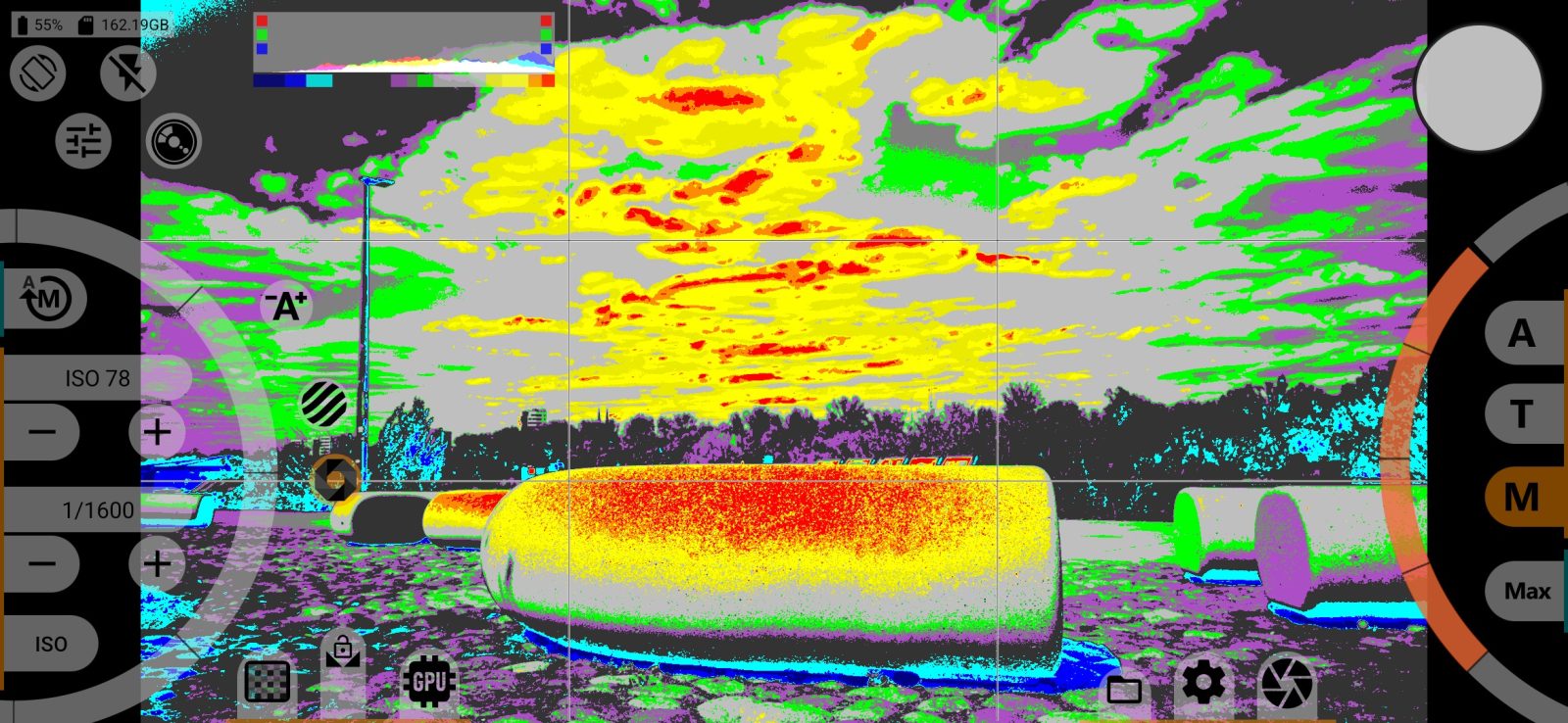
8False Color
Colours the picture by brightness, so that you can judge exposure across the whole frame at once. Tap again to turn it off.
9Shutter speed
Shows the shutter speed: 1/1250, 1/60, 0.3", 2". The scale moves in steps of 1/3 stop from 1/8000 to 30 seconds; the end of the scale is set by the camera. Unlike in video, the frame rate does not affect the shutter speed.
1011Shorter and longer shutter
- 1/3 stop shorter: the frame gets darker;
- 1/3 stop longer: the frame gets brighter.
12Wheel mode
The button labeled ISO, SS or EV selects what the wheel changes:
- ISO: sensitivity;
- SS: shutter speed, in steps of 1/3 stop;
- EV: shutter speed and ISO together. The frame gets darker or brighter, and the app divides the change between the two.
The button is highlighted while SS or EV is selected.
Viewfinder LUT
The button appears when a viewfinder LUT is selected and the current curve allows it. Tap it to change how the LUT is shown in the viewfinder. The LUT does not affect the photo.