
In the program: Color
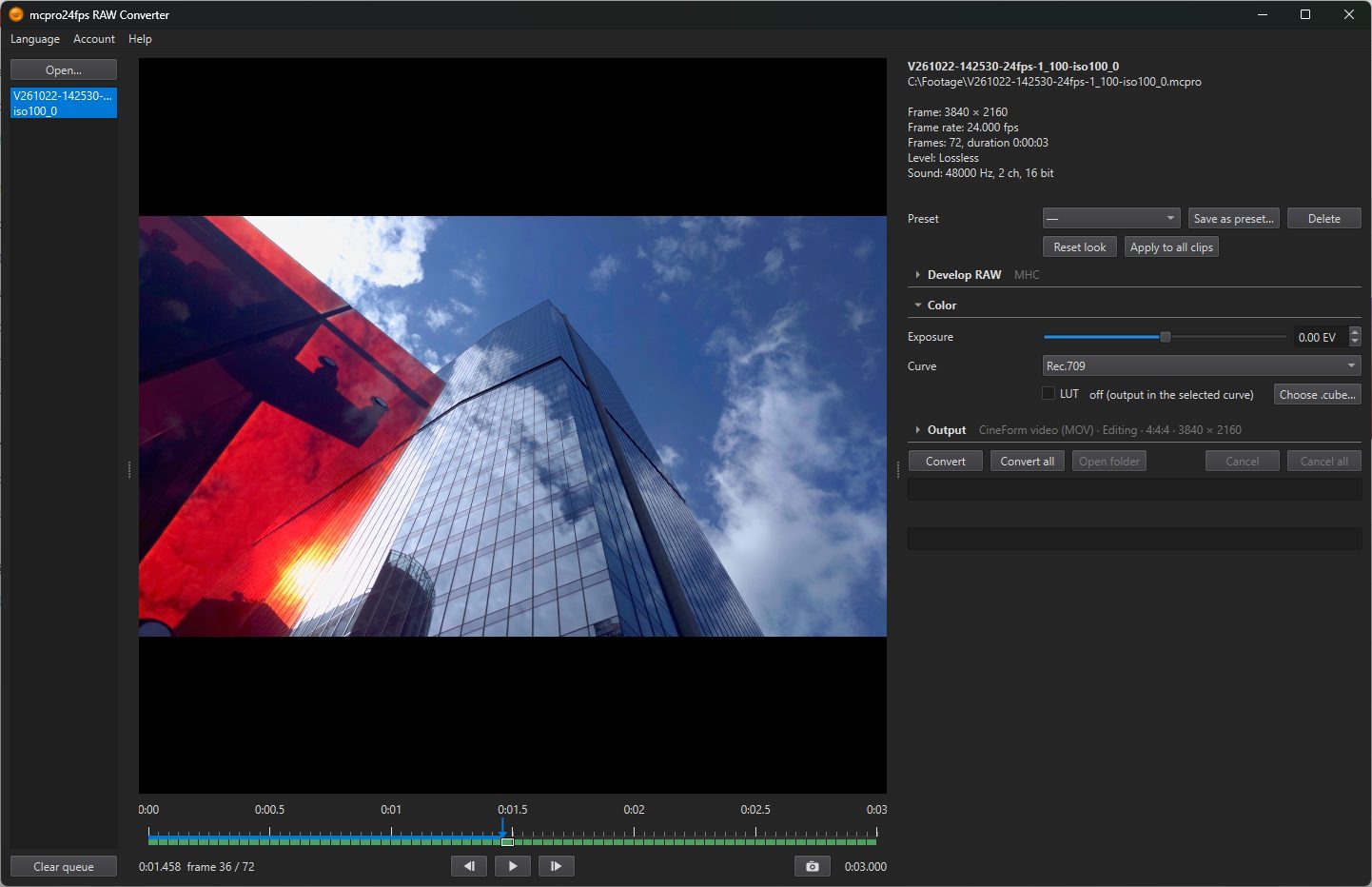
Color turns the developed image into the picture that is written to the file. Here you set how bright it is, whether it is SDR or HDR, which curve it is written in, and your LUT on top.
1Exposure
Brightens or darkens the picture, from −4 to +4 EV in steps of 0.01. Double-click the slider to return to 0. Default: 0 EV.
Profile
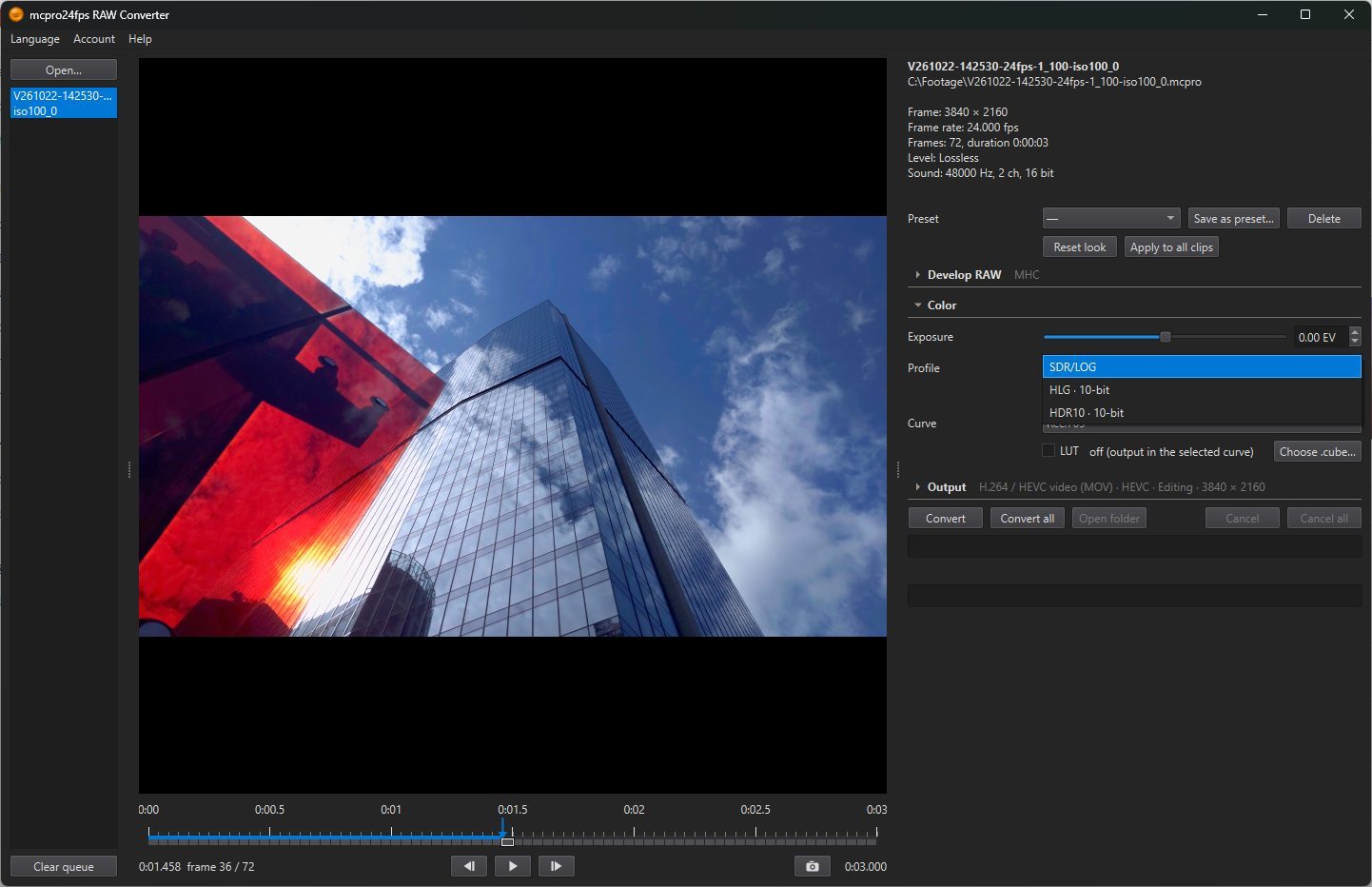
Only for H.264 / HEVC video (MOV): CineForm is always SDR.
- SDR/LOG: an ordinary picture in the curve chosen in the Curve row (Rec.709 or a log curve), or the result of your LUT. The line under the row shows which one is applied: Curve: … or LUT: …. Default.
- HLG · 10-bit: HDR for televisions, phones and YouTube.
- HDR10 · 10-bit: HDR in the PQ curve, with a peak brightness you set below.
Only HEVC · 10-bit can write HDR, so with HLG or HDR10 chosen the 8-bit codecs are greyed out. The Curve row is not used in HDR.
HDR in the preview
If HDR is turned on for the monitor in Windows, the preview shows the HDR picture, and the line under the row says HDR preview, monitor peak …. If not, the preview shows the raw HLG or PQ signal, which looks flat and grey, with The monitor is not in HDR mode: the signal is shown as is. The file is correct either way.
Peak brightness
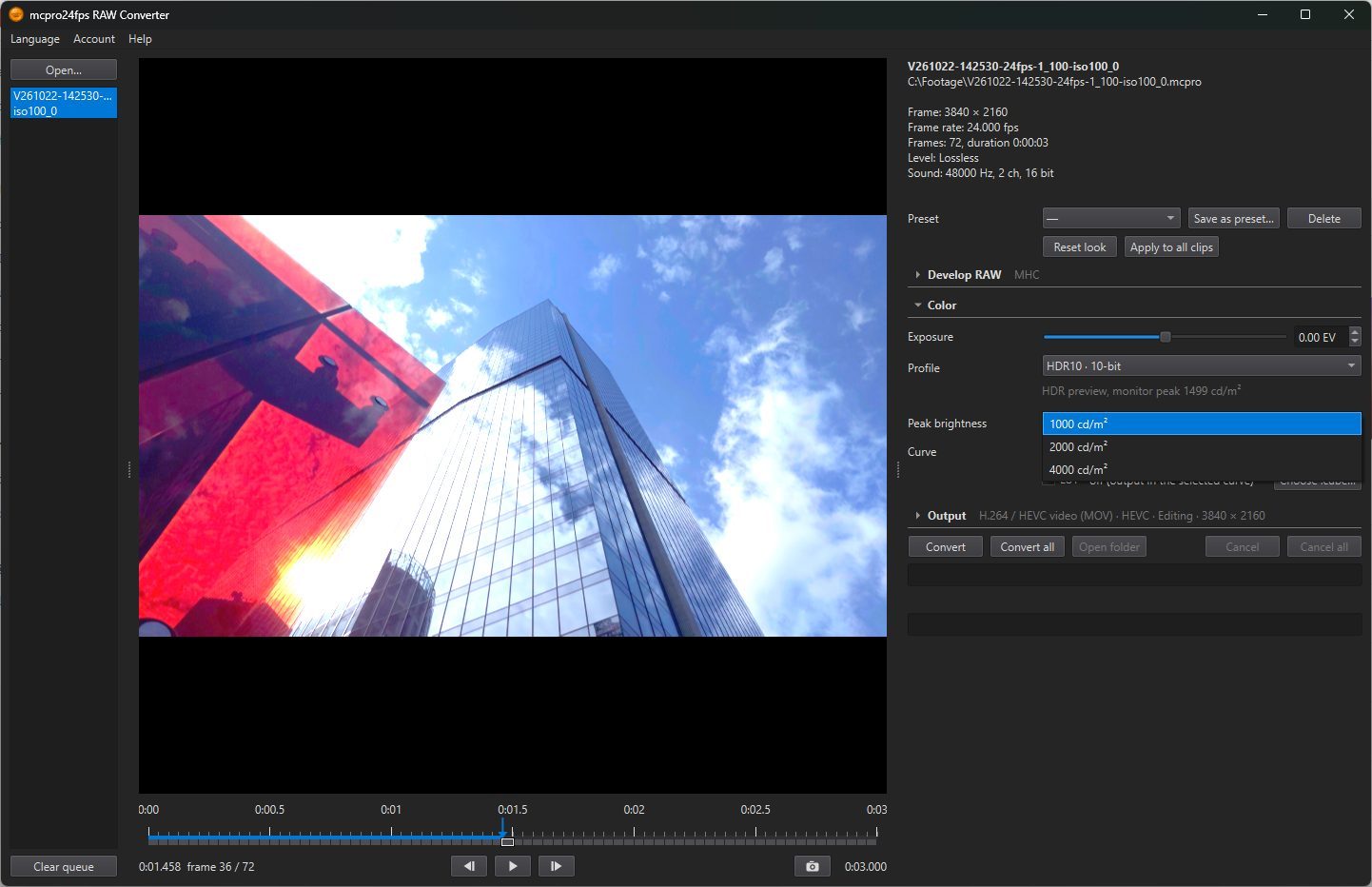
For HDR10 only: 1000, 2000 or 4000 cd/m². This is the brightest level the picture is graded for. It is written into the file, and the screen that plays it uses the number to fit the picture to its own brightness. Default: 1000 cd/m².
2Curve
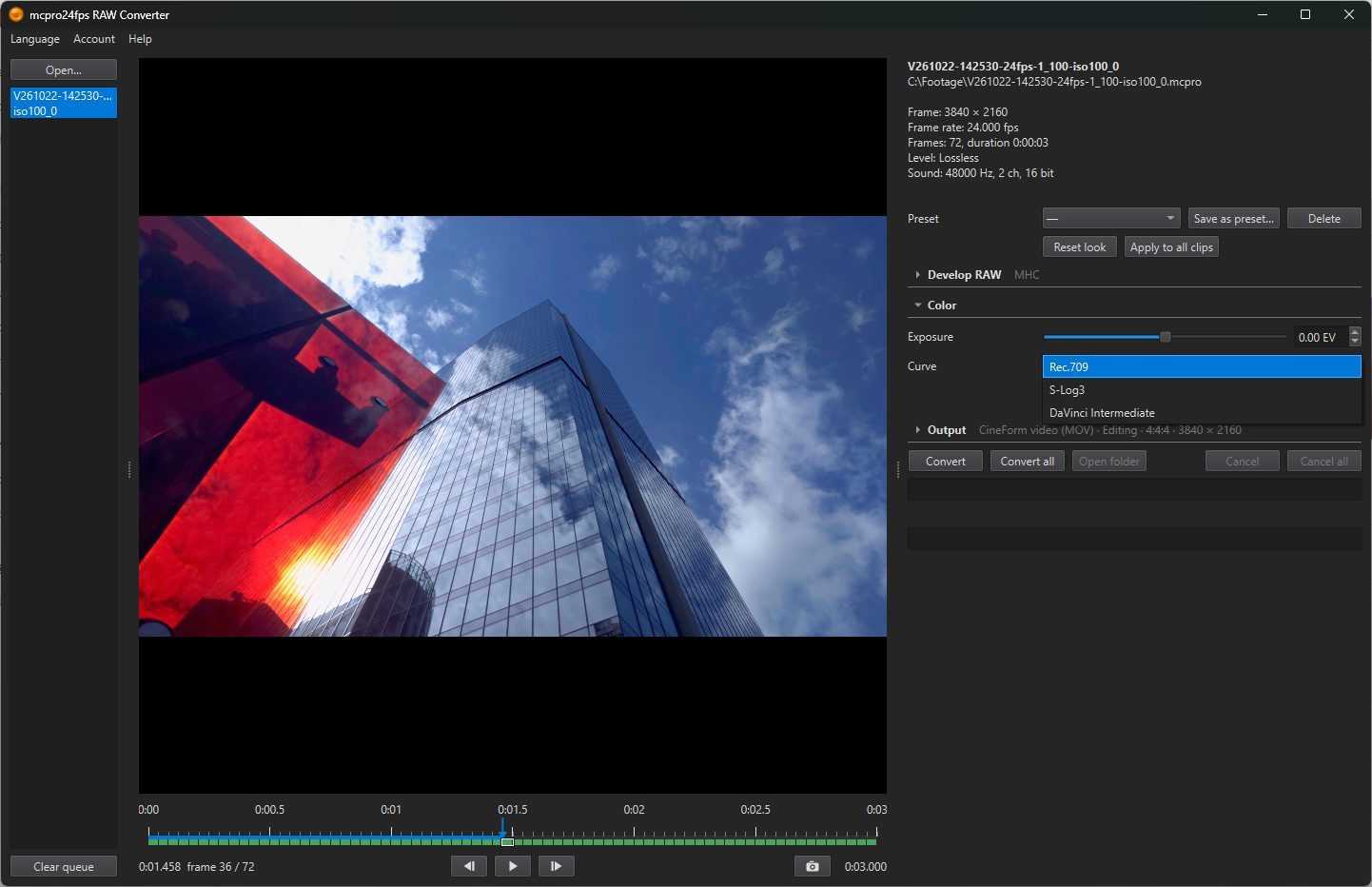
The curve of the file when there is no LUT:
- Rec.709: a finished picture, ready to watch. Default.
- S-Log3 and DaVinci Intermediate: log curves. The picture looks flat, but it keeps the full brightness range of the sensor for grading. Editing programs know these curves by name and convert them themselves, for example DaVinci Resolve with Color Space Transform.
With a LUT chosen, the row is unavailable.
3LUT
Your own LUT in the .cube format, applied on top of the picture. Choose .cube… picks the file, and the row then shows its name. Without a LUT the row says off (output in the selected curve).
- In SDR the LUT gets the Rec.709 picture. Use a creative LUT made for Rec.709, not one that converts from log.
- In HLG and HDR10 the LUT is applied to the HDR signal, so it has to be made for that signal.
The LUT is not applied to a CinemaDNG sequence.