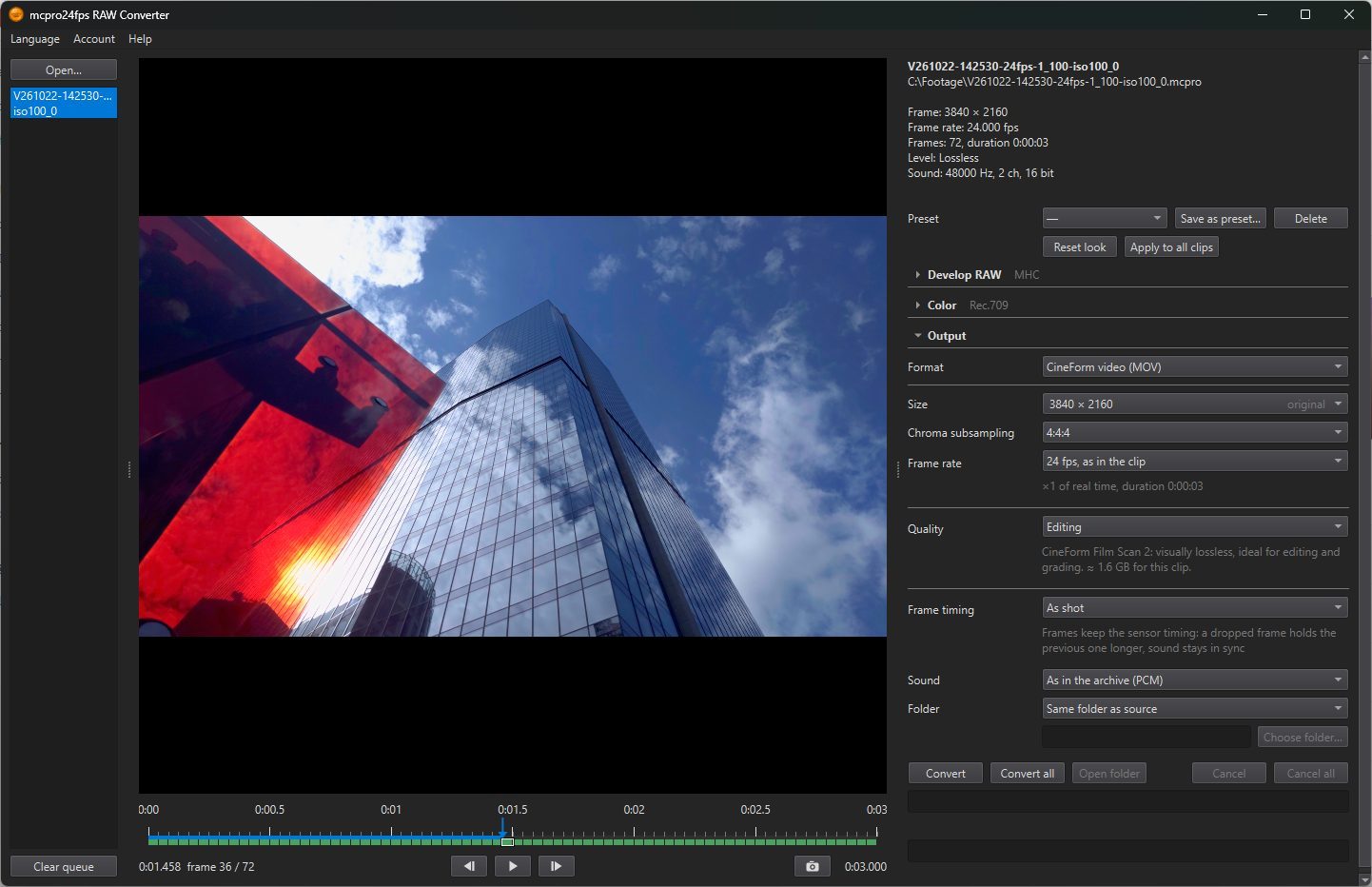
In the program: Output
Output decides what file you get. These settings are shared by all clips in the list and are remembered between launches. The exception is the frame rate, which starts from the clip's own rate every time.
Which rows you see depends on the format. They fall into four parts: the format, the frame (size, rate), the encoding (codec, quality) and the file (timing, sound, folder).
1Format
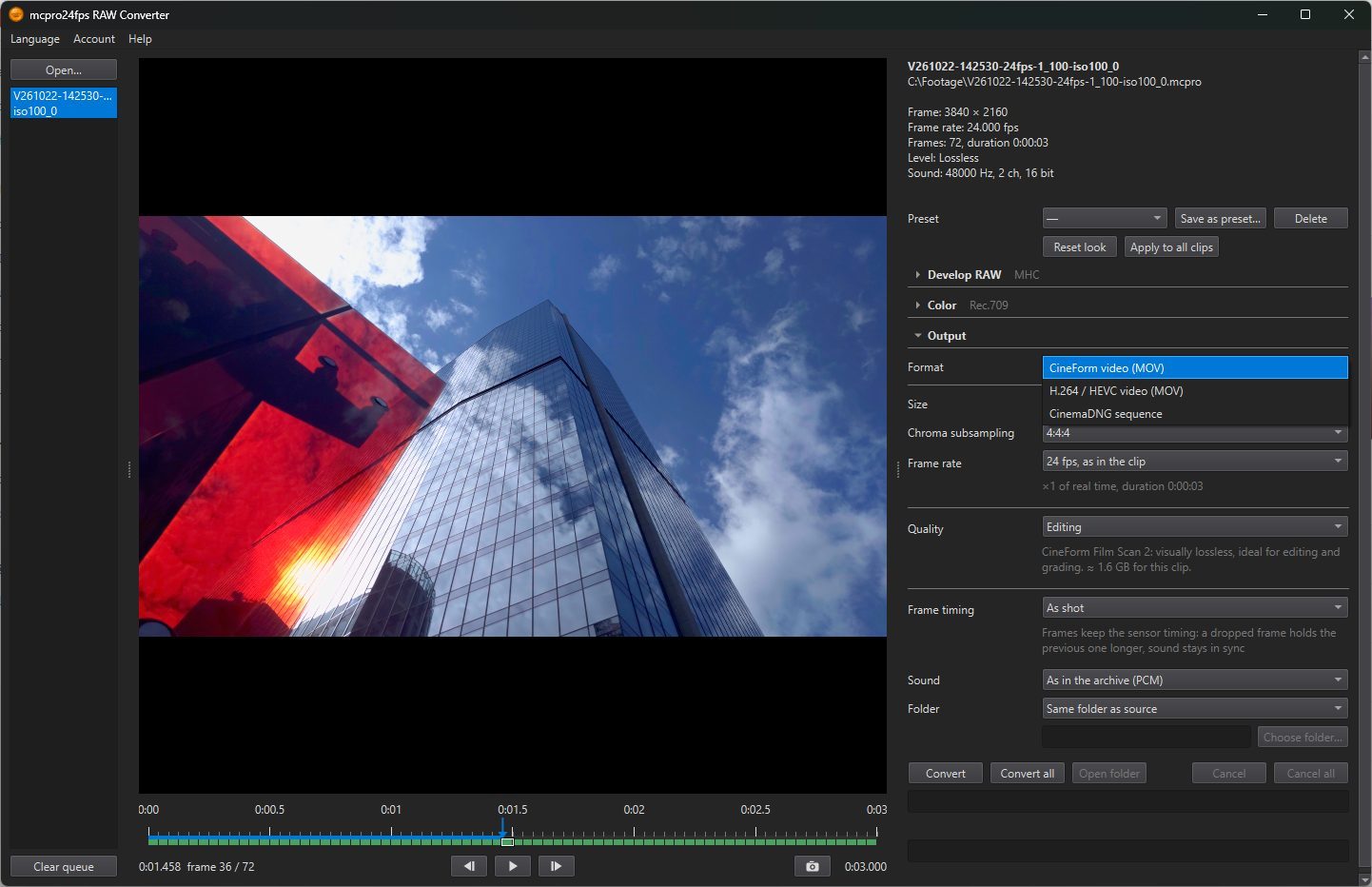
- CineForm video (MOV): a codec made for editing and grading. It decodes quickly while you edit, loses very little, and is 10-bit or more, but the files are large. It opens in DaVinci Resolve, Premiere Pro and most other editing programs.
- H.264 / HEVC video (MOV): compressed by the graphics card. The files are smaller, HEVC can be HDR (HLG and HDR10), and NVIDIA cards can also write a file with no loss. Use it for delivery, for uploading, and for programs that do not open CineForm.
- CinemaDNG sequence: a folder of DNG frames with the sound in a WAV file, the raw data as recorded. The look is not applied, and the size and rate stay as in the clip. The only setting is Folder. Use it for programs that develop RAW themselves, and for archiving.
For CineForm, the estimated file size for the selected clip is shown under Quality.