
In the program: Develop RAW
Develop RAW covers what happens to the raw sensor data before it becomes a color picture. The rows are in the order of processing.
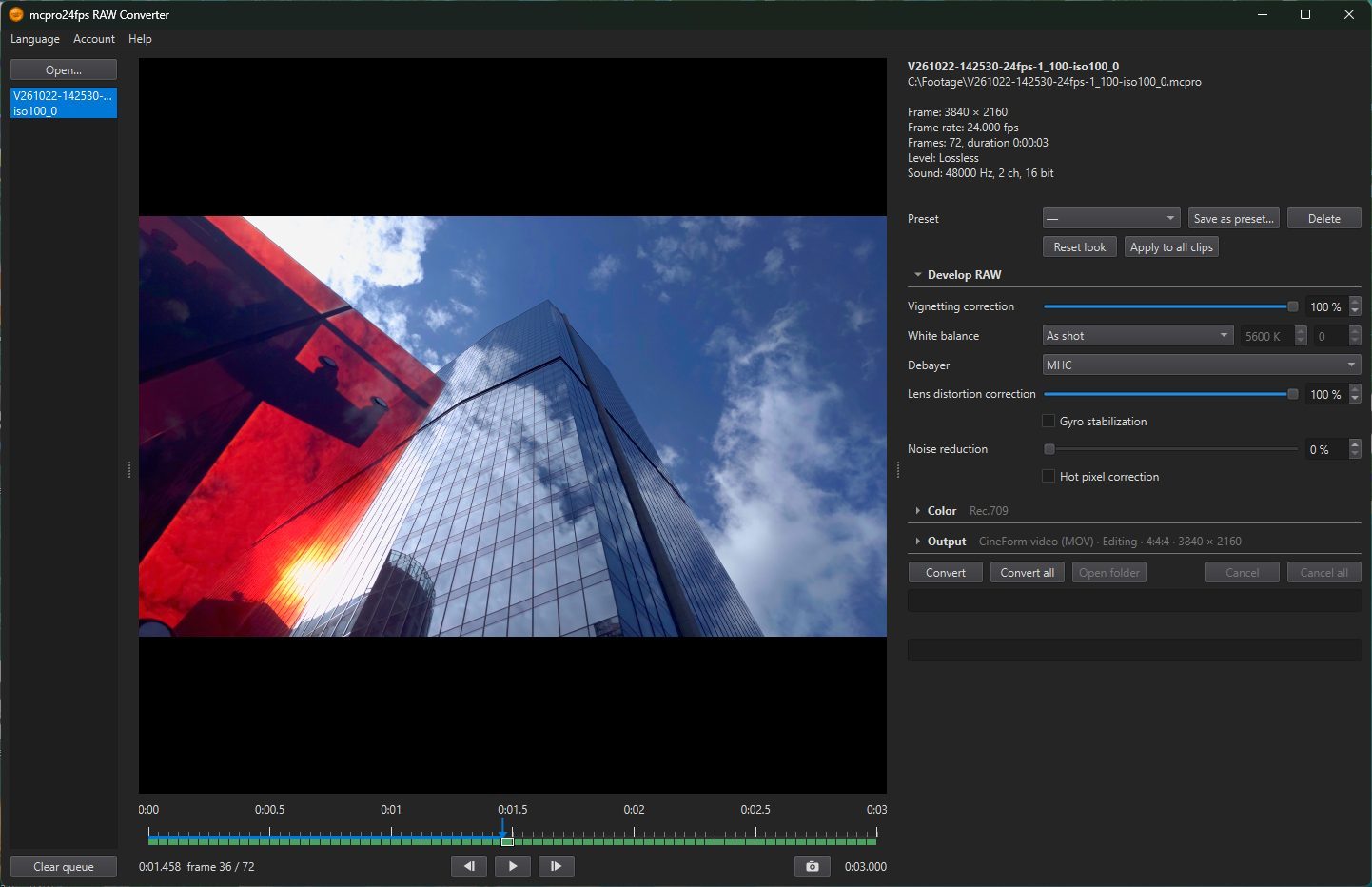
1Vignetting correction
How strongly to brighten the dark corners of the frame, from 0 to 100 %. The correction comes from the phone itself: it is recorded in the clip for that camera and lens. 100 % is the full correction, as the player in the app shows it. Lower it to keep some of the natural darkening. Default: 100 %.
2White balance
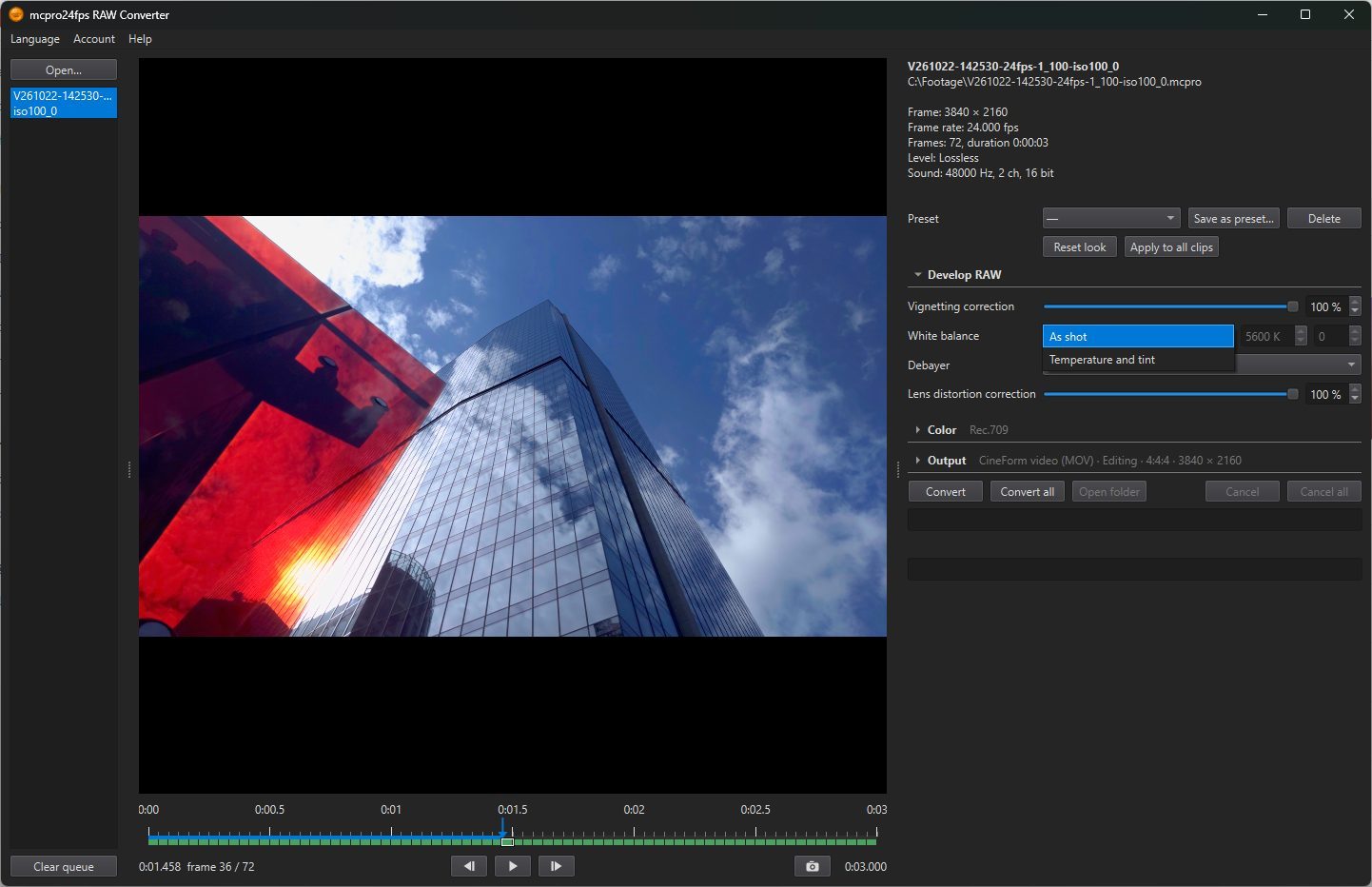
- As shot: the white balance the phone used for each frame. Default.
- Temperature and tint: your own values. Temperature goes from 2000 to 15000 K, tint from −150 to 150.
White balance is applied to the raw data, so you can change it as much as you like without losing quality, just as on the phone.
3Debayer
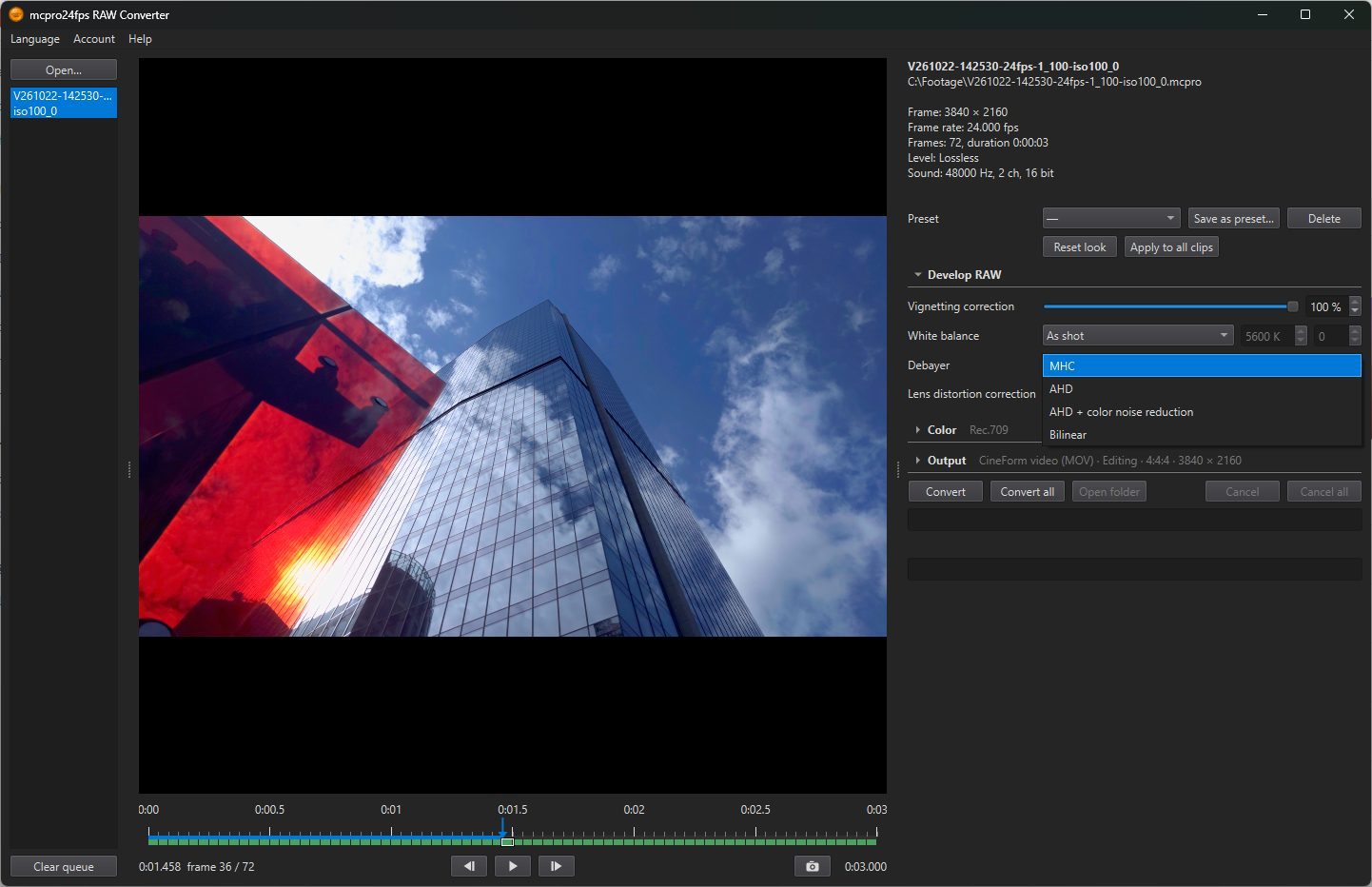
The sensor sees each pixel through a red, green or blue filter. Debayering rebuilds the full color picture from this mosaic. The methods differ in sharpness and speed.
- MHC: sharp and fast. Default.
- AHD: cleaner on fine detail and edges, but slower.
- AHD + color noise reduction: AHD plus extra cleanup of color noise, for footage shot at high ISO.
- Bilinear: the fastest and the softest.
The row is hidden for a CinemaDNG sequence: there, the program that opens the DNG does the debayering.
4Lens distortion correction
How strongly to straighten lines bent by the lens, from 0 to 100 %. As with vignetting, the phone records the correction for its lens. Default: 100 %. At 0 % the picture keeps the lens's natural distortion.
5Gyro stabilization
Steadies the picture using the gyroscope readings saved with the clip, without Gyroflow. The clip needs gyro data: in the app, turn on Gyroscopic data in the codec settings before shooting. Default: off.
To hide the shake, the frame is cropped at the edges and enlarged back to full size. The crop is the same for the whole clip and never more than 20 %; under the checkbox you see how much this clip needs (Crop … %). If the shake is too strong for 20 %, the picture follows the camera more closely instead of being cropped further. The skew of fast pans (rolling shutter) is corrected too. The preview shows the steadied picture.
If optical stabilization was on during recording, the lens has already taken out the small shake, and the converter only levels the tilt around the lens axis. Without it, the converter corrects all the movement itself.
With stabilization on, the Downscale filter row is hidden: a smaller frame is always made the Softer way.
Under the checkbox you may also see why stabilization doesn't work:
- Off for this clip: no gyro data: the clip is converted without stabilization.
- Stabilization needs a graphics card with OpenGL 4.3: the checkbox is unavailable on this computer.