
In the program: Output
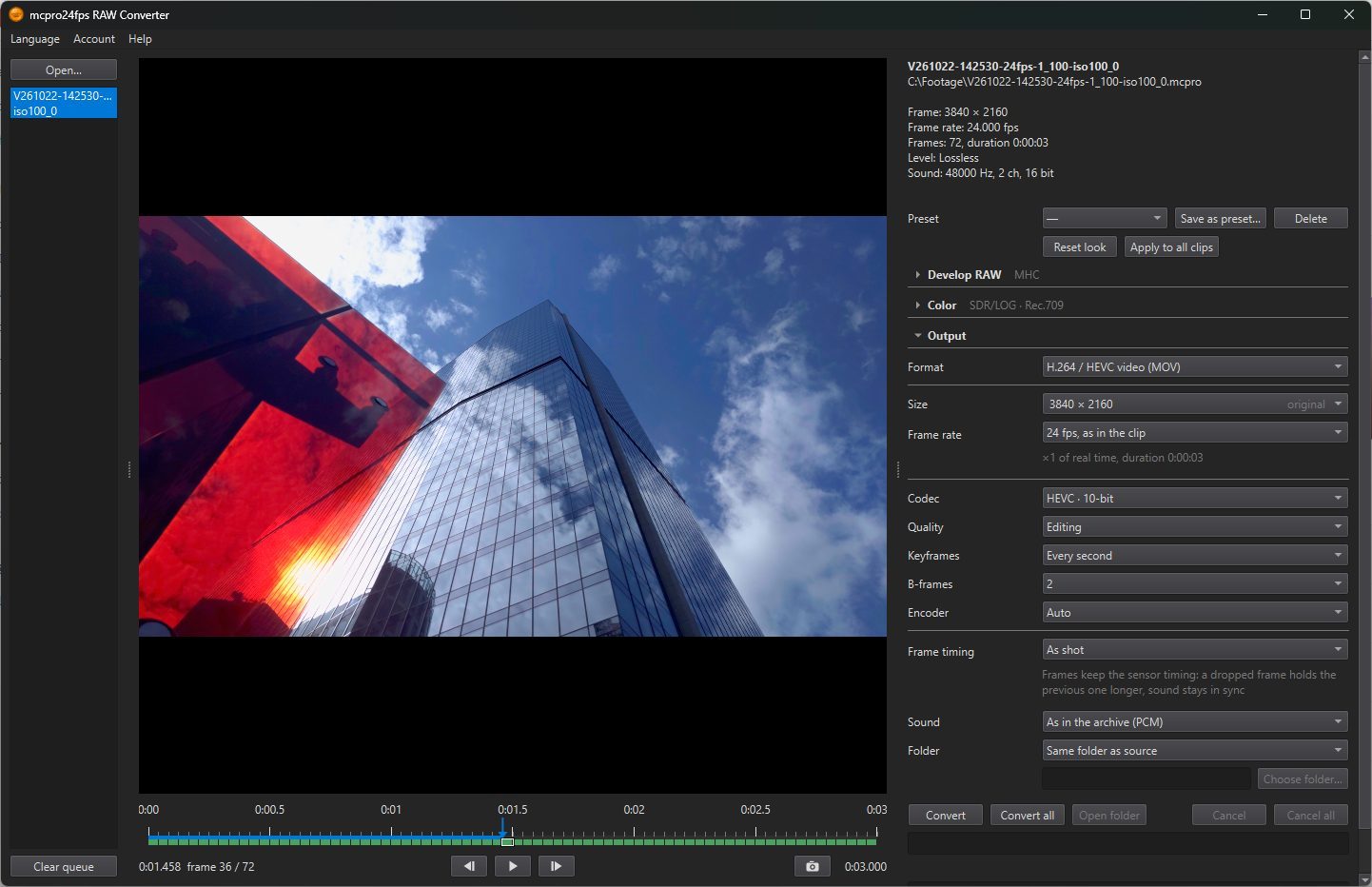
CineForm
2Quality
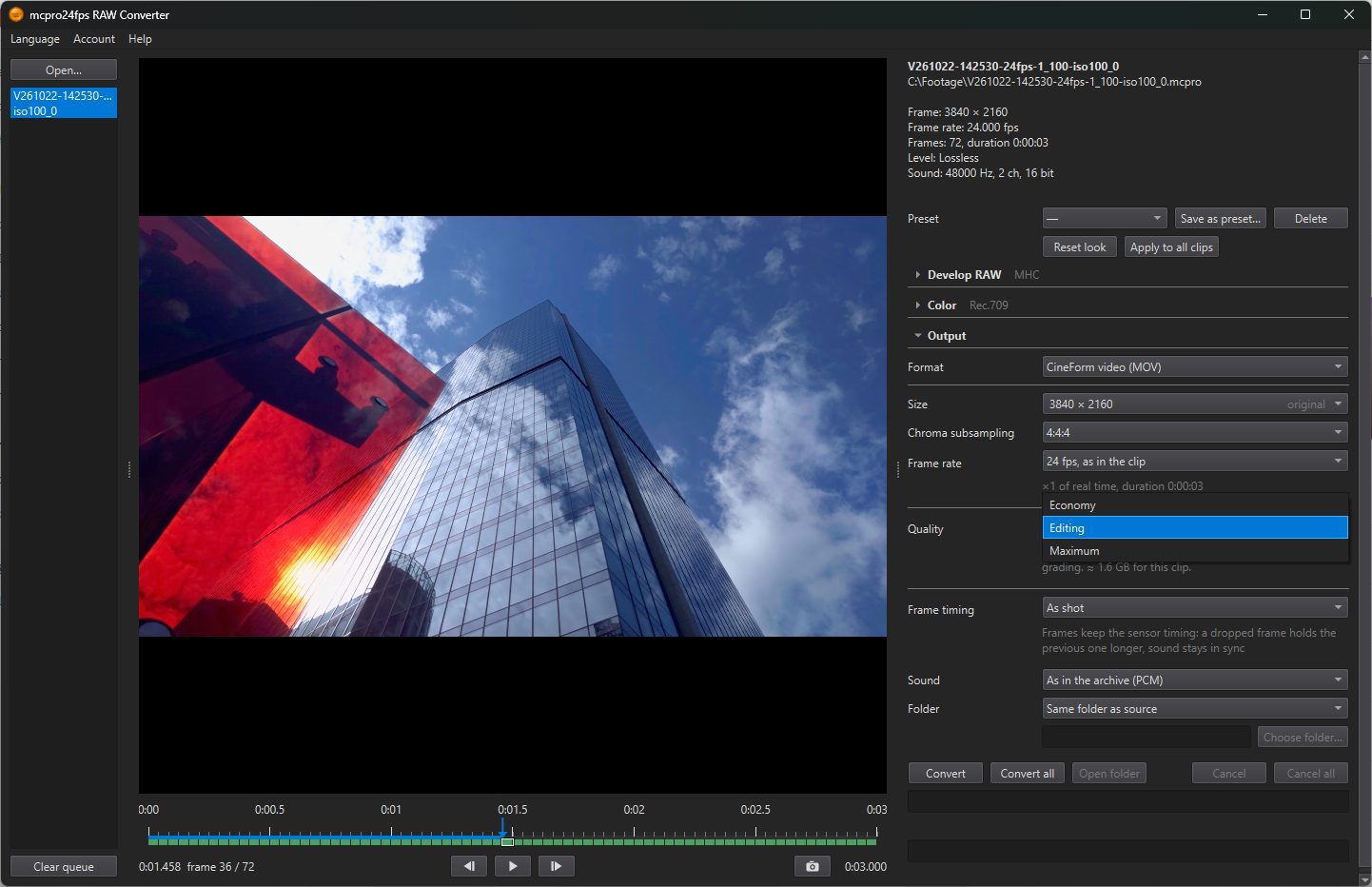
- Economy: CineForm Film Scan 1: smallest file size, ideal for previews and drafts.
- Editing: CineForm Film Scan 2: visually lossless, ideal for editing and grading. Default.
- Maximum: CineForm Film Scan 3: highest quality, ideal for heavy grading and VFX.
Under the row, the program estimates the file size for the selected clip: ≈ … for this clip.
H.264 and HEVC
The file is encoded by the graphics hardware: NVIDIA, AMD or Intel, whichever the computer has.
1Codec
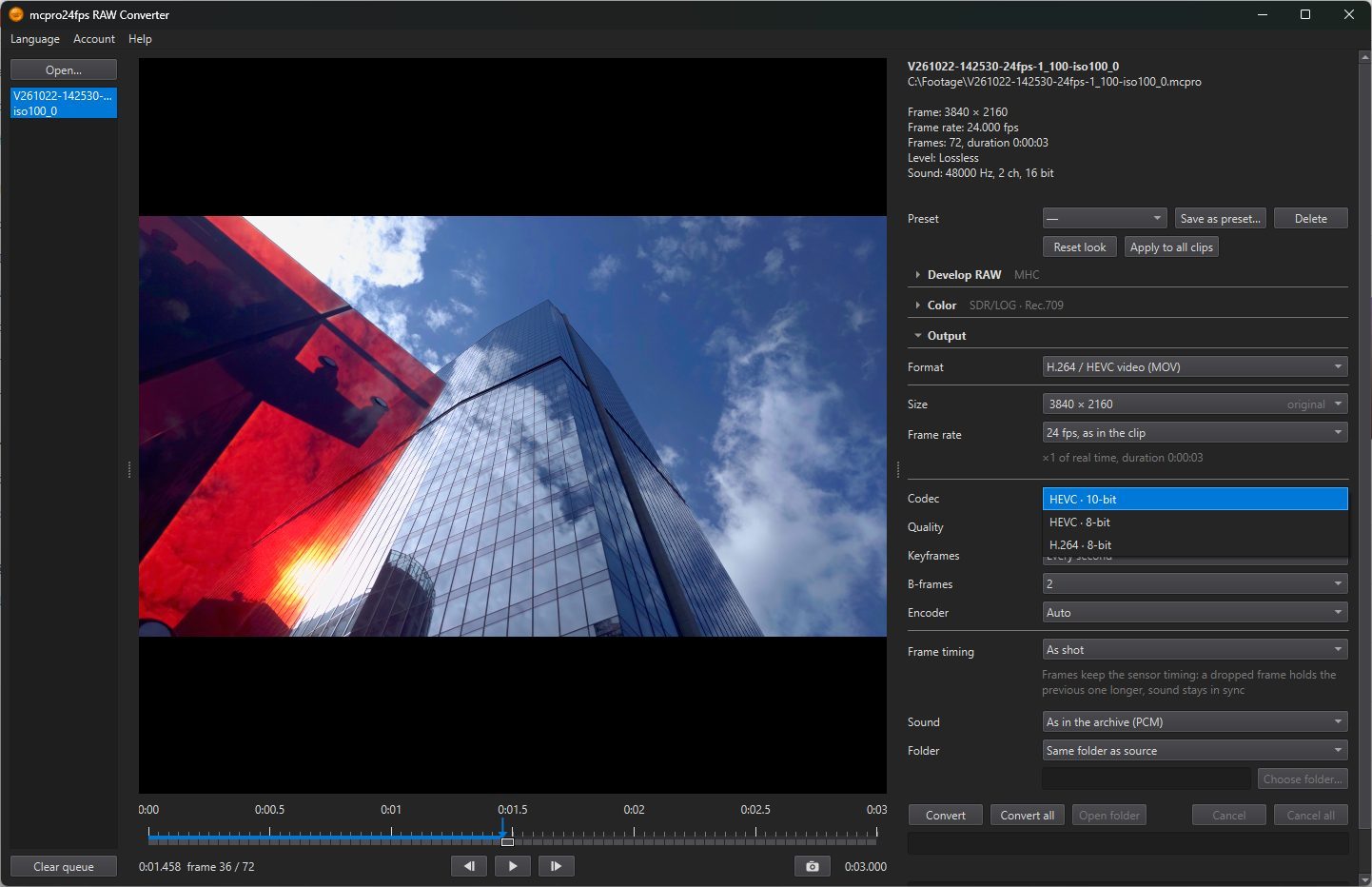
- HEVC · 10-bit: the only codec that writes HDR. Default.
- HEVC · 8-bit: for players and programs that do not take 10-bit HEVC. SDR only.
- H.264 · 8-bit: plays everywhere, but the file is larger at the same quality. SDR only.
With HLG or HDR10 chosen in Profile, the 8-bit codecs are greyed out.
Quality
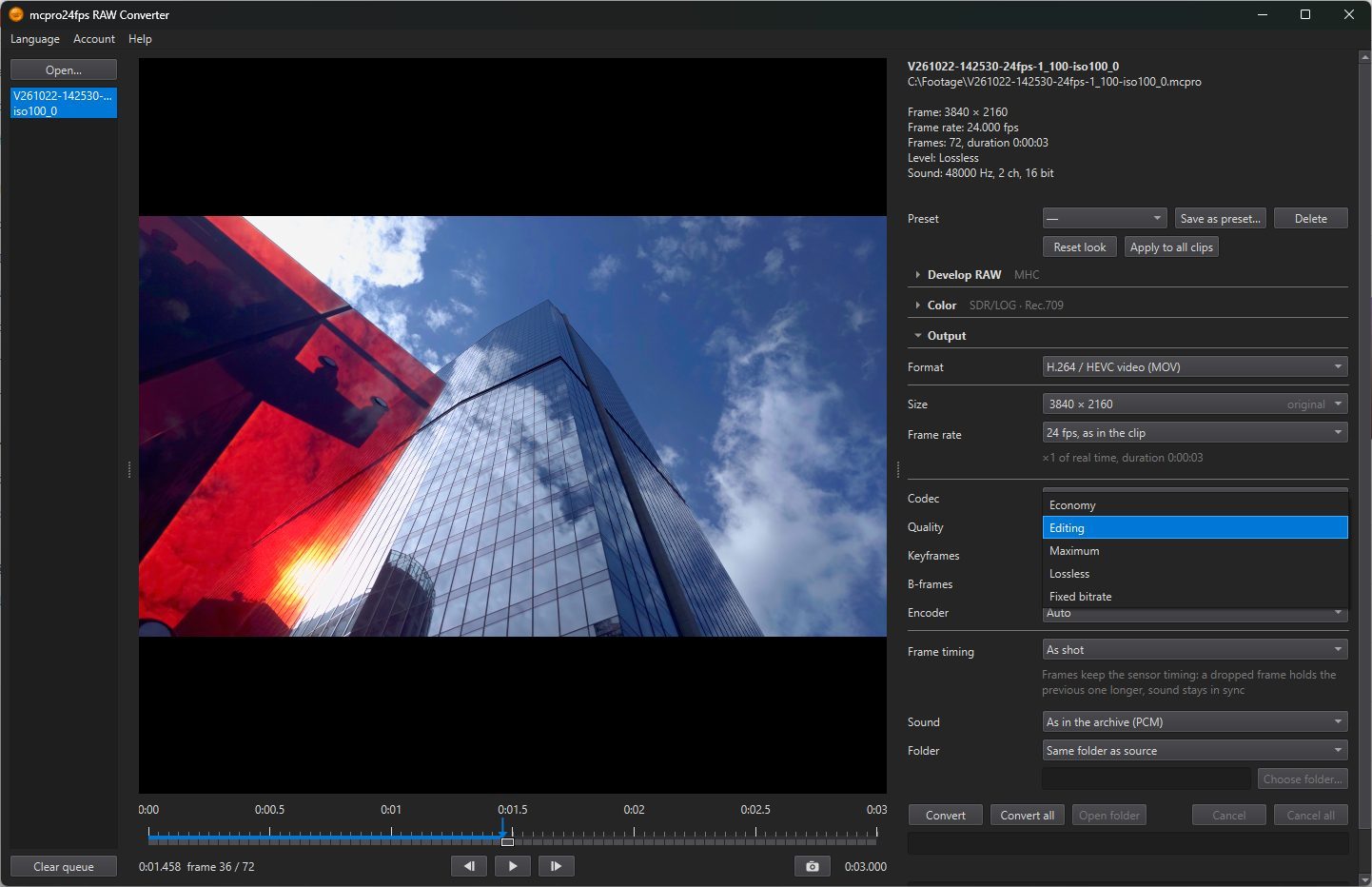
- Economy, Editing, Maximum: the encoder holds the chosen quality and gives each frame as much data as it needs, so the file size depends on the picture. Default: Editing.
- Lossless: every frame is stored exactly, with no loss at all. The file is very large. It is meant for processing in other programs (upscaling, noise reduction) before the final export. Only on computers with an NVIDIA graphics card; on others the item is not shown.
- Fixed bitrate: you set the bitrate yourself in the Bitrate row, from 1 to 800 Mbps. Default: 100 Mbps.
3Keyframes
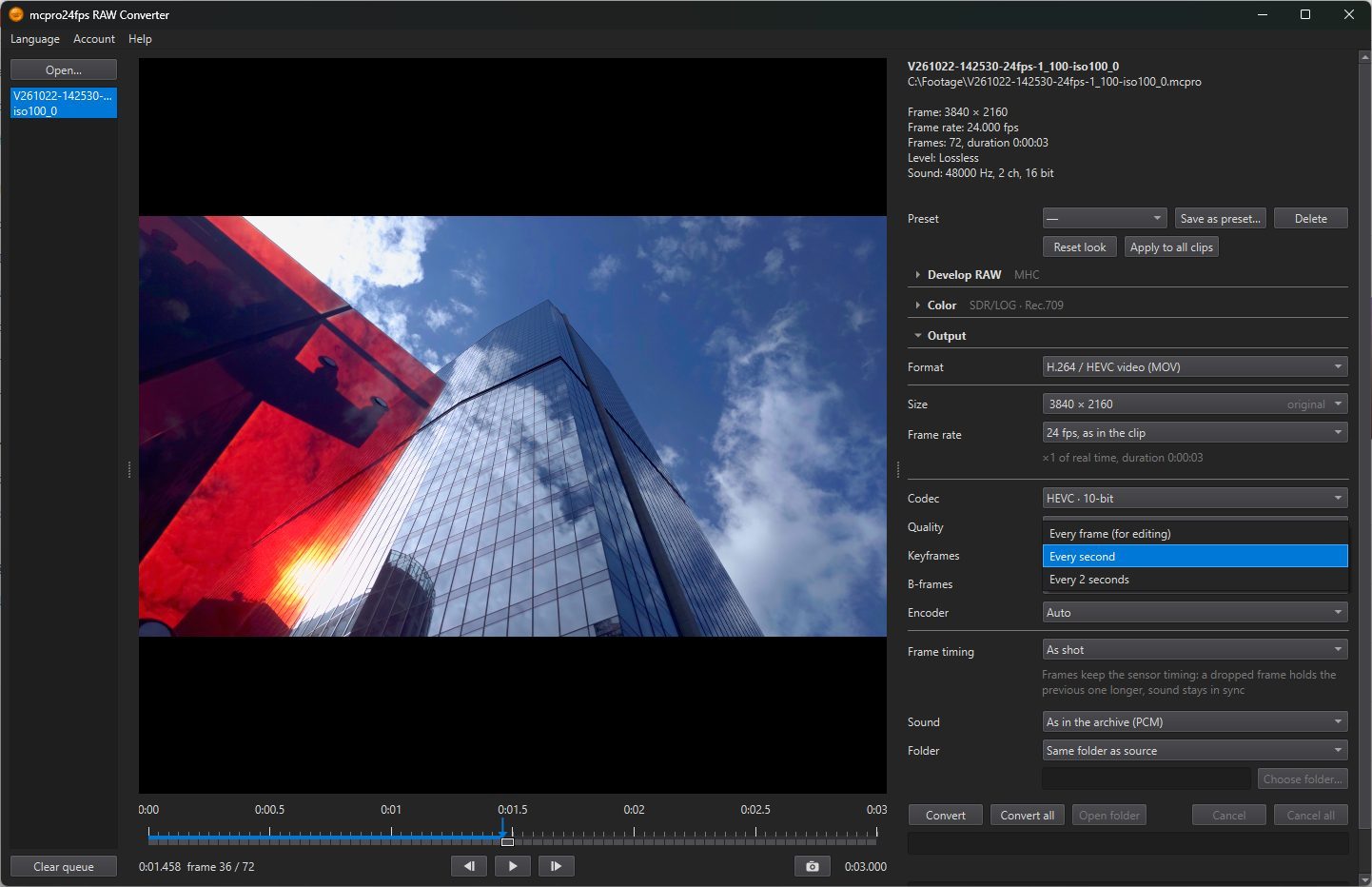
How often a complete frame, a keyframe, is written. The frames in between store only what changed since the frame before.
- Every frame (for editing): every frame is a keyframe. Editing programs move through and cut such a file most easily, but it is the largest.
- Every second: default.
- Every 2 seconds: the smallest file.
4B-frames
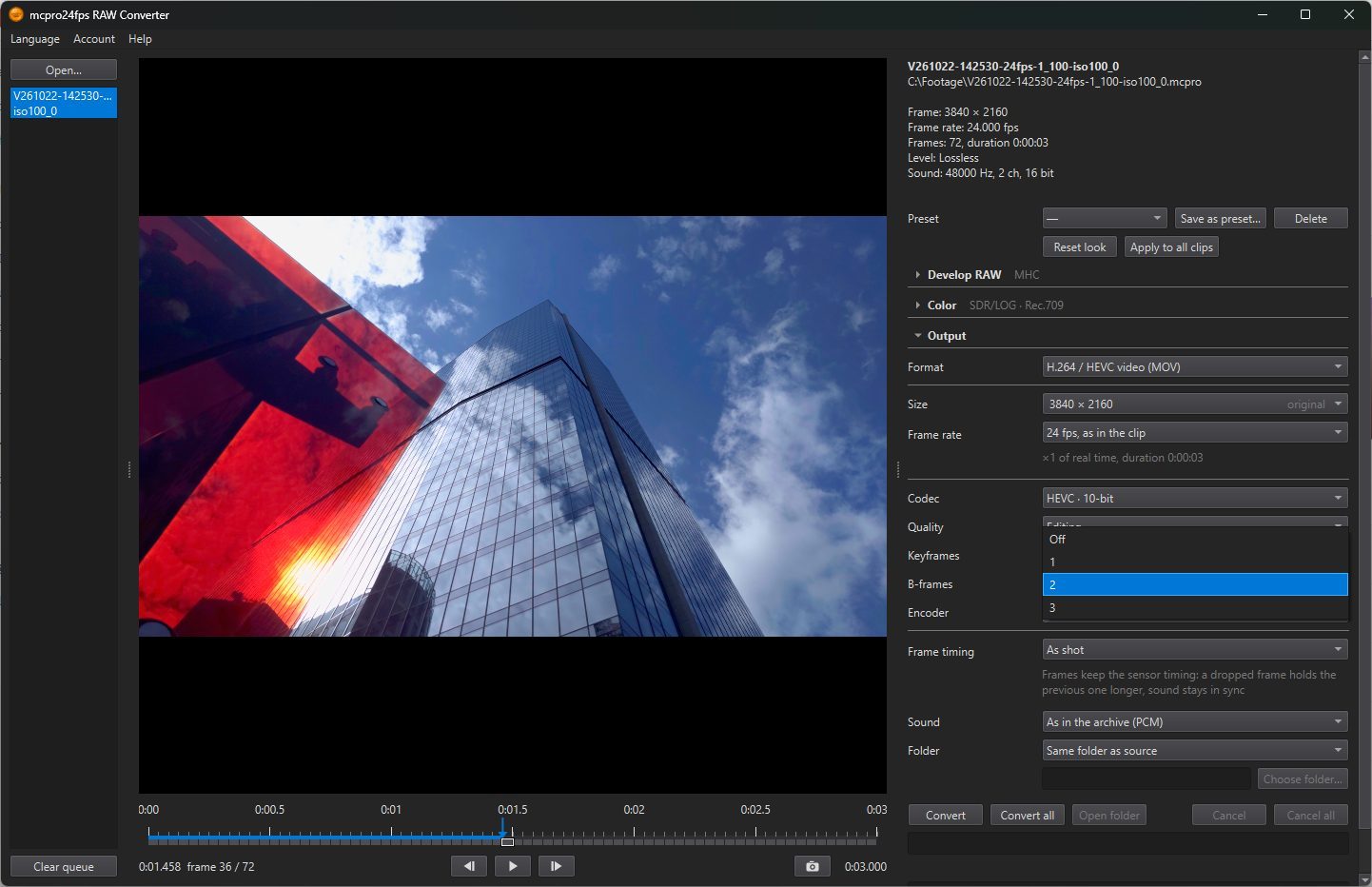
B-frames are in-between frames that borrow picture from the frames both before and after them. They make the file smaller. Choose how many come in a row: Off, 1, 2 or 3. Default: 2. With Every frame (for editing) there are none, and the row is unavailable.
5Encoder
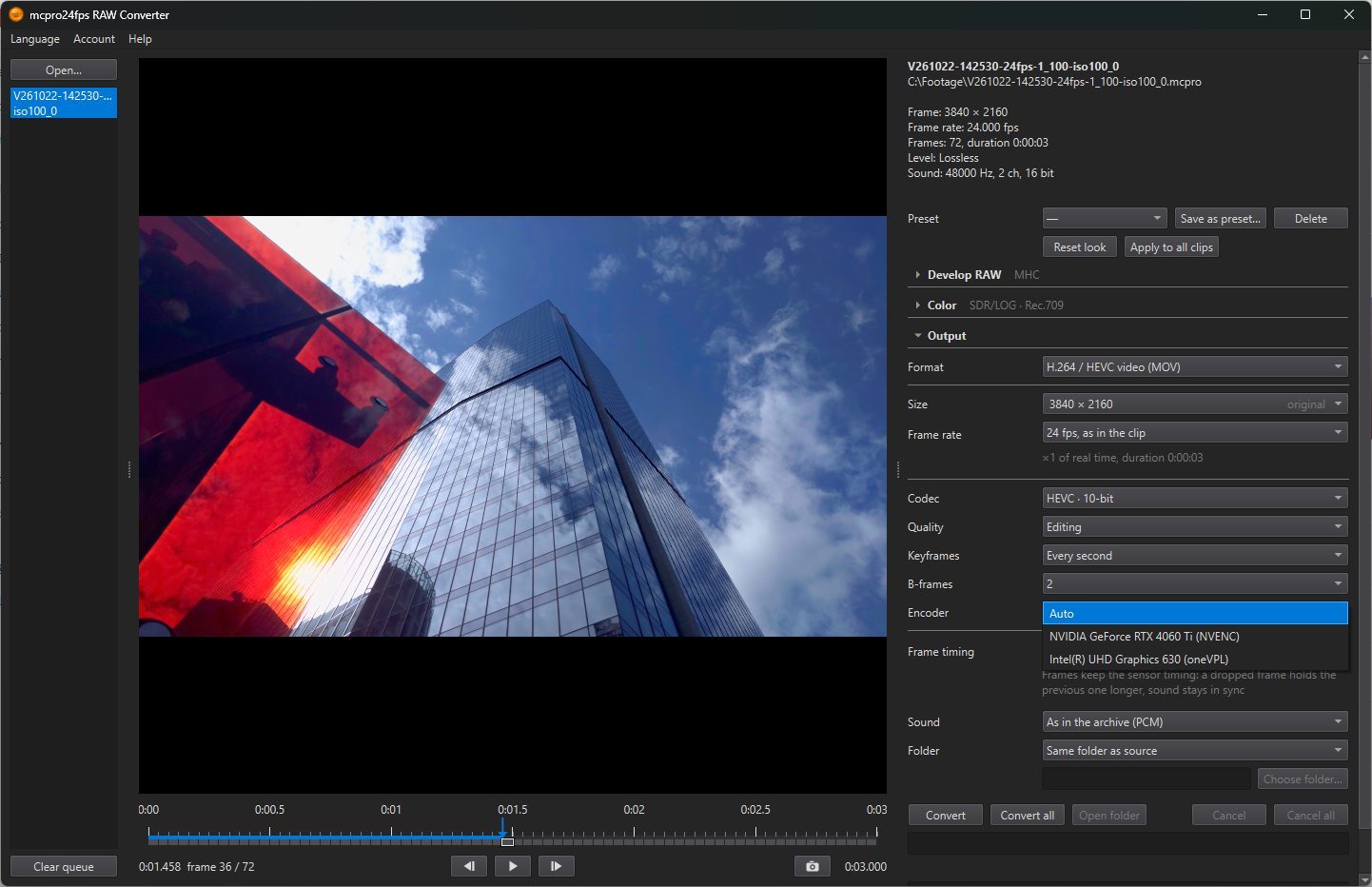
Appears when the computer has more than one hardware encoder, for example an NVIDIA card and Intel graphics in the processor. The list always shows all of them. An encoder that cannot do what is chosen above (the codec, 10-bit, HDR, lossless) is greyed out.
Auto: the program picks one for you, NVIDIA first, then AMD, then Intel. Default.