
In the program: Output
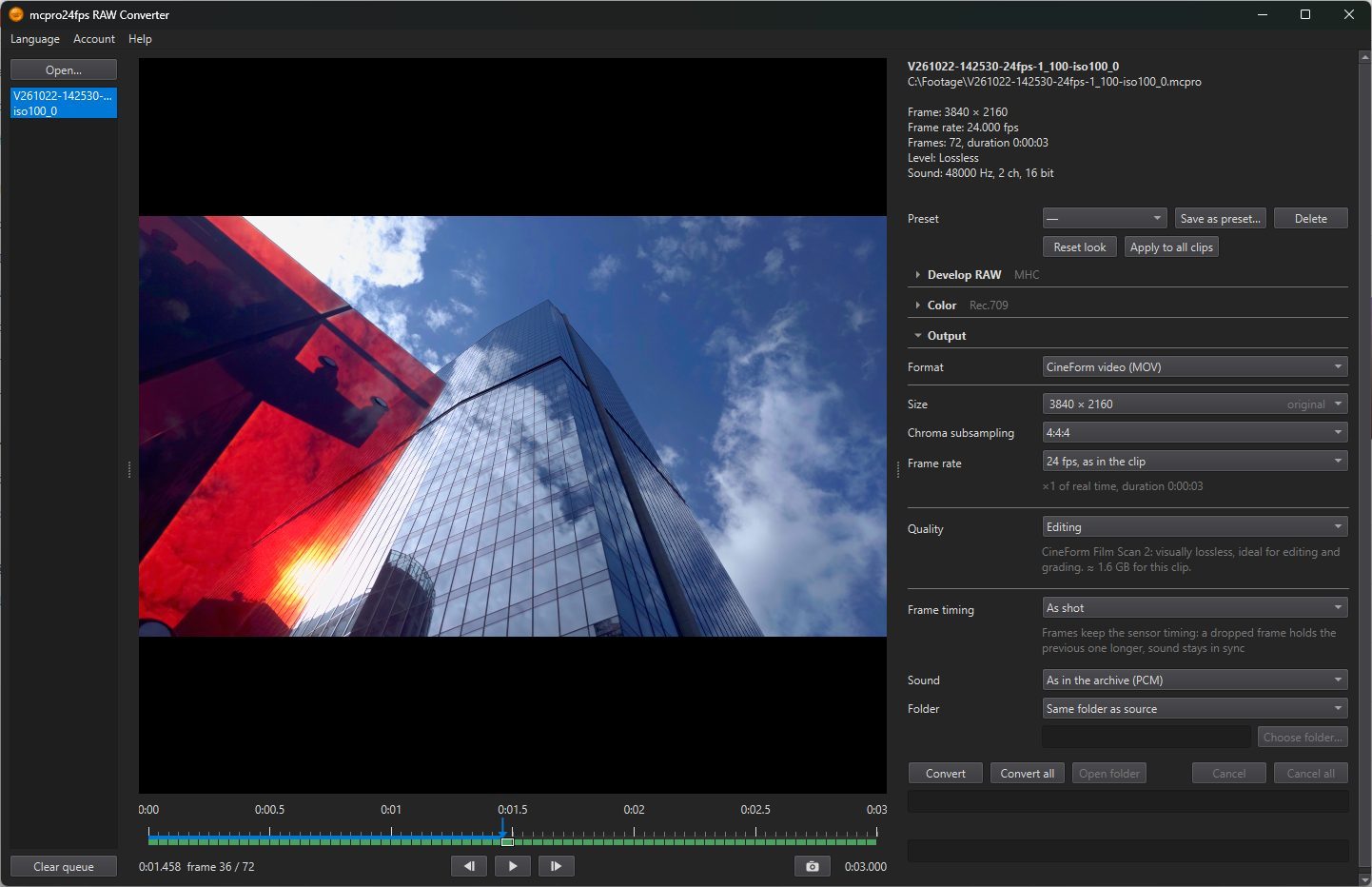
1Frame timing
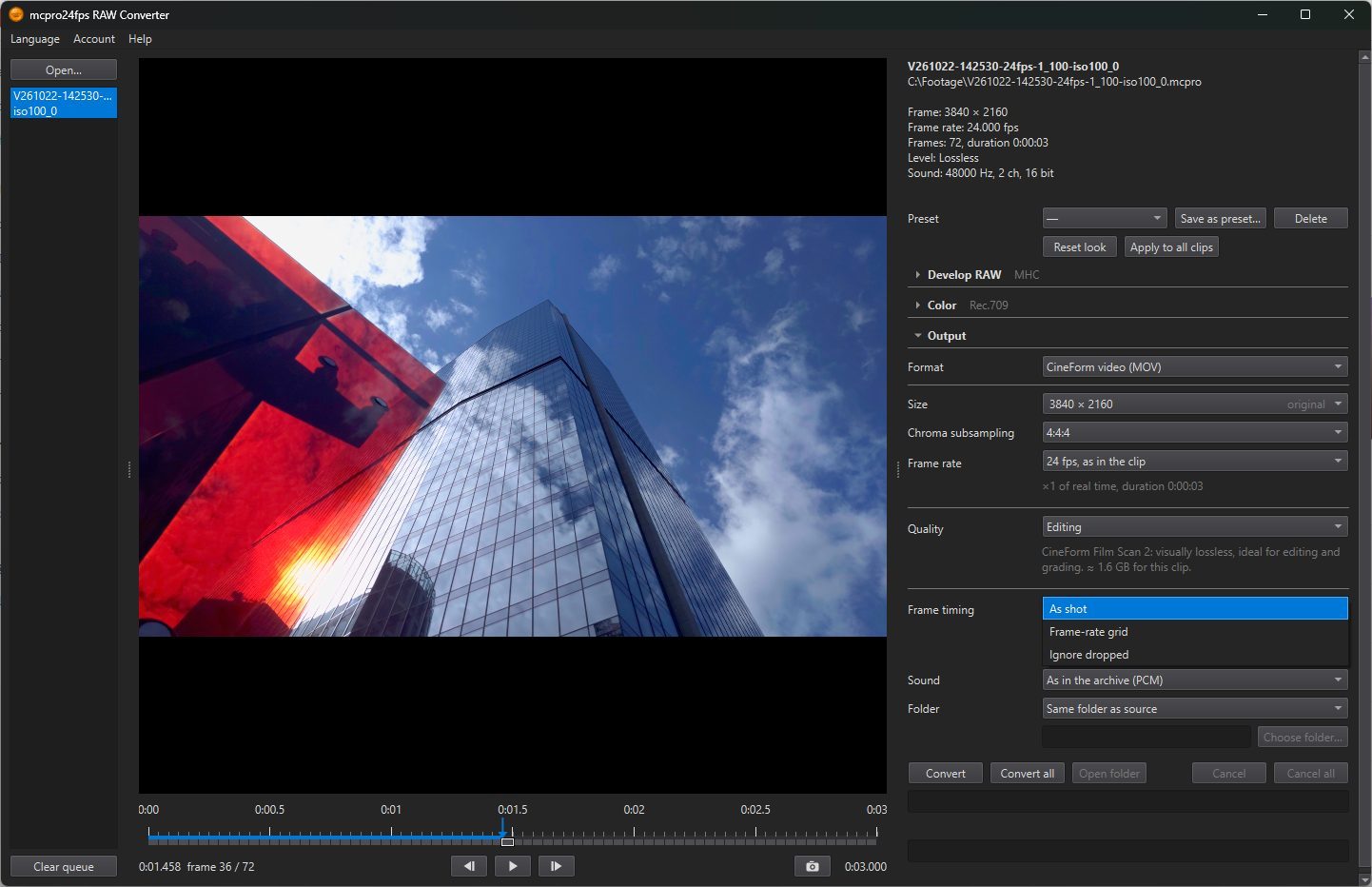
How the frames are placed in time. This matters when the phone dropped frames during recording (they are red on the frame status bar). The line under the row explains each choice.
- As shot: Frames keep the sensor timing: a dropped frame holds the previous one longer, sound stays in sync. The frames in the file are not evenly spaced (a variable frame rate). Default.
- Frame-rate grid: Even frame rate: dropped frames are repeated; on long clips sound may drift. For editing programs that do not cope well with unevenly spaced frames.
- Ignore dropped: Frames back to back, no repeats or gaps: sound drifts by the dropped frames. Use it when the picture is what matters and the sound was recorded separately.
2Sound
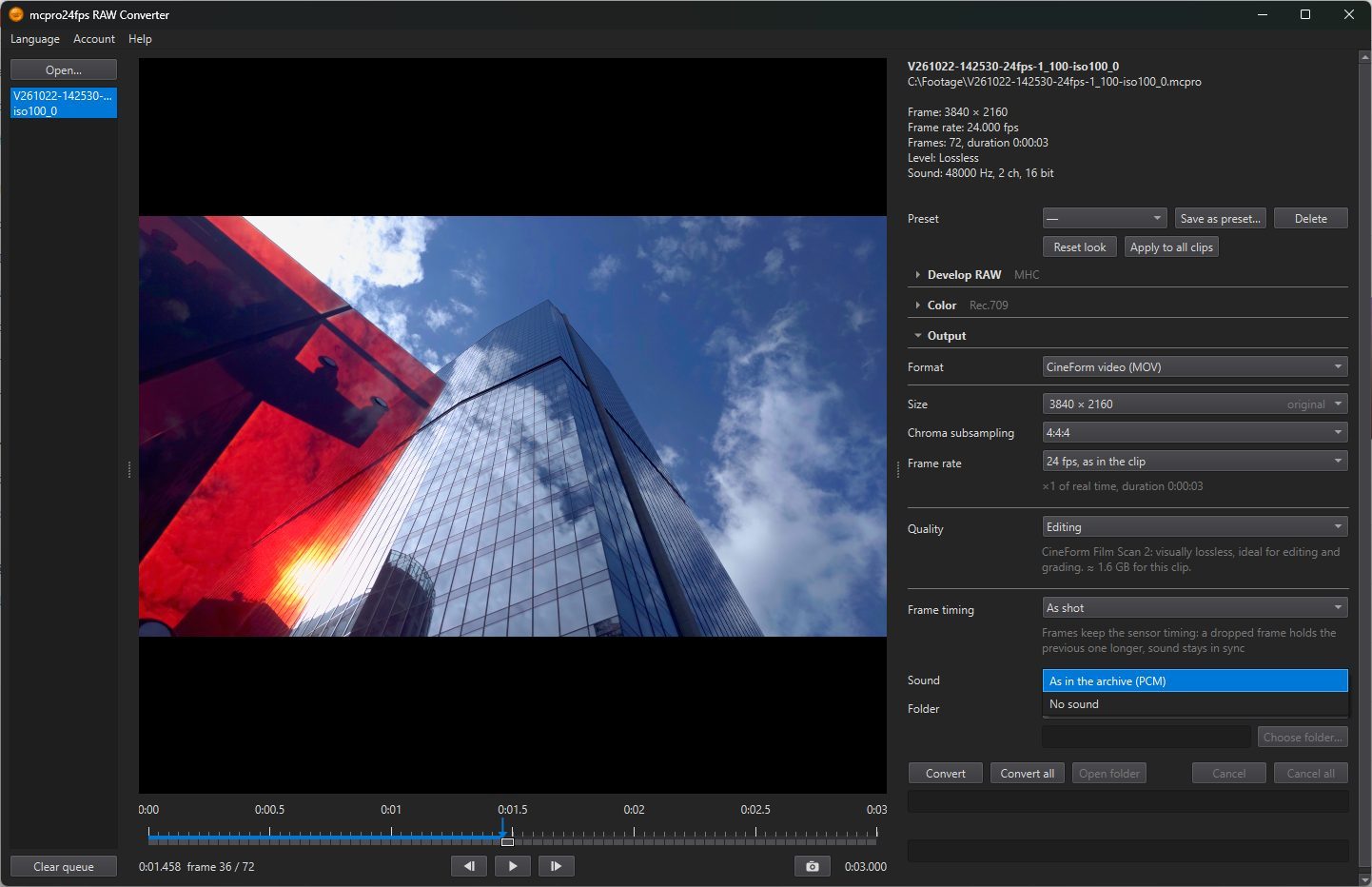
- As in the archive (PCM): the sound of the clip as recorded, uncompressed. Default.
- No sound: the file has no sound track.
A clip recorded without sound shows No sound in the archive, and the row is unavailable.
3Folder
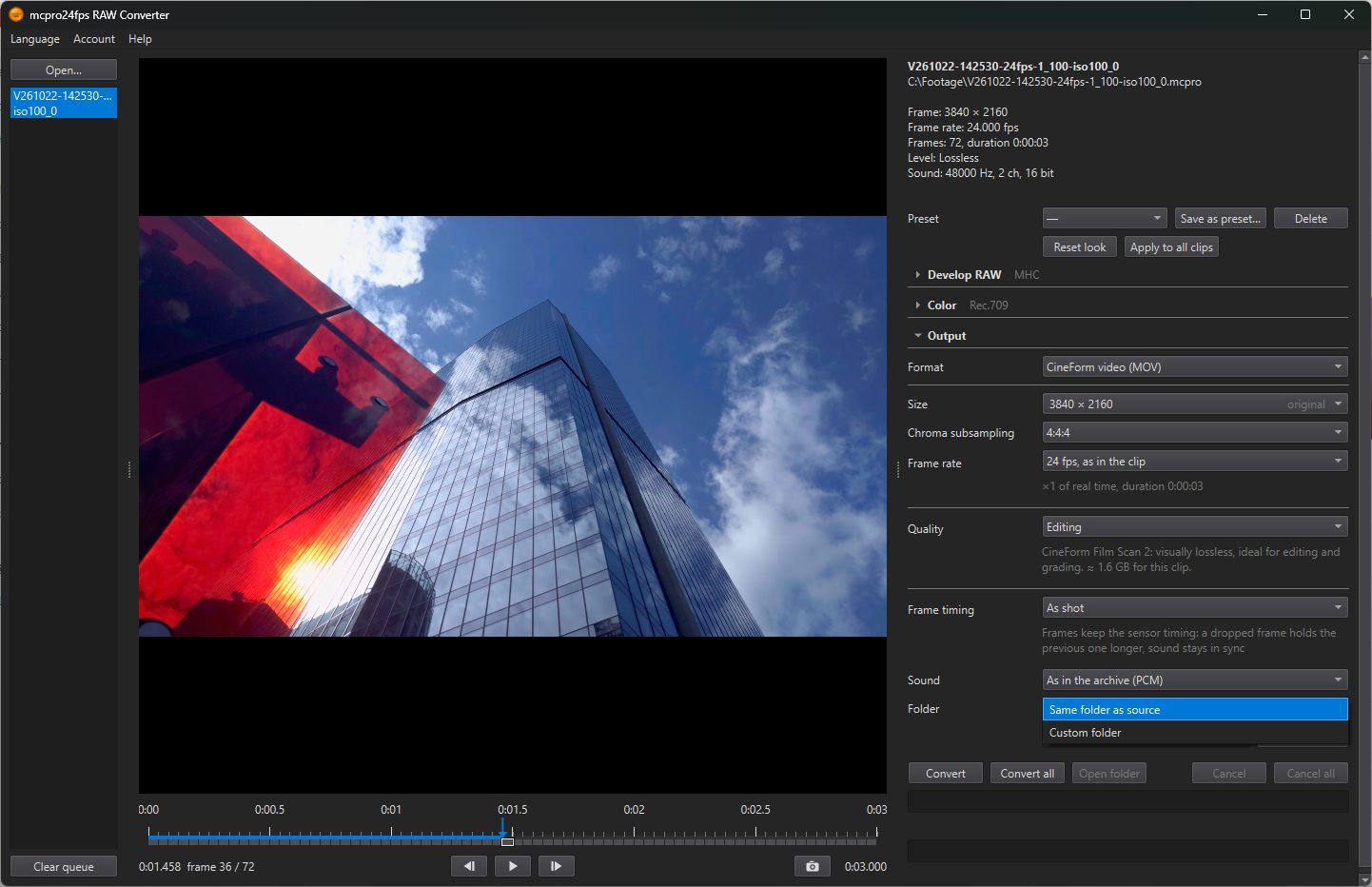
Where the files go.
- Same folder as source: next to each clip. Default.
- Custom folder: one folder for all files, chosen with Choose folder….
A video file gets the clip's name with .mov. A CinemaDNG sequence is a folder with the clip's name. If such a file is already there, the program asks first (see Converting).