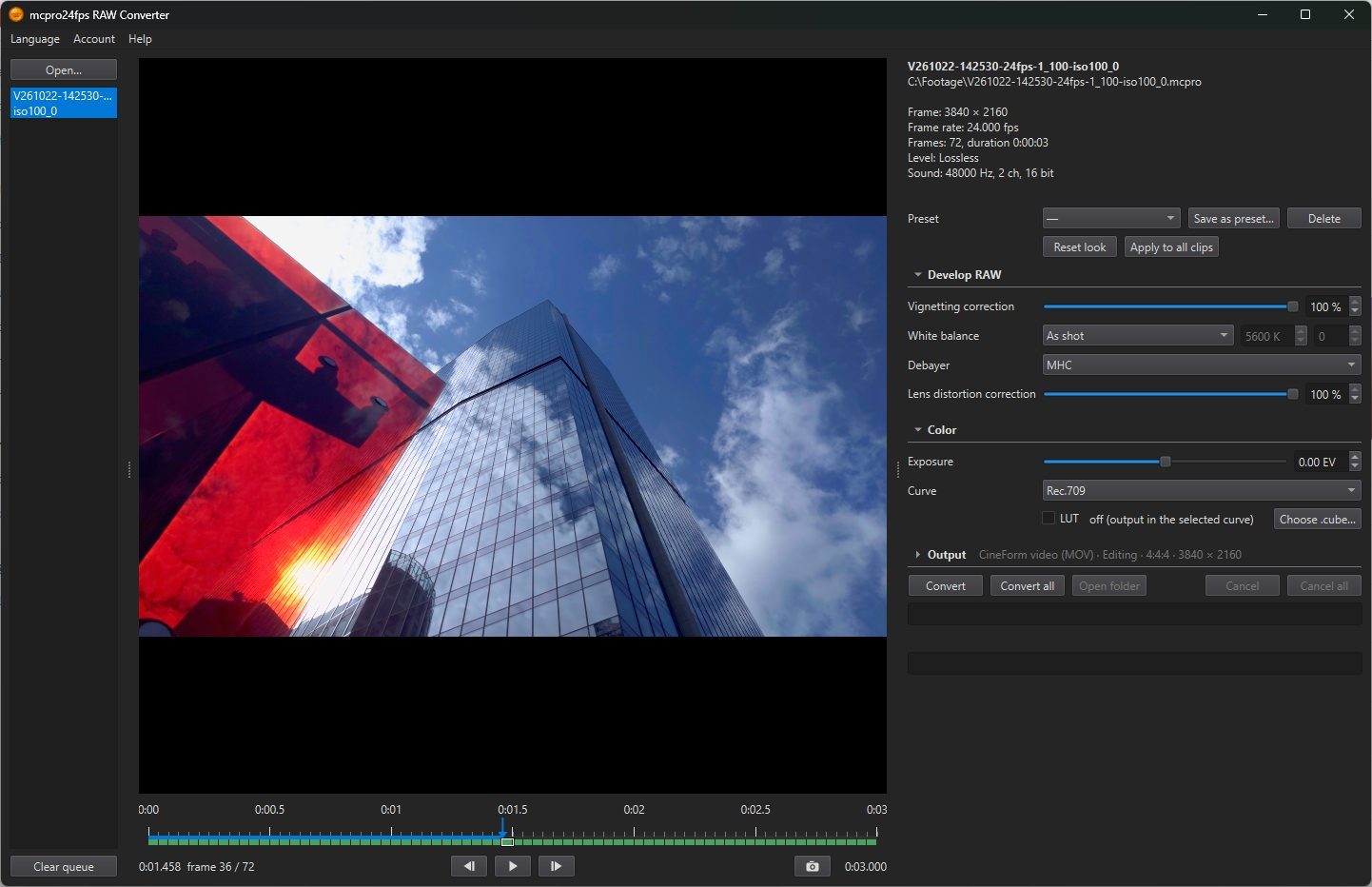
The settings under the preview are in three groups, in the order the picture is made. Develop RAW works on the raw data, Color turns it into a picture, and Output decides what file you get. Click the title of a group to fold it. A folded group shows a short line with what is chosen in it.
The first two groups make up the look of the clip. Each clip has its own look, kept next to it in a .look.json file (see Opening clips). The Output settings are shared by all clips.
1Preset
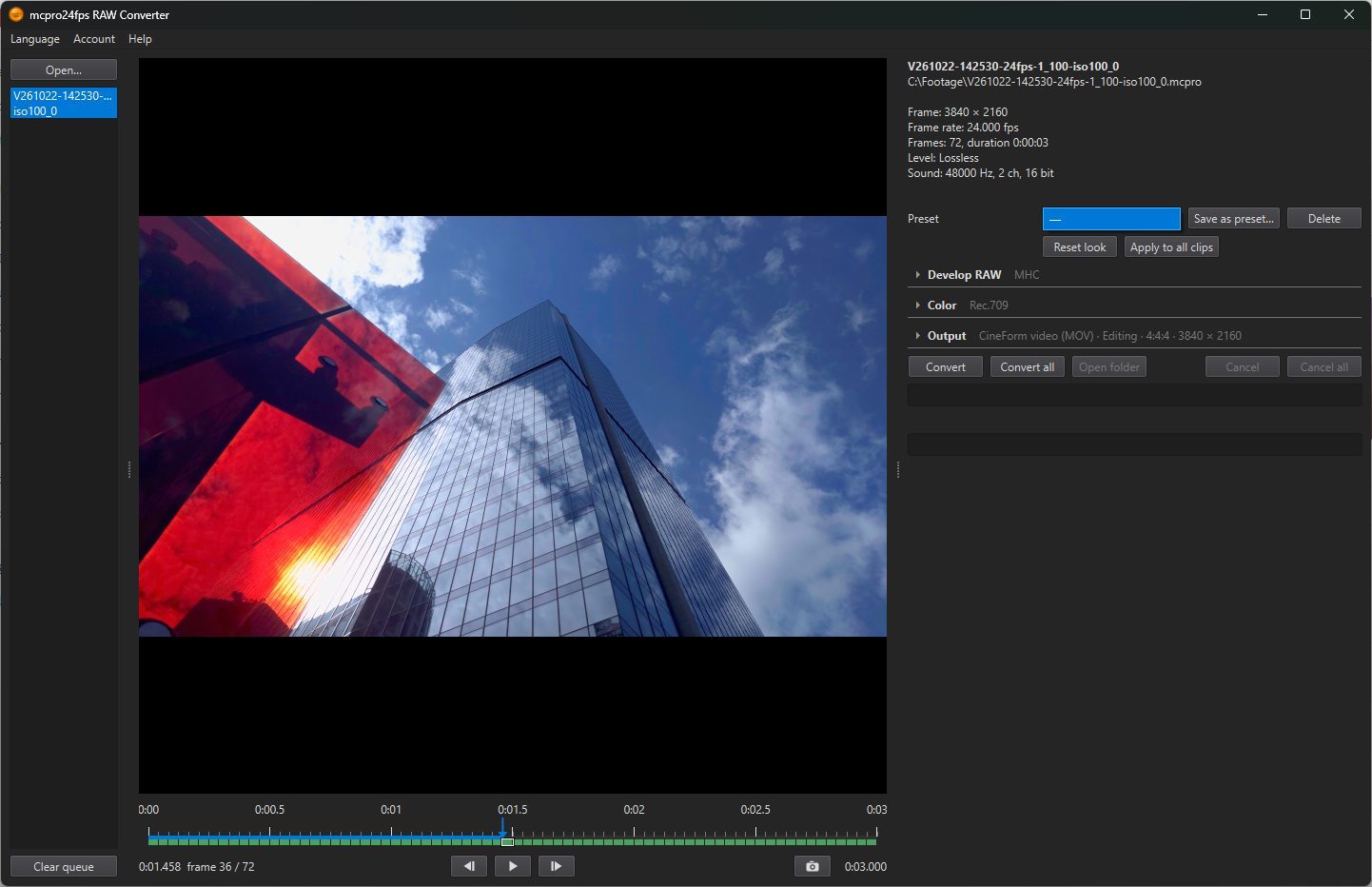
The row above the groups. A preset is a saved look: pick one from the list, and the clip takes all its settings. — means no preset is chosen.
- Save as preset…: save the current look under a name.
- Delete: delete the chosen preset (the program asks first).
- Apply to all clips: give the current look to every clip in the list.
- Reset look: returns to the defaults: 0 EV, white balance as shot, both lens corrections at 100 %, Rec.709, no LUT.
A preset with a LUT remembers which file it used. If that file has since been changed or moved, the program asks what to do: take the new file, choose the .cube again, or turn the LUT off.
What the look does not touch
A CinemaDNG sequence is raw data. The look is not applied to it; the program uses the look only for the preview. Resolve and other programs develop CinemaDNG themselves.