The programs run on Windows 10 and 11, 64-bit. For 4K clips, 8 GB of memory or more is recommended. The preview and fast conversion need a graphics card with OpenGL 4.3. For H.264 and HEVC you also need a video encoder in the graphics card or in the processor's built-in graphics (NVIDIA, AMD or Intel).
There are two versions:
- From Microsoft Store: the converter only. The Store installs and updates it.
- From mcpro24fps.com: the full set, with the module for Adobe, the virtual disk and the .mcpro thumbnails in File Explorer. It updates itself (see Updates).
You can have only one of them. If the Store version is on the computer, the installer from the site asks you to remove it first and opens Apps in Windows Settings so you can do that.
What the installer asks
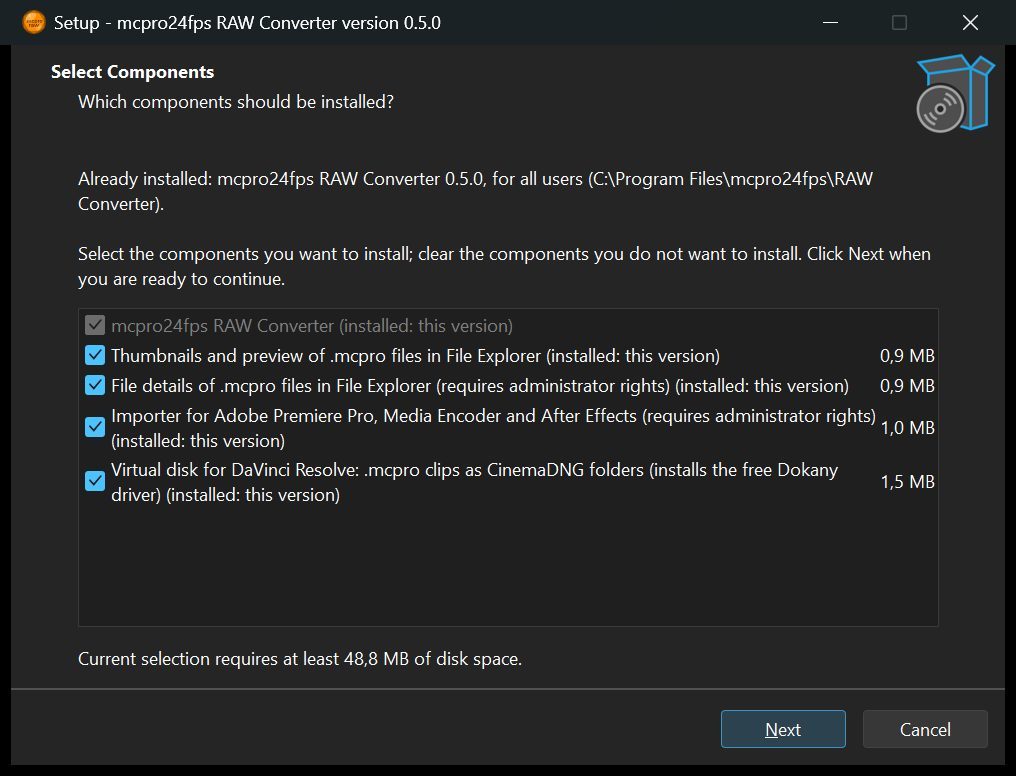
1Components
Tick what you need:
- mcpro24fps RAW Converter: always installed.
- Thumbnails and preview of .mcpro files in File Explorer. On by default.
- File details of .mcpro files in File Explorer: duration, frame size, frame rate, sound and camera on the Details tab and in tooltips. Needs administrator rights.
- Importer for Adobe Premiere Pro, Media Encoder and After Effects. Shown only when Premiere Pro is installed. Needs administrator rights.
- Virtual disk for DaVinci Resolve. Off by default. It installs the free Dokany driver.
1Licence agreements
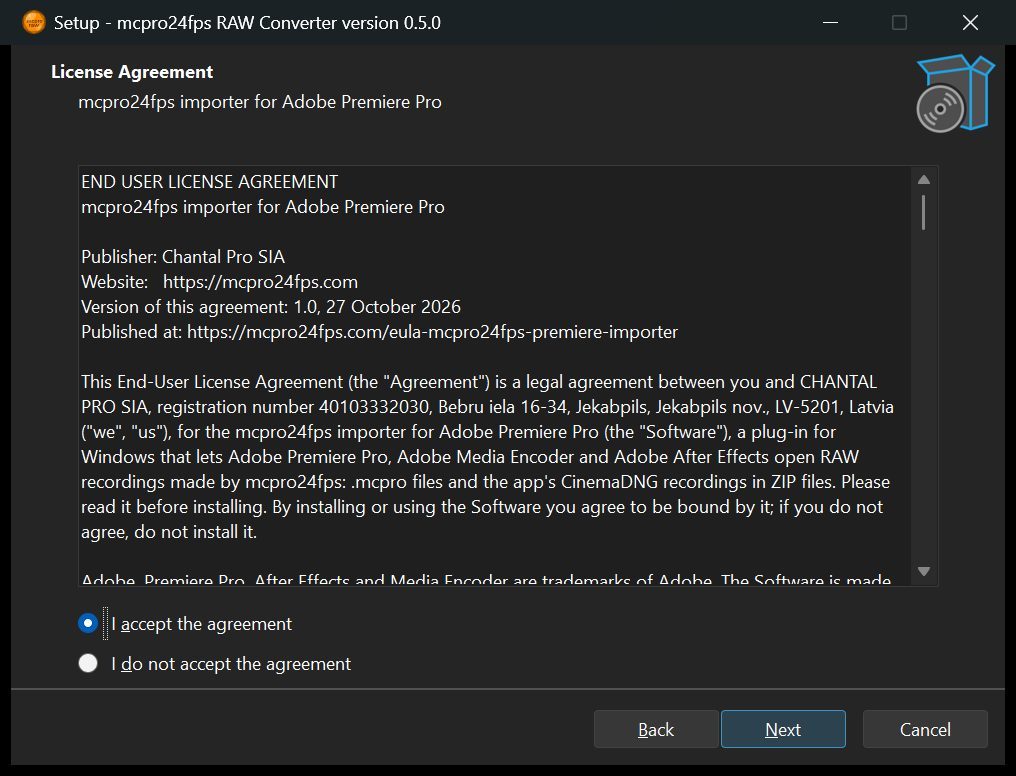
The converter's licence, and the importer's when the importer is ticked.
1Who to install for
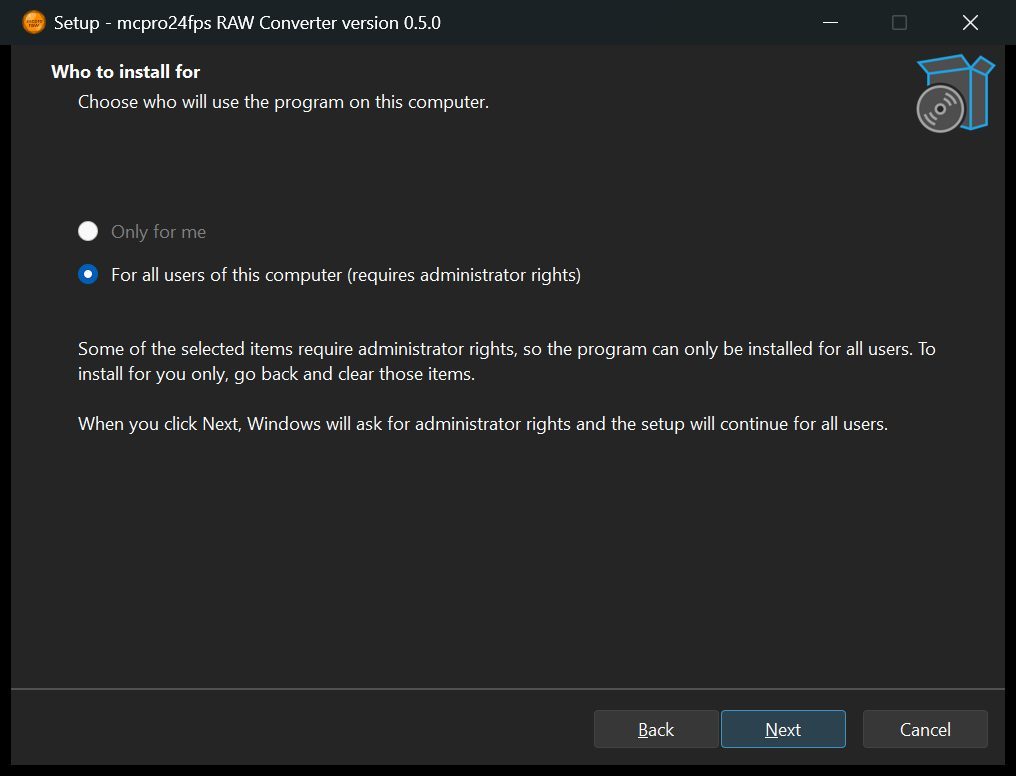
Only for you, or for all users of the computer. Installing for all users needs administrator rights, and so do some components. If any of those are ticked, you can only install for all users. To install just for yourself, go back and clear them.
Dokany driver
This page appears only with the virtual disk, and only if Dokany is not installed yet. Dokany is installed separately: Windows asks for administrator rights, and it shows up in Apps as Dokan Library.
Tasks
A desktop shortcut and, for the virtual disk, starting it when you sign in to Windows (on by default).
When the installation finishes, you can open the converter and the virtual disk settings right away.
To add or remove a component later, run the installer again. The components page shows what is installed; clear a box to remove that part.
In File Explorer
- .mcpro clips have thumbnails and a frame in the preview pane.
- With file details installed, the Details tab shows the clip's duration, frame size and rate, bitrate, sound, recording date and camera.
- Double-clicking a .mcpro clip opens it in the converter.
Uninstalling
Go to Windows Settings → Apps. If Dokany was installed together with the virtual disk, you are asked whether to remove it too. Keep it if other programs use Dokany.