In the app: folder (media manager) RAW recording Convert Convert
After Convert the conversion runs in the background: you can close the player, go back to the media manager or switch away from the app.
Queue
One recording is converted at a time; the others wait in the order you added them. After Convert a short message says whether the conversion started or the recording joined the queue, and its place in it. If the system closes the app, the queue is lost, and the app removes the unfinished files later by itself.
Panel and notification
While the player or the media manager is open, a panel over the screen shows the progress: the recording name, percent and place in the queue. At the end the panel says "Done" with an Open button, or shows an error with the reason. The new file is highlighted in the media manager.
When the app is in the background, a notification shows the same: progress with percent and cancel buttons, then the result with Open and Share. Tapping the notification opens the media manager. On Android 13 and later the app asks for permission to show notifications before the first conversion. Without it the conversion still runs, but no notifications are shown.
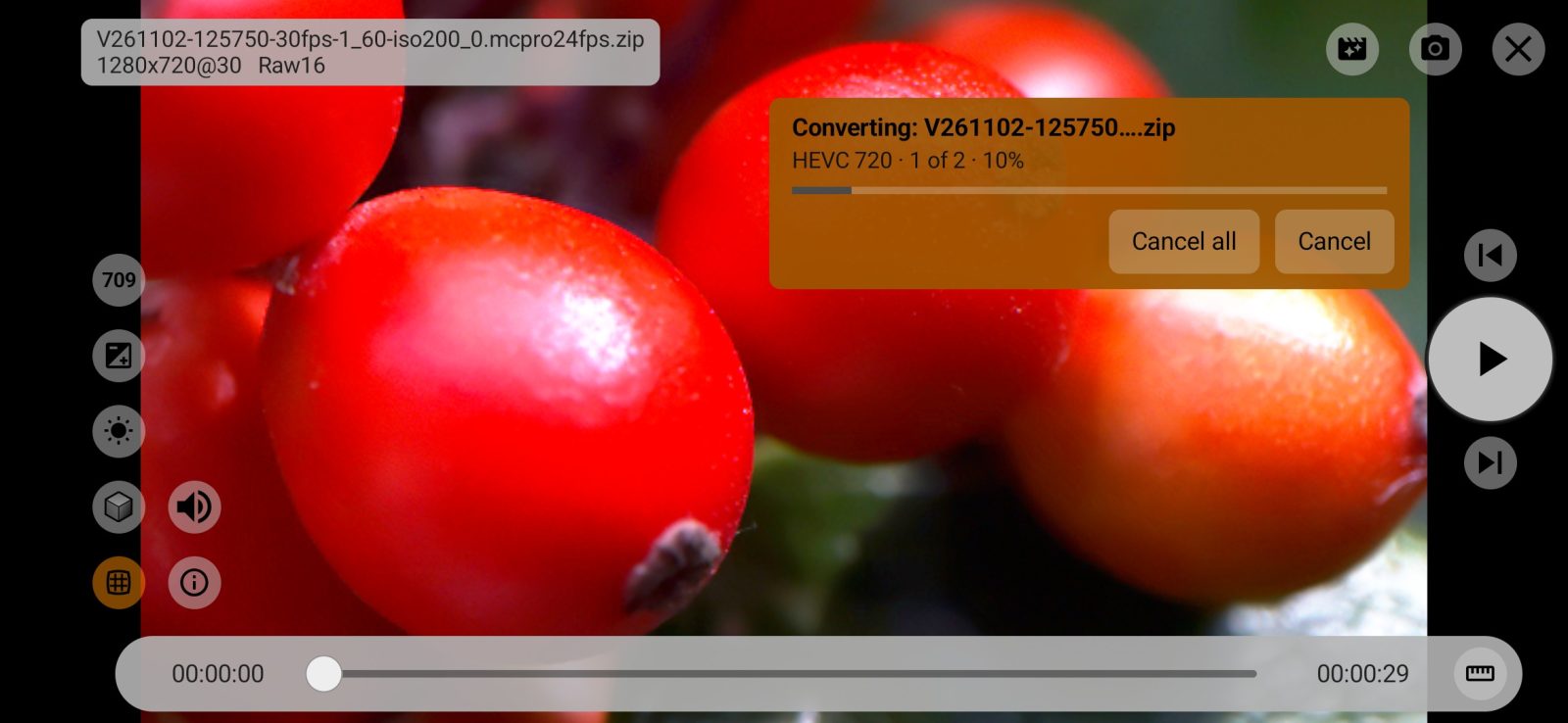
2Cancel
Cancels this recording only. The rest of the queue goes on.
1Cancel all
Cancels this recording and the whole queue. A cancelled conversion leaves no file behind.
The camera during conversion
While the queue has recordings in it, you can't shoot. The camera is closed; instead of the picture there is a Conversion in progress window with the progress and a Cancel all button, which works as on the panel. When the queue is done, the camera opens by itself. If the conversion started while the camera was open, the bottom of the screen says Conversion in progress — recording is not available.
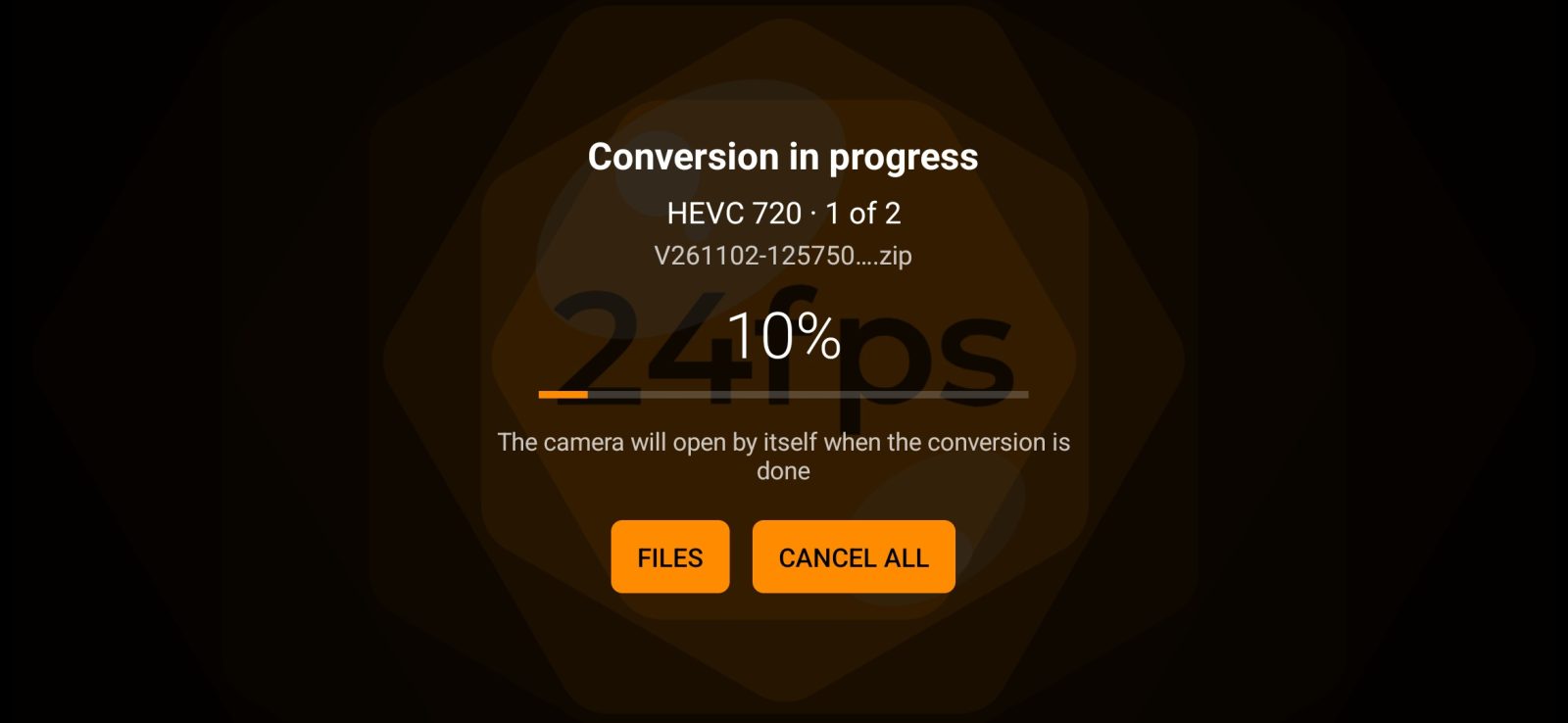
1Files
Opens the media manager.
Before it starts
Before each recording the converter estimates whether there is enough space and whether the encoder accepts its size. If not, the conversion doesn't start, and a Conversion not started panel explains why:
- not enough space: it shows how much is needed and how much is free. Start anyway starts the conversion without the check, since the estimate is on the safe side. If the space does run out, the file is deleted.
- the phone's encoder doesn't accept the recording's size: a button offers to make the video in 2160p.
Errors
If a conversion fails, the unfinished file and the files next to it are deleted, so no truncated video is left in the folder. The panel or notification gives the reason:
- Storage ran out during the conversion — the file was deleted: free up space and start again.
- This phone has no 10-bit hardware encoder for HLG and HDR10 — choose Rec709.
- No suitable hardware encoder on this phone: the phone has no encoder for this profile and size, choose another codec or size.
- Could not read the RAW archive: the archive is damaged or not available.
- Could not create the output file or Could not write the file: check the destination folder and the storage.
- Not enough memory: close other apps or choose a smaller size.
- Android stopped the conversion: background work is limited to 6 hours a day: on Android 15 and later the system allows background work for no more than 6 hours a day.
- Android did not allow the conversion to run in the background: the system didn't allow the background work to start. Check whether background activity is restricted for the app in the battery settings.
- The converter is a paid feature: you need RAW Bundle.