RAW recording saves the sensor data as DNG frames, before the phone's noise reduction, sharpening and colour processing. You get the most room for grading, at the cost of very large files. It is available only on cameras that provide RAW.
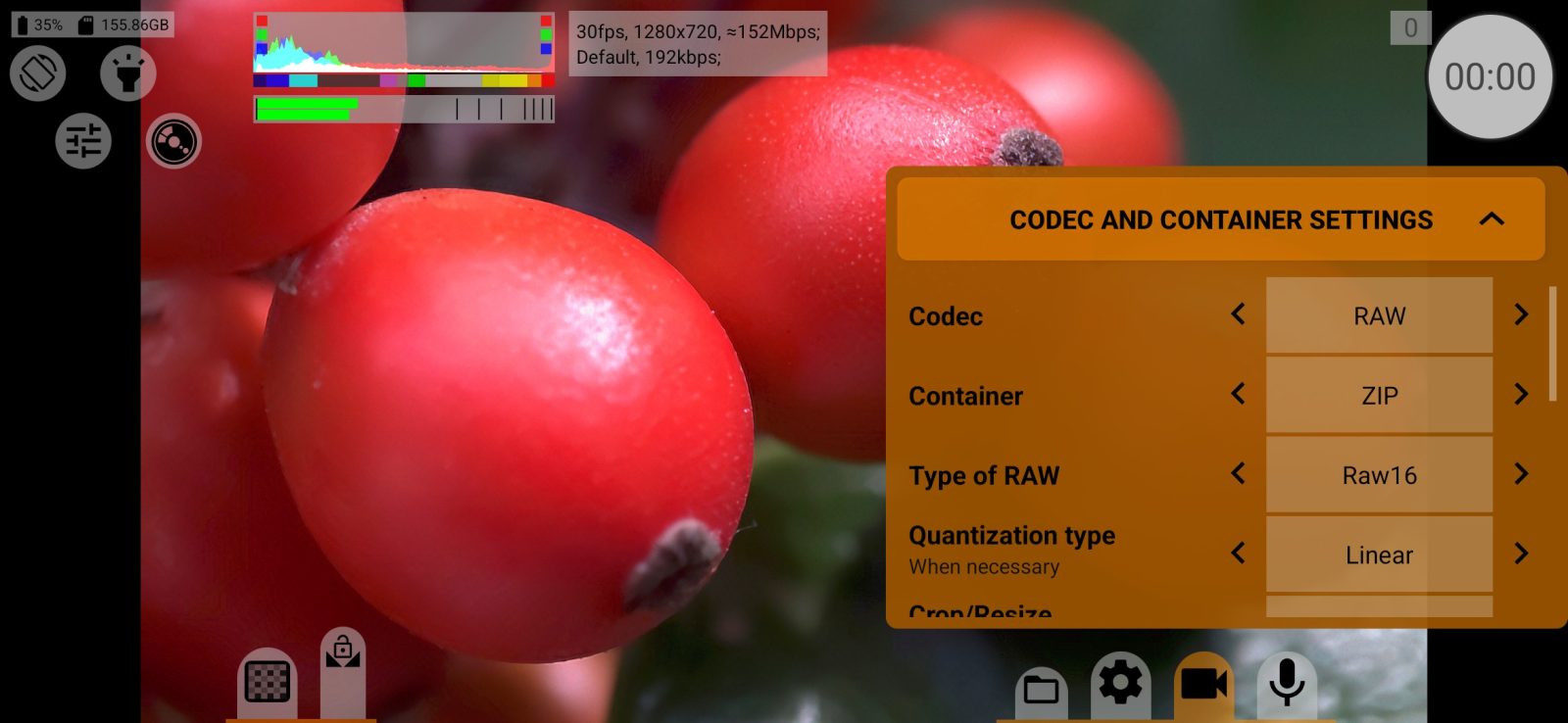
- In the codec settings set Codec to RAW. The app adjusts the frame size and rate to what RAW can do and reopens the camera.
- Choose Container:
- ZIP: a ZIP of DNG frames that most RAW tools can unpack;
- .mcpro: the app's own format, several times smaller (Android 10+, 64-bit phones, part of RAW Bundle).
- For ZIP, a lower Type of RAW (for example Raw12 or Raw10) makes the files smaller. Compression makes them smaller too but loads the processor; try both on your phone. For .mcpro, SQ is visually lossless and is a good start.
- Make sure there is space. RAW does not start with less than 500 MB free, and a minute of 4K RAW in ZIP can take gigabytes. Fast internal memory works better than most SD cards.
- Record a test clip and watch the dropped frames counter. If it turns red, lower the frame rate, the frame size or the bit depth, or increase Buffer size (frames).
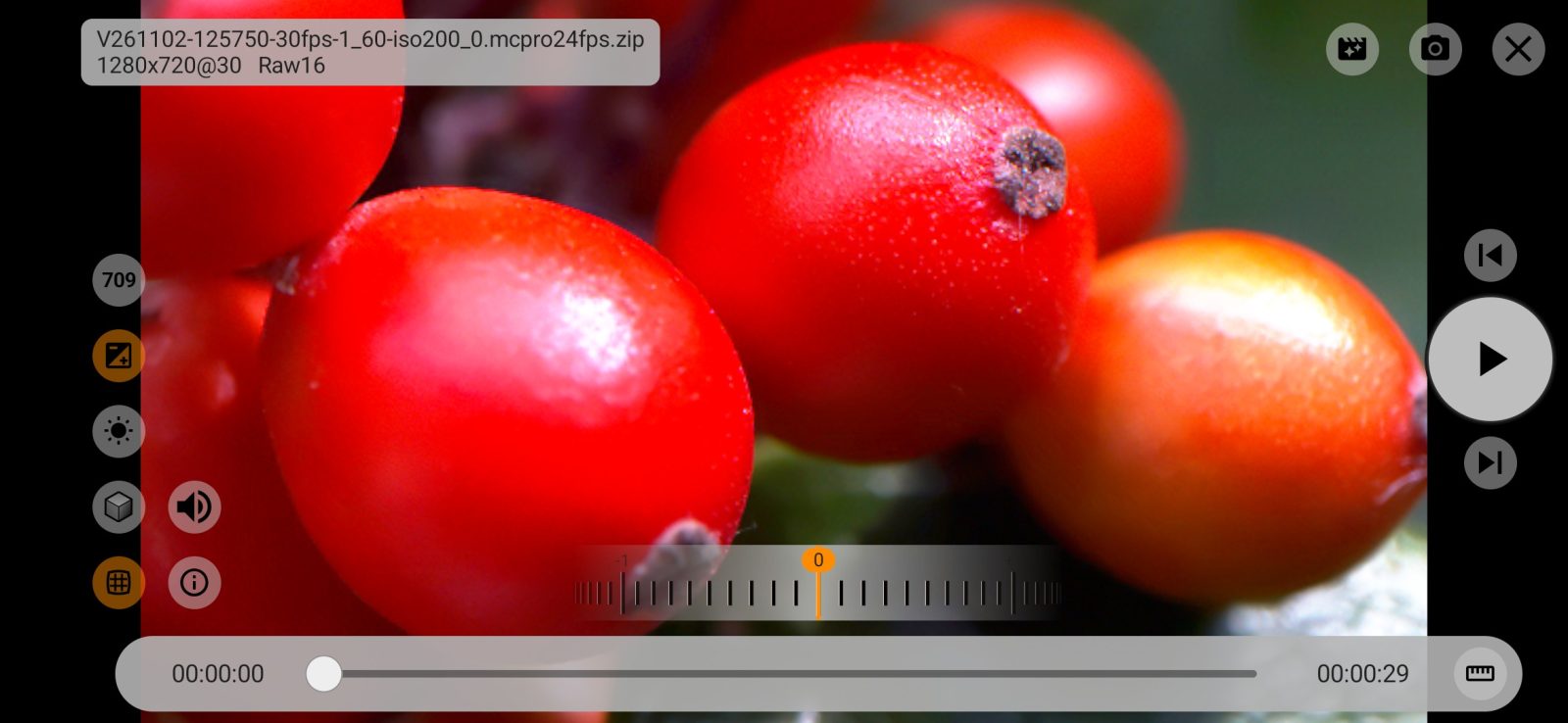
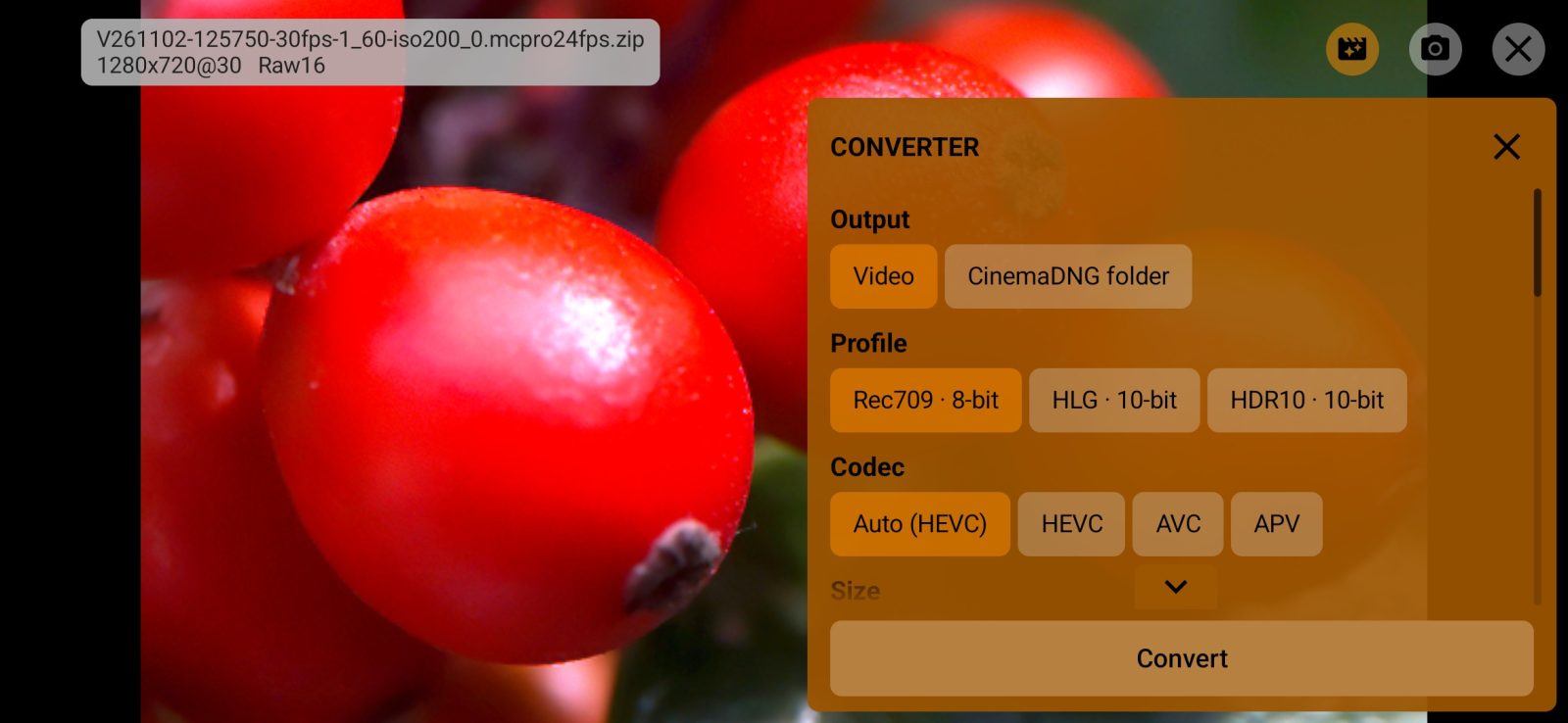
RAW recordings are saved in Download/mcpro24fps/. In the media manager a tap plays a recording in the built-in RAW player (Android 9 and later, 64-bit phones). The convert button turns it into other formats on the phone; conversion is part of RAW Bundle.
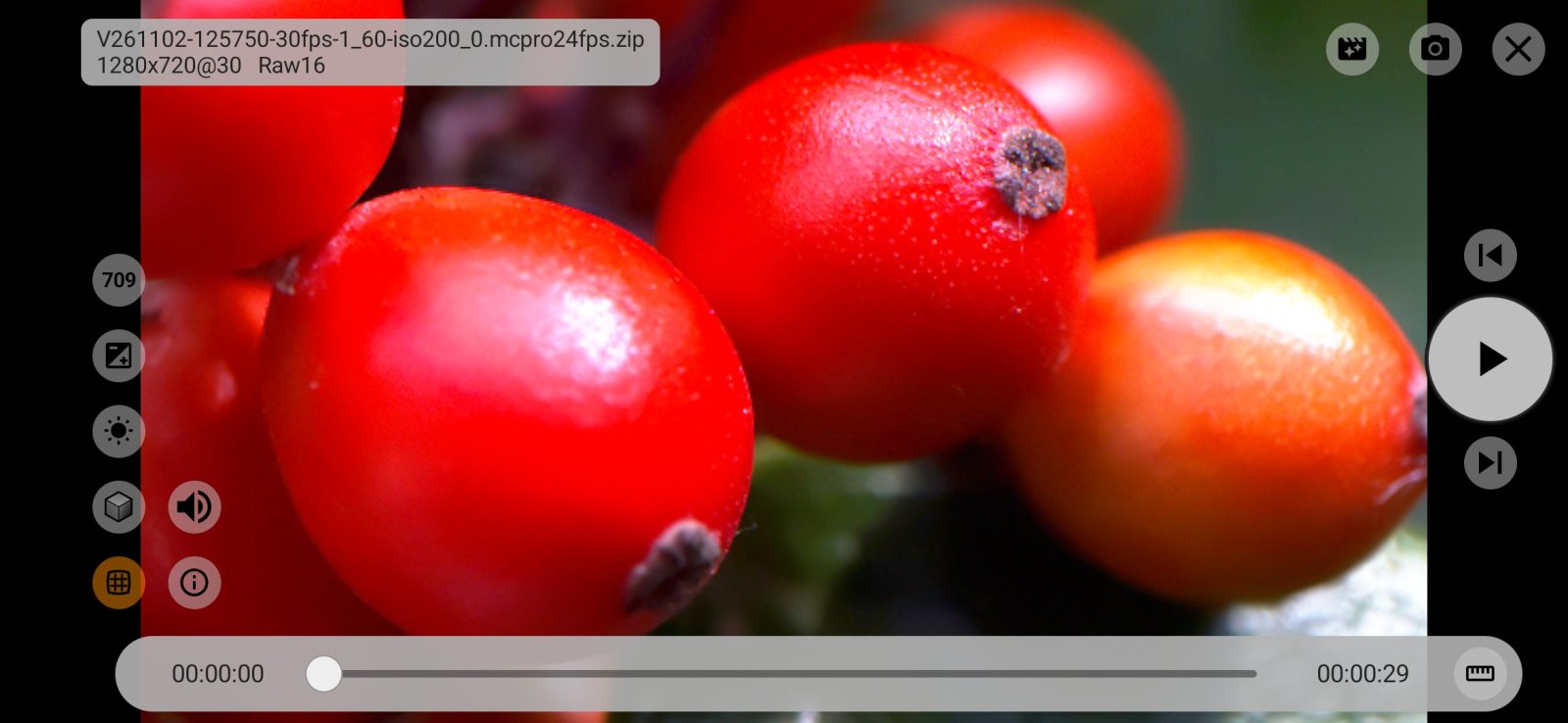
In RAW the camera curve, the GPU menu, the video metadata settings and zoom mode are not available. White balance does not change the pixels: it is written to the DNG, and you set the final balance when developing.
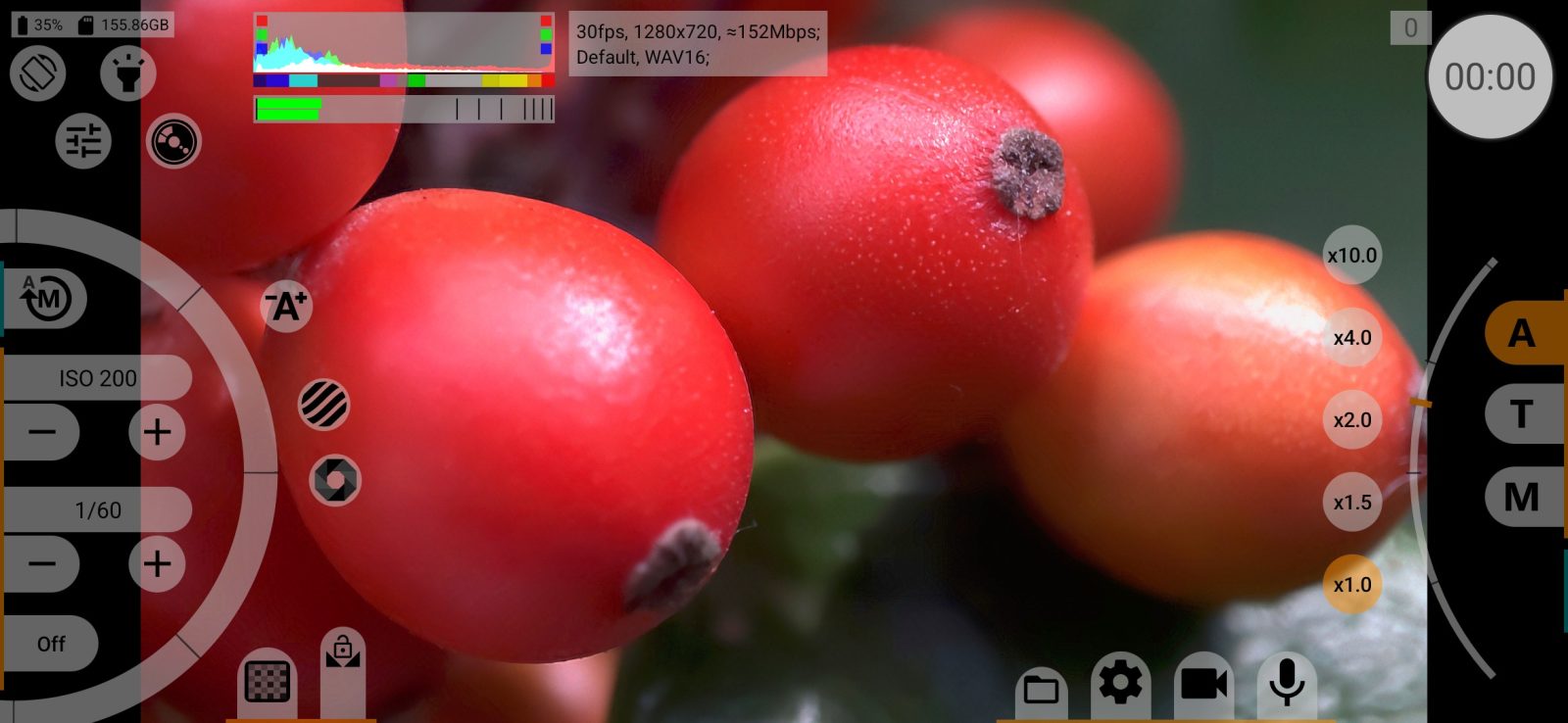
What comes with the app and what is in RAW Bundle
The app itself records RAW as a ZIP of DNG frames, and its RAW player plays those recordings: play and pause, frame by frame, the timeline, sound and recording details. This stays free.
RAW Bundle is a separate one-time purchase. It adds:
- recording in .mcpro;
- in the RAW player: exposure, white balance, your own LUT, lens distortion correction, HDR output (HLG or HDR10, on an HDR screen) and saving a frame as a DNG;
- converting a RAW recording on the phone into a video (HEVC, AVC, AV1 or APV in MP4 or MOV) or into a CinemaDNG folder.
Without RAW Bundle these buttons show a lock, and a tap opens the purchase. After signing in you can try everything free for 7 days. RAW Bundle is offered only on phones that can run it: Android 10 or later, a 64-bit processor, OpenGL ES 3.1 and at least one camera with RAW. On other phones the locked buttons and the purchase do not appear at all.