
The Media Manager button (1) opens the window with the list of the previously recorded video files.
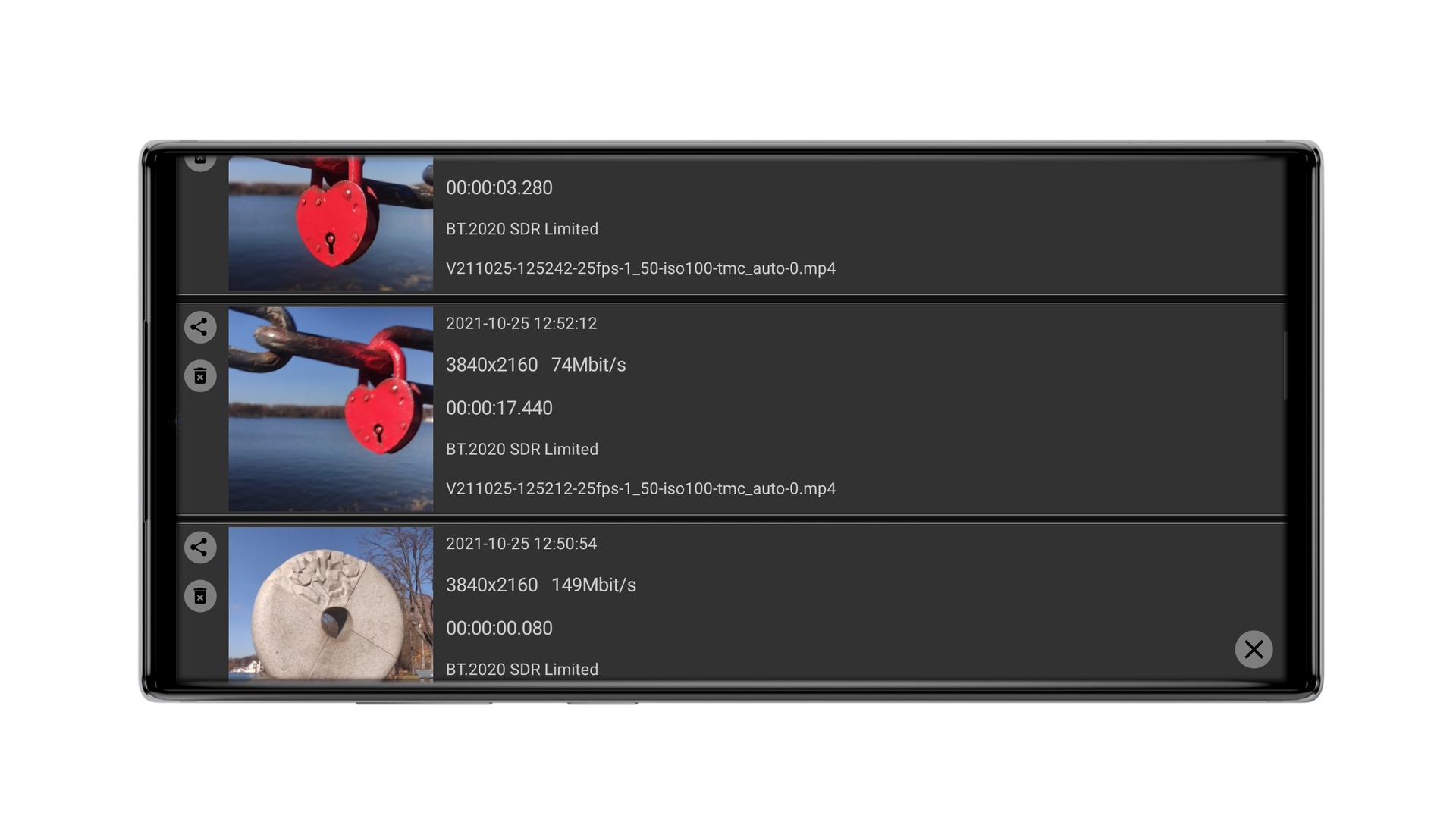
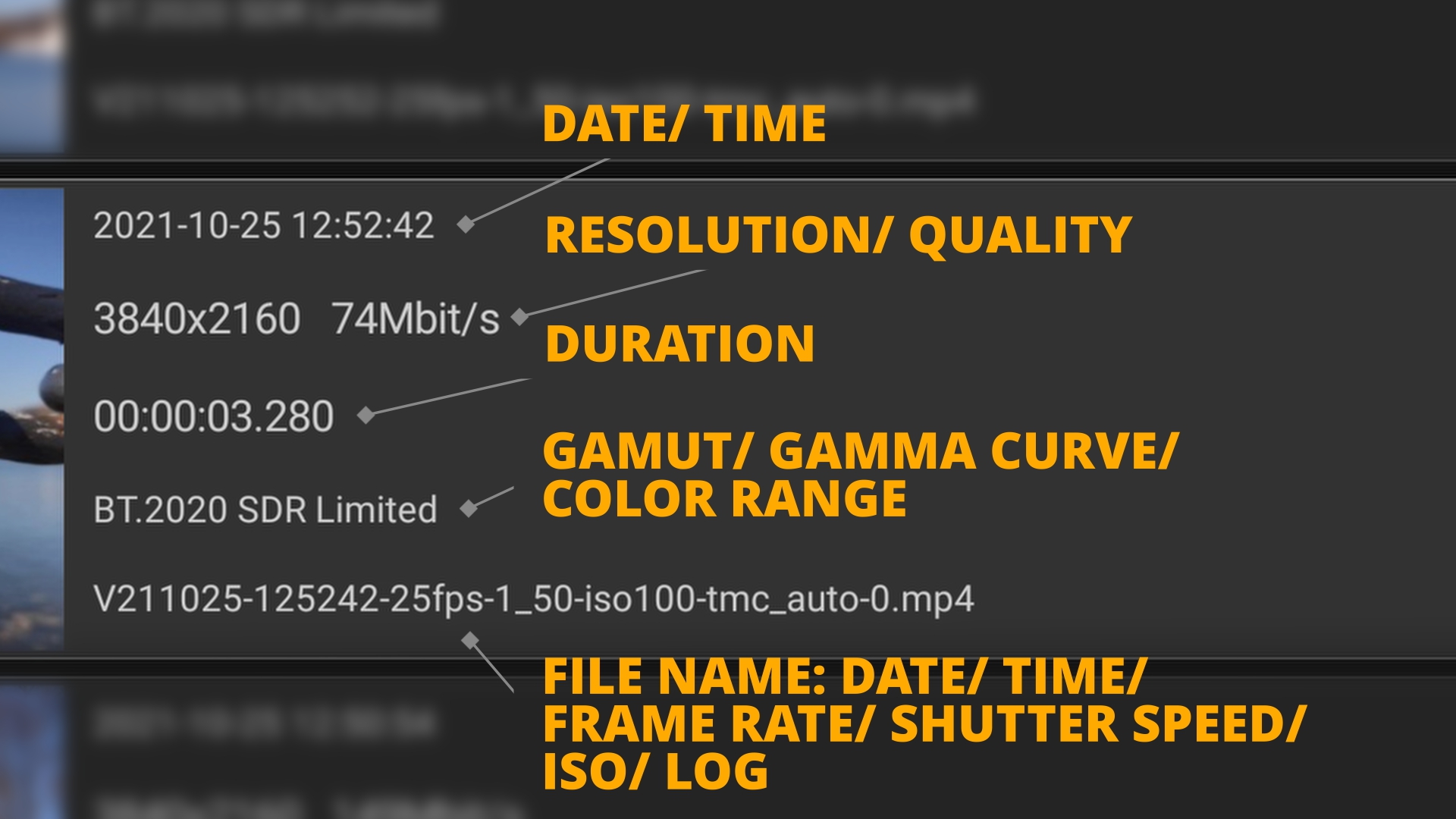
The peculiarity of this list is that the file list is displayed depending on the selected storage device. If the memory card is currently selected, the file list will be displayed from the memory card. If internal memory is selected, respectively, files from internal memory will be displayed. You can close the window by clicking the cross at the bottom right. Also you can find a lot of information about any file in its description.
We have already made a detailed video about the Media Manager on our YouTube channel. Check it out and do not forget to subscribe to the channel so as not to miss new useful tutorials.