
A time-lapse takes one frame every set interval and puts the frames into an ordinary video file: two hours at a 5 s interval make a one-minute clip at 24 fps. The file has no sound. The feature is part of the full version.
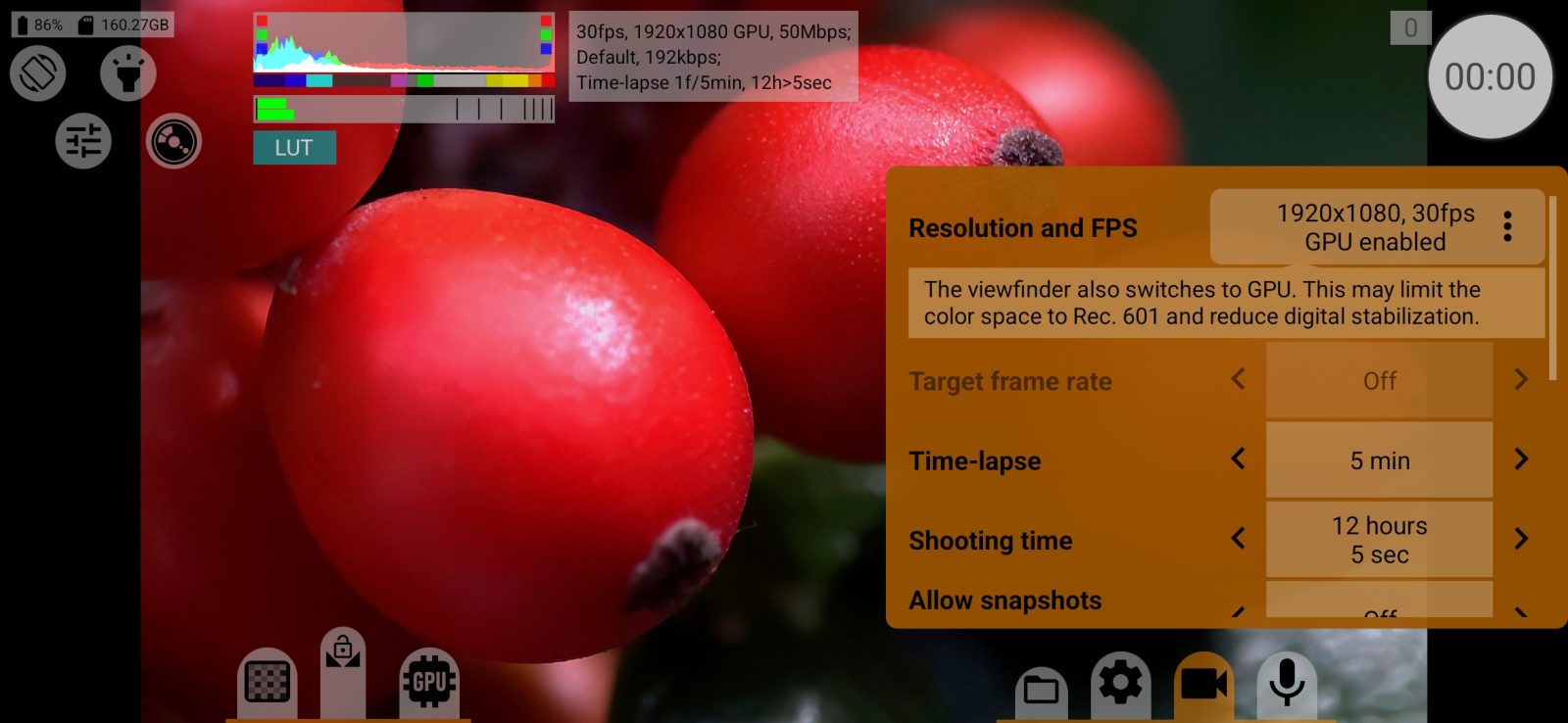
- Choose the frame size and frame rate in the video menu. The frame rate here sets how fast the clip plays, not how often the camera shoots.
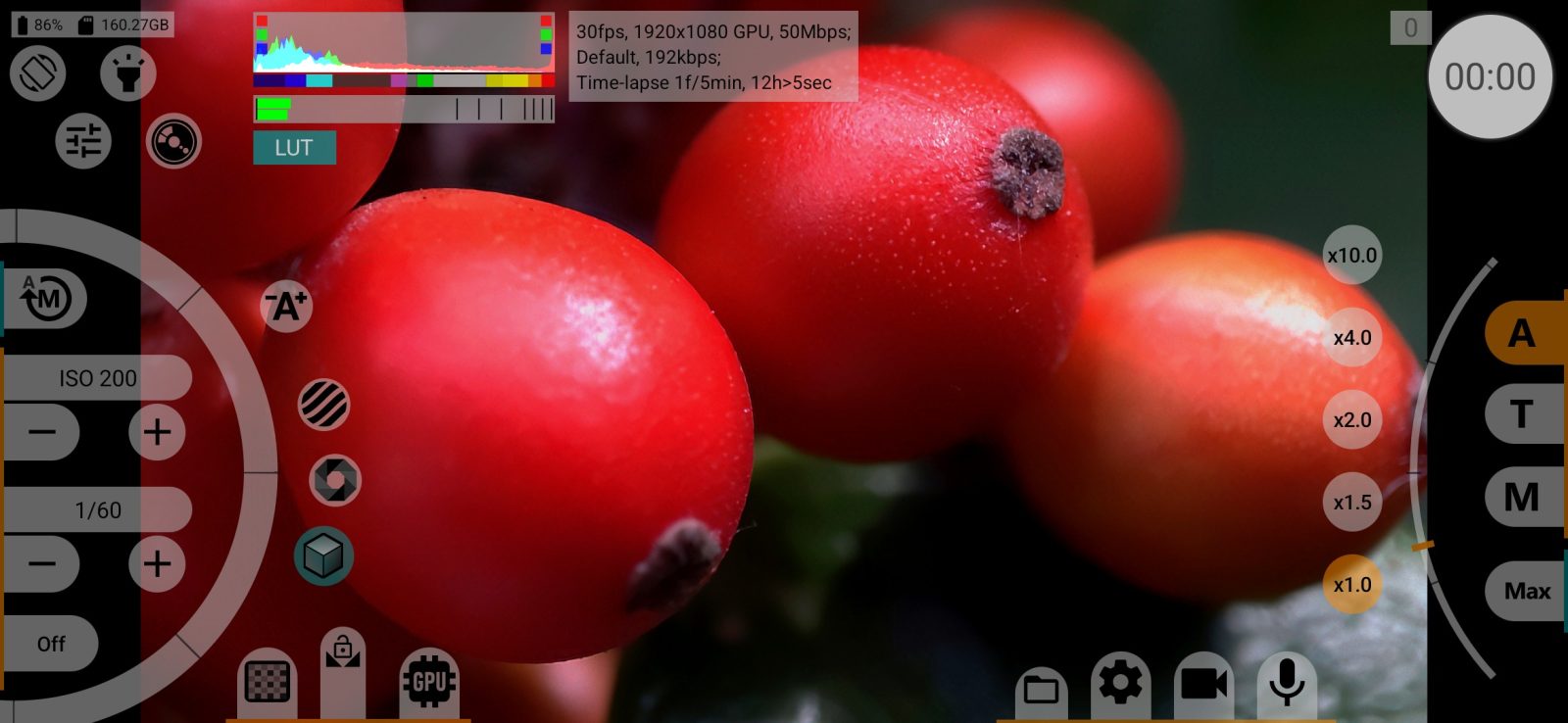
- In the same menu set Time-lapse to the interval you want, from 1 s to 1 h. The information panel shows a line with the settings and the length of the future clip, for example
Time-lapse 1f/5min, 12h>5sec: one frame every 5 minutes, 12 hours of shooting make 5 seconds of video. With no limit the line ends in∞. To hide it, clear Time-lapse under Show information. - Set Shooting time, from 10 min to 7 days, or leave it unlimited. Values that would give a clip shorter than two seconds are not offered. The second line of the value is the length of the future clip. When the time is up, recording stops on its own.
- Put the phone on a tripod and connect power for a long shoot.
- Press the record button. The recording timer shows the length of the future clip, not the time elapsed.
Start the shoot with the phone unlocked. After that you can turn the screen off and lock the phone: shooting continues, and a notification stays in the shade while it runs. To stop early, go back to the app and press the record button.
Exposure
With manual exposure the shutter control works in seconds during a time-lapse, in half stops from 1/8000 to 30 s. The upper limit depends on the interval and the camera: 8 s at a 10 s interval, 1 s at a 2 s interval. Exposures longer than the camera's own limit are available on Sony phones only.
Manual exposure suits steady light. For sunrise, sunset and street scenes use auto exposure, which adjusts for every frame.
What is turned off
During a time-lapse, slow motion and gyro recording are off, and the target frame rate in the menu is greyed out. To return to normal video, set Time-lapse to Off.
At long intervals the camera closes between frames and opens again just before the next one.