The second button with the finger symbol on it is the touch focus. Tap the screen where the object you want to focus on is located. Focus will go into search mode and focus on the subject after a while. Focus accuracy depends on many variables. The focus technology, just like in autofocus mode, depends on the device. The only difference is that you select the focus area yourself, and the focus is triggered only once. Only the next touch will make it resume its search.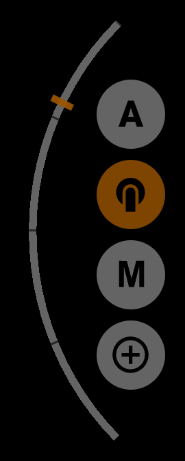
The focus area in touch focus mode has a certain size, and it can change depending on the proximity setting. The higher the proximity, the larger the focus area.
The focus area has three color-coded states.
| Gray means that the focus area is in search mode. |
| Yellow-orange means that the focus has stopped searching, thinks it has focused, but is not 100% sure |
| Green color means that the focus has stopped searching because it is sure of the focus found. |